Watch Mockup Generator
Watch mockup for a smartwatch app: put a watch face screenshot or a short recording on a watch, strap and crown included, and save it as a PNG, MP4 or GIF.
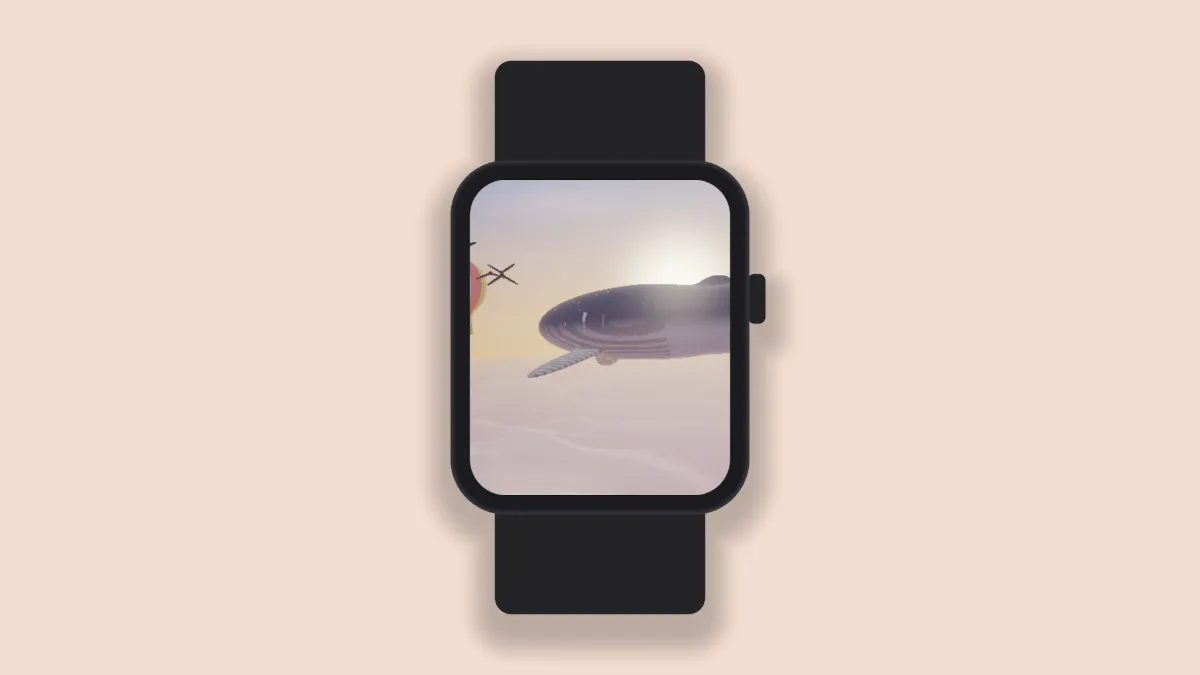
What is a smartwatch mockup?
A smartwatch mockup shows an app or watch face on the screen of a wrist-worn computer. The screen's small and nearly square, so showing it with the case and strap gives people the scale right away.
The watch is drawn in the shader with a rounded case, a strap running above and below, and a crown on the right side. The strap and crown are a shade off the case color so they read as separate parts. Nothing on it carries a brand.
How to make a watch mockup
Open a screenshot from the watch, or a short screen recording of an animation. The Watch preset puts the device on a soft peach backdrop.
Fit chooses between Fill the screen, which crops to the watch's rounded screen, and Fit inside, which keeps everything. Device colour paints the case, strap and crown together, in black, silver or whatever color you pick.
Size, Backdrop and Shadow finish the shot. If you want to show several faces at once, Devices adds a second and third watch, each with its own Second screen or Third screen picture.
Settings for a sharp watch face and a lineup of three
Watch captures are small, around 400 by 500 pixels, and the frame starts at that size. The screen's height is 0.57 times Size times the frame's height. So a 410 by 502 capture at Size 0.82 shows at about its own size in a frame 1075 pixels tall: type that in as the Height in Settings with the ratio locked.
Three faces side by side fit a 16:9 frame at 2048 by 1152 with Devices at 3 and Size at 0.8. Each screen ends up about 525 pixels tall, close to the captures' own height, so nothing gets blown up.
For a silver case, set Device colour to #c9ccd1 and the Backdrop to a dark slate like #22262e. The strap and crown pick up a darker shade of the case automatically. If there's a companion app, put it on a phone in the Phone Mockup Generator.
Which watch screenshots fit the screen?
The screen is about 0.82 to 1, a little taller than it is wide. Apple's current watch screenshot sizes, from 368 by 448 to 422 by 514, all land within 2% of that, so Fill the screen trims a sliver at most. The older 312 by 390 size loses about 3% of its height.
Make the frame bigger than the size that shows a capture at its own scale and the face gets enlarged, which softens it. Go below that size and the face just shrinks and stays sharp.
Saving a watch mockup
Most watch faces are black with a few bright marks on them. PNG keeps those small numerals crisp, while JPG leaves blotchy blocks around light edges on black. An animated face actually suits GIF better than most screens, since its handful of colors fits easily in the 256 a GIF frame can hold.