Notification Mockup Generator
Notification mockup generator: an app icon, its name, two lines of your text and a time on a rounded banner, over a screenshot, a video or a blank canvas.
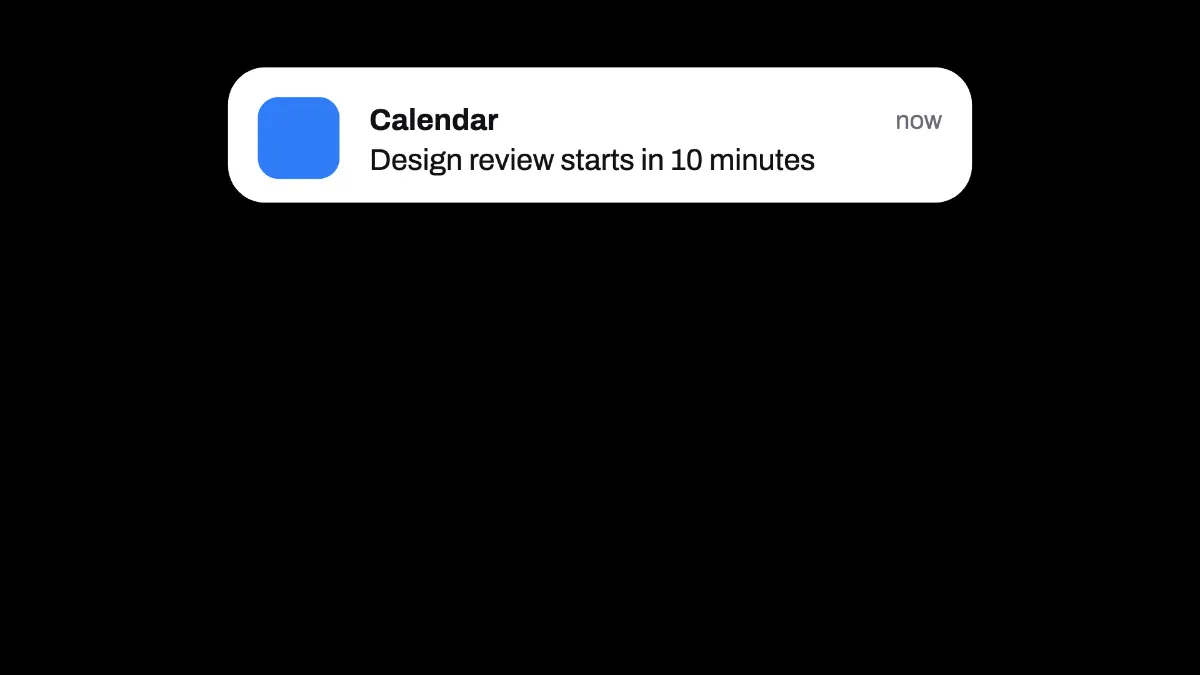
What is a notification banner?
A notification banner is the card that drops in at the top of a phone or desktop screen when an app has something to tell you. The WHATWG Notifications API Standard, which browsers follow for web notifications, gives each one a title, a body and an icon.
Many of them arrive as push notifications, sent by a server instead of fetched by the device. This notification mockup draws one of those banners as a picture, without any real phone or app around it.
How to make a notification mockup
Start on the blank canvas, or load the screenshot or video it should show up over. Type the app's name into Title and the message into Text.
Accent colors the square app icon. Theme picks a light or dark banner, Size sets its width as a share of the frame, and Position X and Position Y move it. The preset puts it near the top, which is where banners usually drop in.
How much text fits in a notification mockup?
Two lines' worth. The message wraps at the banner's width and anything past the second line gets dropped, so put the important words first. The time on the right always says now.
Title takes up to 60 characters and Text up to 240. Both are set in Archivo on a rounded card with a soft shadow.
Putting the banner on a phone screenshot
Load a phone screenshot, say 1290 by 2796, then set Size to 0.94 and Position Y to 0.1. The banner spans almost the full width of the screen near the top, with text about 48 pixels high. Save the PNG and open it in the Phone Mockup Generator to put the whole screen on a phone.
Theme Dark draws a near-black card with light text, which looks better on a dark wallpaper or in a night scene.
Over a video the banner shows for the whole clip, so trim the clip to the moment it should appear. The app icon is a plain rounded square in the Accent color, without a logo.
Saving the notification
A banner over a screenshot is flat color and small type, so PNG keeps it sharpest. JPG only makes sense when the picture behind it is a photo. For a clip, MP4 plays everywhere, and GIF only suits the banner over a still picture.