T-Shirt Mockup Generator
T-shirt mockup generator: put your design on the chest of a flat-lay tee in any color, then save a PNG or video. Drawn in code, so there's no photo to license.
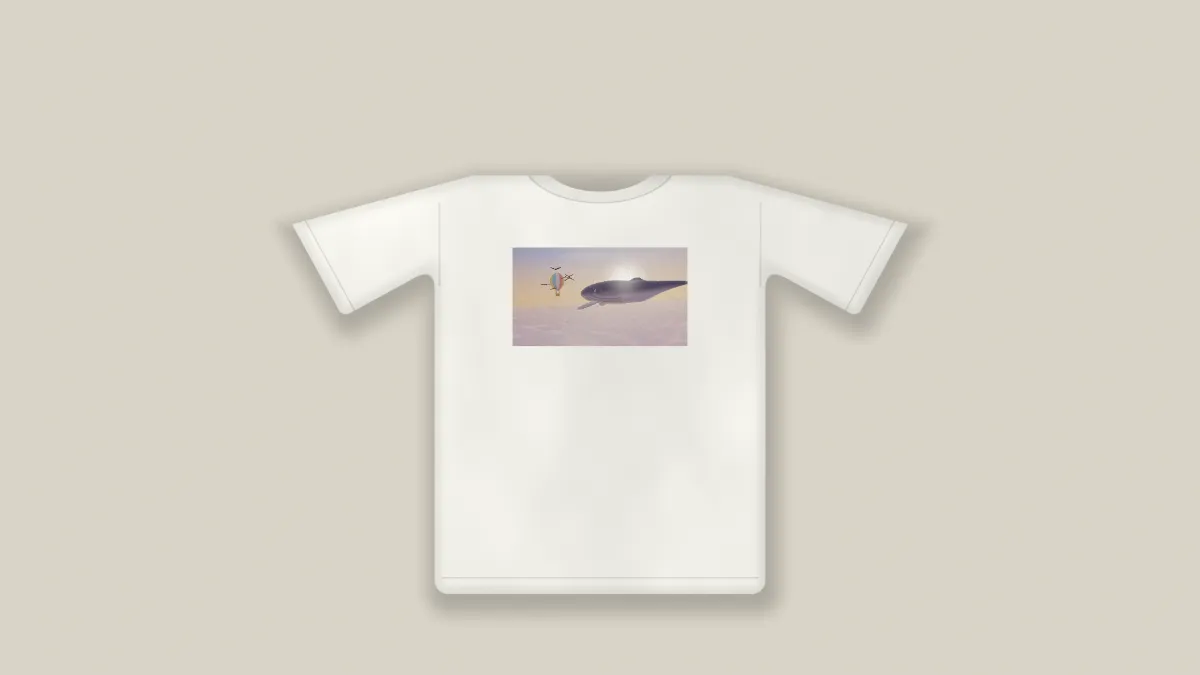
What is a T-shirt mockup?
A T-shirt mockup shows your design printed on a shirt before any shirt gets made. Print shops and merch sellers use them to show how a screen print or a direct-to-garment print will sit on the chest.
This one's a flat lay: a plain crew-neck tee seen from above, with set-in sleeves, a ribbed collar and a stitched hem. A shader draws it in your browser instead of starting from a photograph, so there's no brand on it and no photo license to sort out.
How to make a T-shirt mockup
Upload your design or a short video and pick a preset: White tee, Black tee, Heather, Small print or Cut out. Shirt sets the cloth's color, and Backdrop the surface it's lying on.
Print size sets how wide the design is, and Print height moves it up or down the chest. Shadow controls how dark the shadow under the shirt is.
If you tick No backdrop, everything around the shirt turns transparent. Save that as a PNG and you can lay it over a photo.
Print size and Print height for the usual placements
The shirt's chest is about 0.49 of the frame's height across, and Print size uses the same unit. The default of 0.26 covers about half the chest, which is the usual full front. With Print height at 0, a square design's top edge sits just below the collar.
Small print sets 0.12 and Print height -0.07, a logo a quarter of the chest wide and high under the collar. The print stays on the shirt's center line, though, and there's no control to move it sideways for a left chest logo.
For an oversized print, set Print size to 0.4 (over 80% of the chest) and Print height to 0.06 so the top edge clears the collar. The Tote Bag Mockup Generator takes the same file with the same sliders, if you want a matching bag.
Why are the shirt's sleeves cut off?
The shirt is drawn at a fixed size, about 0.93 of the frame's height from one sleeve tip to the other, and the frame takes on your design's shape. A design that's taller than it is wide makes a narrow frame, so the sleeves run off the sides.
Choose 1:1 or 4:3 in the Settings gear beside Mosh. Your design keeps its shape inside the print area with the shirt showing around it. A square of 2048 pixels also meets Etsy's advice that listing photos be at least 2000 pixels on each side.
Why use a PNG with a transparent background?
The print keeps the shape of your file. Wherever the design is transparent the shirt shows through, so a logo saved as a PNG with a clear background prints as just the logo, with no box around it.
Ink also picks up the cloth's shading. Soft folds darken it in places and a fine weave grain runs through it. Fabric sets how much of that comes through, and at 0 the print sits flat and clean.
Saving the T-shirt mockup
The weave is fine grain at pixel level, and that makes a PNG of the shirt big. For a listing photo, JPG or WebP will do the job at a fraction of the size. Keep PNG for the Cut out preset, because a JPG would lose its transparent background.