Poster Mockup Generator
Poster mockup generator: hang your print on a wall in a thin frame under glass, in 2:3, 3:4, square or its own shape. Free, and it works on video posters too.
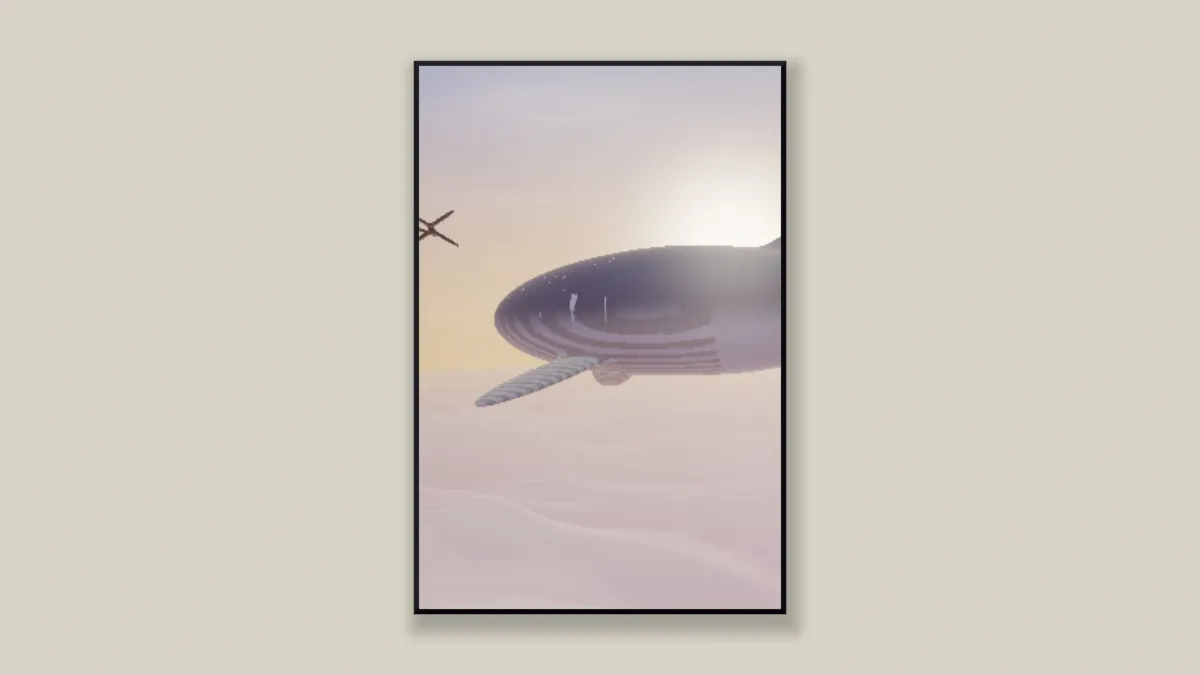
What is a poster mockup?
A poster mockup shows a print hanging on a wall, so you can judge it at room scale before printing. A flat file by itself doesn't show you the frame or the wall around it.
The wall and frame here are drawn by a shader in your browser, not photographed. There's no brand in the scene and no stock photo underneath, so nothing needs a license.
Which poster sizes does the mockup match?
The Poster preset uses a 2:3 print, the shape of a 24 by 36 inch poster. Shape also has 3:4, as in 18 by 24 inches, plus 1:1 for a square print and 3:2 for a landscape one.
A-series paper like A2 or A3 has sides in the ratio 1 to the square root of 2, and none of those shapes match it. The closest, 3:4, crops about 6% of its height. Set Shape to As it is and the print keeps your file's own proportions.
How to make a poster mockup
Upload your poster or a video and start from the Poster preset, which gives you a thin frame, no mat and a large print. Size sets how tall the framed poster is in the picture.
Frame sets the width of the bars, and Frame colour their color. Glass adds a faint sheen of reflected light, Shadow darkens what the poster casts on the wall, and Wall sets the wall's color.
Light comes from the upper left, so the top and left bars catch it and the shadow falls down and to the right. Tick No wall to keep just the framed poster on a transparent background.
Settings for an A-series print, a true-to-life frame and a square Etsy photo
Export the poster at its print size and leave Shape on As it is. An A4 page at 300 dpi is 2480 by 3508 pixels, and an A3 is 3508 by 4961. The frame takes the file's shape, so the mockup matches the paper.
Frame and Mat are measured in frame heights. To convert a real bar, take its width divided by the framed piece's height, times Size. A 2 cm frame on a poster 70 cm tall framed, at Size 0.82, is about 0.023, and the Poster preset's 0.008 is a slim metal profile.
Etsy advises listing photos at least 2000 pixels on each side, and a first photo that's landscape or square. Choose 1:1 in Settings at a Width of 2048, then set Shape to the print's ratio, 2:3 or 3:4, because As it is would now mean square. For a matted print, the Framed Art Mockup adds the mat.
Why does the poster get smaller when I widen the frame?
Size sets the height of the whole framed piece, frame and mat included. The print gets whatever's left, which is Size minus twice the Frame and twice the Mat. So a wider bar eats into the picture, and the piece itself doesn't grow.
If you raise Size by twice what you add to Frame, the print stays the same size it was.
Saving a poster mockup
A poster of flat color and bold type keeps clean edges as PNG, and a photographic one is fine as JPG. A video poster, say for a film or a gig, saves as MP4 and keeps playing inside the frame.