Tag Pill Generator
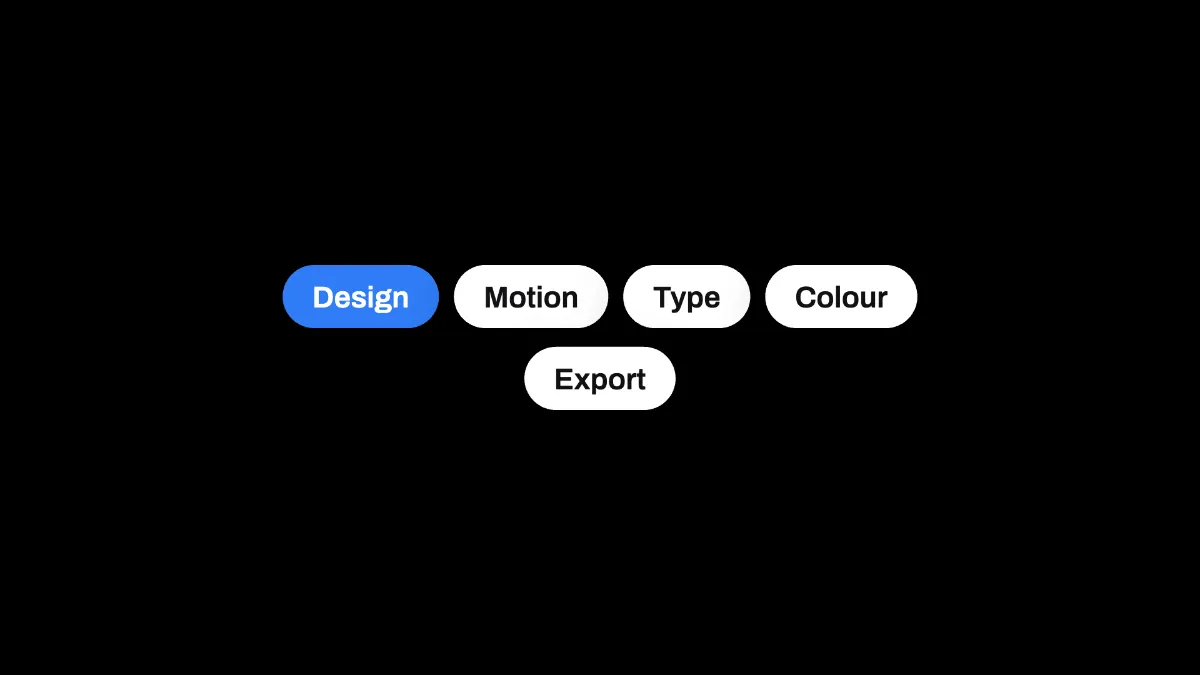
Tag pill generator: type a list of words and get rounded tags, the first in your accent color, wrapped into centered rows. Free, and it runs in your browser.
What is a tag pill?
A tag pill is a short label in a capsule with fully rounded ends, which is how interfaces show tags, categories and filters. A tag is a keyword attached to a piece of information so you can find it again by browsing or searching.
Tagging spread across the web in the 2000s, and in 2004 Thomas Vander Wal coined the word folksonomy for sorting things by their users' own tags. Designers also call these pills chips or badges.
How to make tag pills
Start on the blank canvas or load an image or video. Type the tags into Text with a | between them: Design | Motion | Type makes three pills.
The first pill is filled with the Accent color and has white text, and the others take the Theme's card color, white or near-black. Size sets the row's width as a share of the frame, and Position X and Position Y place it.
What happens when the tags don't fit on one row?
They wrap. Pills fill a row until the next one would go past the width set by Size, then a new row starts, and each row is centered on its own.
Each pill is as wide as its word plus padding, in semibold Archivo with a soft shadow. Text holds up to 240 characters in total, and stray | marks get ignored.
Settings for a skills slide and a single New badge
For a portfolio's skills, type six to eight words with | between them and set Size to 0.7 on the 16:9 canvas. The words come out about 54 pixels high and wrap into two or three centered rows.
Three topics along the bottom of a thumbnail fit at Size 0.5 and Position Y 0.85. Put the topic you want to highlight first, because only the first pill gets the Accent color. Its text is white, too, so a yellow like #ffd60a leaves it at only 1.4 to 1.
A single word like New at Size 0.25 gives you one Accent badge to drop in a corner. For a search query above the tags, the Search Bar Mockup draws the bar.
Saving the tags
PNG keeps the pills' round ends smooth and their fills flat, where JPG leaves a faint halo around each one. Over a clip the row stays for the whole length, so export MP4.