Dithering & Halftone Effects
Retro print effects that rebuild a picture out of dots. Dithering fakes shades on a screen that only has a handful of colors. Halftone fakes them on a press that can either print ink or leave the paper bare. You can apply either one to a photo or a video clip, from a Game Boy screen to a two-ink risograph poster.
They're made for designers, illustrators, zine makers and game artists. Every effect runs in your browser, so nothing gets uploaded.
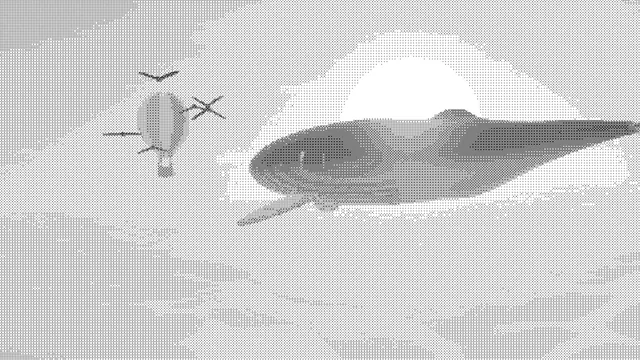
Dither Image
Fixed Bayer, shape or custom patterns in up to 16 inks: the pick for small GIFs and steady video.
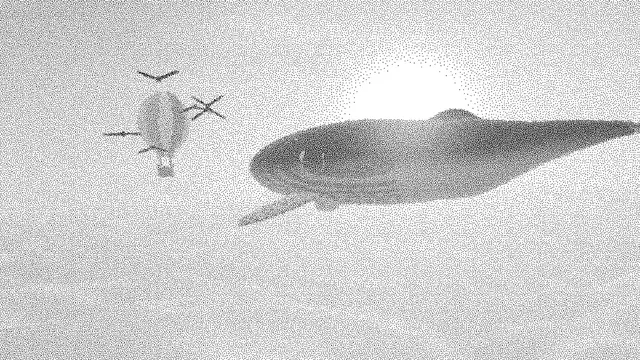
Blue Noise Dithering
For an even grain with no visible grid, steady enough to hold still on video.
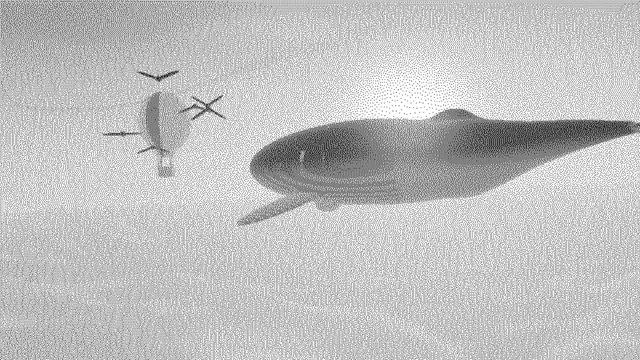
Floyd-Steinberg Dithering
Keeps the most detail in a still photo; on video the scatter shimmers from frame to frame.
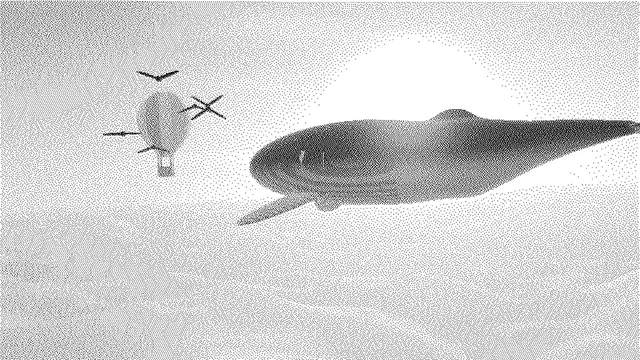
Atkinson Dithering
Pick it for the crisp 1-bit Mac look, with clean paper whites and solid blacks.
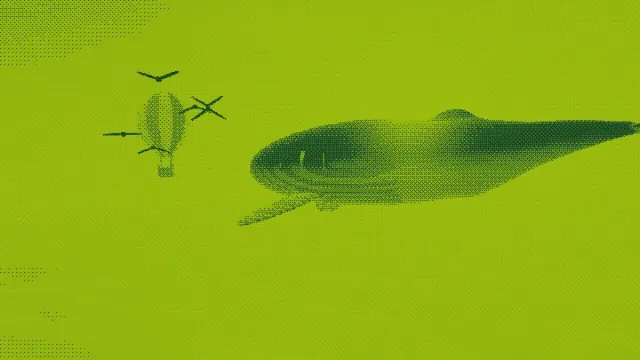
Game Boy Filter
Four greens on a Bayer grid, tuned for the 1989 handheld and its camera.
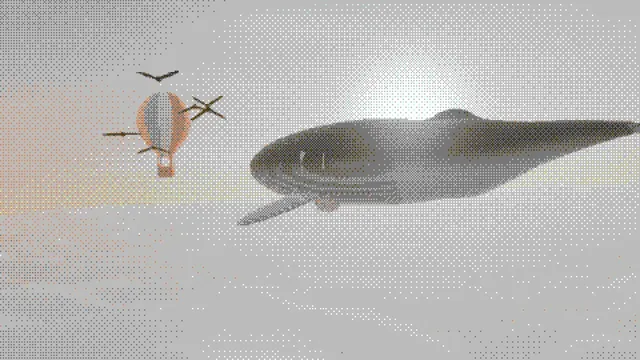
C64 Image Converter
The Commodore 64's sixteen colors, blended by an 8x8 Bayer pattern for in-between shades.
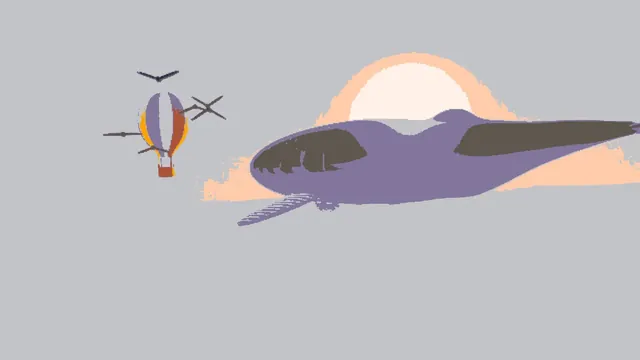
PICO-8 Palette Converter
Flat PICO-8 colors with no dither pattern, at your picture's own resolution.
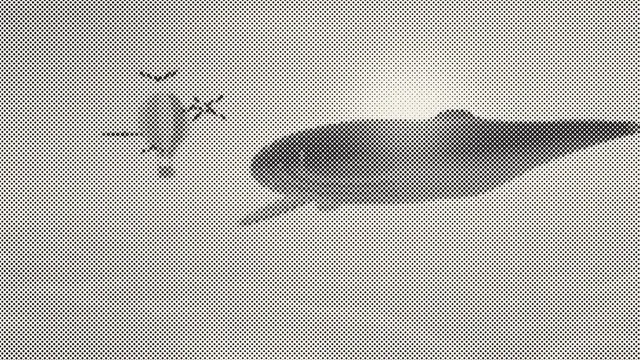
Halftone Generator
One ink in dots, lines, crosses or diamonds, with a ruling you can match to a real print.
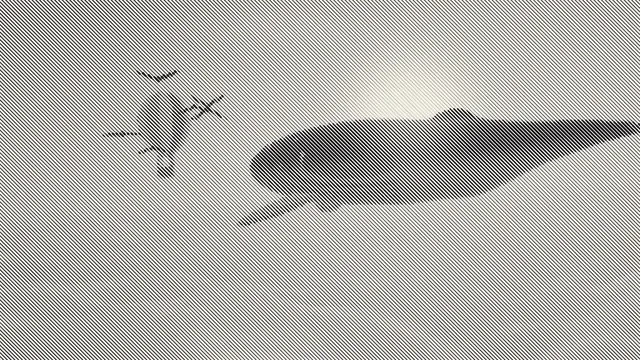
Line Halftone
Engraving-style parallel lines that swell in the shadows and thin to hairlines in the light.
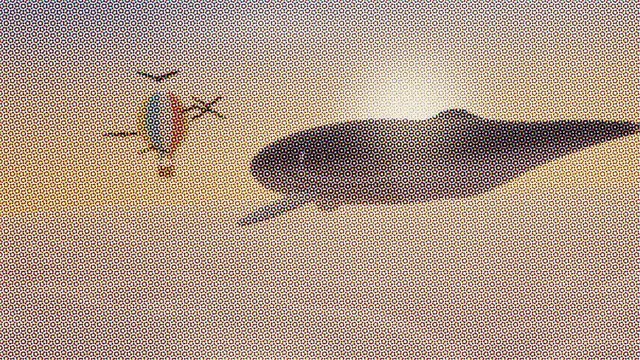
CMYK Halftone
Full-color process print: four angled screens, rosettes and adjustable black generation.
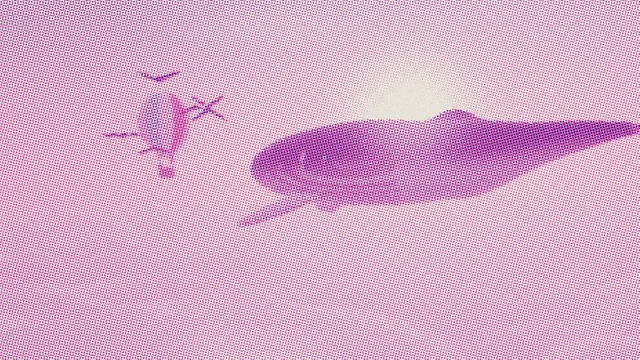
Risograph Effect
Bright spot inks that mix where they overlap, each drum on its own screen and drift.
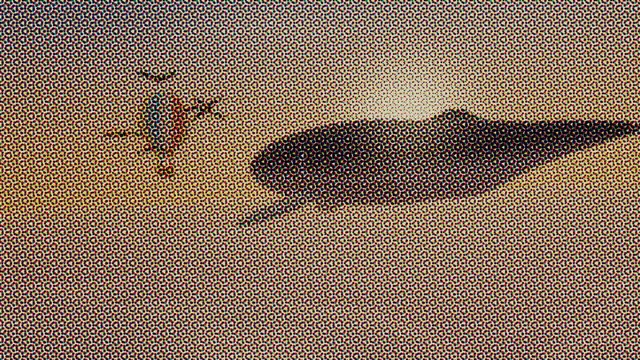
Newsprint Effect
Coarse dots on yellowed pulp paper, with spreading ink and plates that wander.
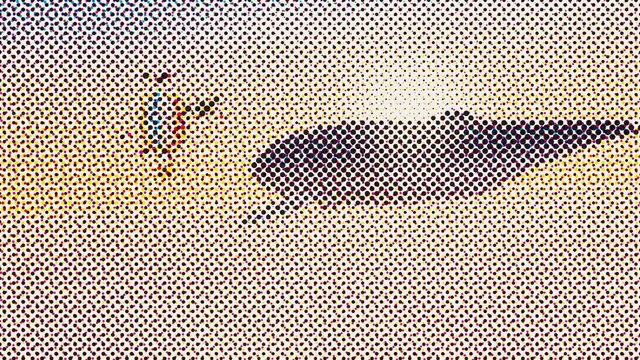
Comic Book Filter
Big process dots and pure black shadows, sized like an enlarged vintage comic panel.
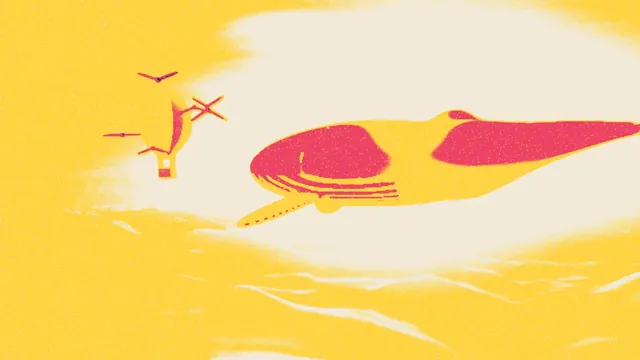
Screen Print Effect
Opaque flat inks stacked off register, with pinholes and a mode for printing on dark cloth.
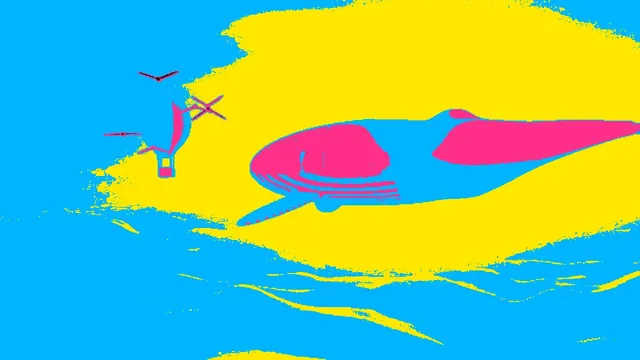
Pop Art Effect
A portrait flattened into a few hard-edged inks by brightness, in the Warhol manner.
What are dithering and halftone?
Both fake tones the output can't produce. A screen limited to four colors can't show a 40% gray, and a press with one black ink can't either. So the picture gets broken into a pattern of the colors that are available, fine enough that your eye averages it back into the missing shade.
Dithering decides, pixel by pixel, which palette color each one gets, and the pattern of those choices carries the in-between tones. Halftone uses dots on a regular grid that grow and shrink with the tone. That suits ink on paper well: a dot of ink can't get lighter, but it can get smaller.
What is the difference between ordered and error-diffusion dithering?
Ordered dithering compares each pixel with a threshold from a fixed map tiled over the picture. A Bayer matrix leaves the crosshatch you'll know from 16-color Windows, and a blue noise map leaves an even grain with no visible grid. Dither Image, Blue Noise Dithering, the Game Boy Filter and the C64 Image Converter all work this way.
Error diffusion rounds each pixel to the nearest color and hands the rounding error to the neighbors it hasn't reached yet. Floyd-Steinberg Dithering, published in 1976, passes on all of it for a fine, organic scatter. Atkinson Dithering, from the original Macintosh, drops a quarter of it, which gives cleaner whites and blacks.
The two behave very differently on video. An ordered pattern stays in place, so still areas keep the same dots from frame to frame. Error diffusion carries every change on through the pixels scanned after it, which is the weakness for animation that Thiadmer Riemersma points out. On a 960 by 540 frame, darkening one 24-pixel square changed 106 pixels of a 1-bit Bayer dither and 104,469 of a Floyd-Steinberg one, a fifth of the frame all the way down to its last row. A one-level fade changed 0.4% of the Bayer pixels and a third of the Floyd-Steinberg ones.
Which dithering effect makes the smallest GIF?
A GIF compresses runs that repeat, so the pattern decides most of a dithered GIF's size. One 960 by 540 frame of the tool pages' example picture (the size the GIF export uses for 16:9) took 71 KB undithered. In 1-bit at the default dot size, it took 7.6 KB as a Bayer 4x4 dither, 43 KB as Atkinson, 49 KB as blue noise and 53 KB as Floyd-Steinberg.
The gap narrows as the palette grows and the dots get bigger. On the Game Boy presets, four greens at Dot size 3, the ordered version came to 15.4 KB and the error-diffusion one to 13.2 KB. So for a four-color sprite or loop, go with whichever look you like. For a small black-and-white GIF, use a Bayer pattern.
Why does print use halftone screens?
A printing press either lays down ink or leaves the paper bare. It has no gray. A halftone screen turns tone into dot size, with small dots in the highlights and dots that merge into solid ink in the shadows. Halftone Generator draws round dots, lines, crosses or diamonds, and Line Halftone draws parallel lines that thicken in the dark areas like an engraving.
Color printing stacks four screens, one each for cyan, magenta, yellow and black, at different angles. Those are traditionally 15, 75, 0 and 45 degrees, so the dots form small rosettes and stay clear of moiré. CMYK Halftone builds those four screens, with dot gain, the way ink spreads into paper.
Risograph, newsprint and pop art looks
Risograph Effect copies the Riso stencil duplicator, a Japanese office machine that print studios and zine makers took up for its bright spot inks. You get one to six inks, each on its own dot screen and a little off register. Newsprint Effect adds yellowed paper, coarse dots and plates that slip. Comic Book Filter blows the CMYK dots up to the size of an old comic panel, and Screen Print Effect lays down flat, opaque inks with pinholes where the ink didn't take.
Pop Art Effect flattens a portrait into four bold inks by brightness (near black, hot pink, cyan and yellow), in the manner of a 1960s silkscreen portrait. For a console's palette without a dither pattern, PICO-8 Palette Converter snaps every pixel to the fantasy console's 16 colors, and the Pixel Art & Mosaic Effects hub adds the square blocks that go with it.