Video Effects
Five tools built for motion. Four of them turn one picture or clip into a 3D loop that closes without a jump, and the fifth jolts footage you already have.
Every effect on the site works on video, and the other hubs collect their own moving looks. The Glitch Effects hub has broken signals and datamoshing, and the Text Effects hub has type that moves.
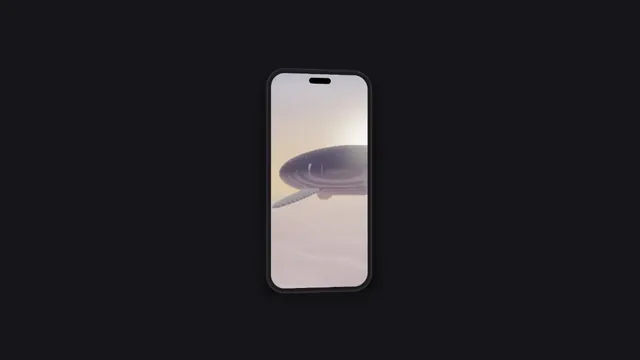
Animated Device Mockup
Pick it for an app screenshot or recording on a phone that sways in 3D, for a store or a launch.
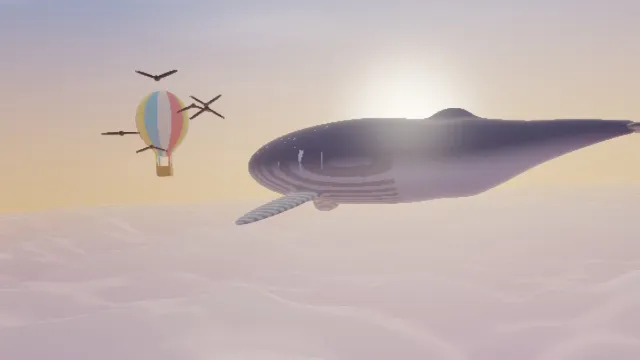
Screen Shake Effect
Pick it to jolt footage you already have on an impact, the one tool here that moves in jumps.
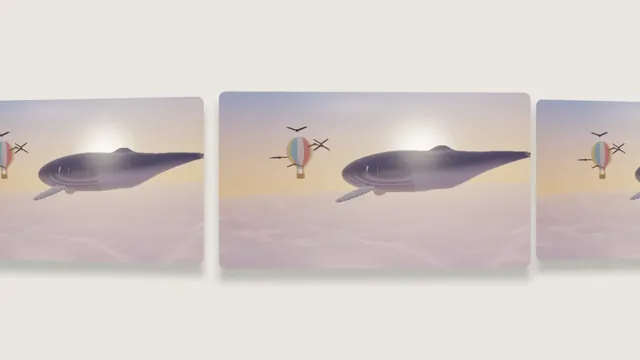
Image Carousel Maker
Pick it to show one picture as a sliding row of 3D cards, the middle one nearest the camera.
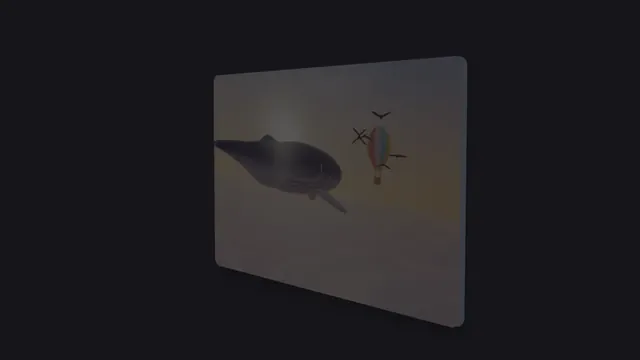
3D Image Spin
Pick it to turn a picture or a cut-out logo a full circle, the way a coin spins on a table.
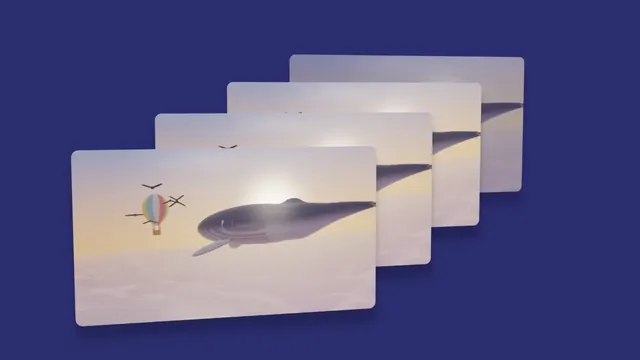
Card Stack Animation
Pick it for a pile of copies that cycles front to back, a new card dropping in on every loop.
What makes an effect a video effect?
A photo effect gets worked out once, while a video effect is worked out again for every frame. The templates here go a step further and supply the motion themselves. From one still they build a clip where a card turns, slides or steps back, so there's movement even when the source has none.
Which video effect should you use?
Animated Device Mockup is for app makers: a screenshot or screen recording on a phone, tablet or laptop that sways and leans, with up to three devices showing different screens. 3D Image Spin turns one picture all the way around, which works well for a logo or a coin cut out on a transparent background.
Image Carousel Maker sets copies of the picture in a row that slides past, with the middle card nearest the camera. Card Stack Animation piles them up and cycles them front to back instead. Both repeat one picture on every card. Screen Shake Effect is the odd one out: it adds jolts to footage you already have and doesn't build a loop.
How do the 3D loops close without a jump?
The four templates share one clock. A loop takes six seconds at Speed 1, and six divided by Speed at any other setting. A card's position depends only on the time, so after a whole number of loops the last frame leads straight back into the first.
Speeds that suit common clip lengths are 1.2 for five seconds, 1.5 for four, 0.6 for ten and 3 for two. If the Duration cuts a loop short, the GIF jumps, so match one to the other.
Does an online video effect send your clip to a server?
Not here. The page decodes the clip with the browser's own video codecs through the WebCodecs interface, runs every frame through the effect on your graphics card and writes the MP4 or WebM container with the site's own code. Your footage stays on your computer from start to finish.
The site's tests hold it to that. Every browser test fails if the editor requests anything from beyond the local test server, and once it's loaded the editor keeps working with the network switched off.
Should you save a loop as a GIF or a video?
A GIF from the export stores every frame whole, each with its own 256 colors, so its size grows with the length of the loop. In a test of the site's GIF writer, six seconds at 960 by 540 and 30 frames a second came to 12.3 MB with a photo filling the frame, and 4.0 MB with a half-size card sliding over a plain backdrop.
If you're making a GIF, keep the Backdrop plain, lower Size so the cards take up less of the frame and keep the loop short. MP4 and WebM predict each frame from the ones around it, which is what you want for anything longer or a picture that fills the frame.
Where are datamosh, VHS and moving text?
Effects that change with the footage live with others of their kind. The Glitch Effects hub has datamoshing, which drags old pixels along new motion, plus VHS tracking errors and analog TV faults. The Text Effects hub has kinetic type and titles that write themselves on.
Over on the Photo Filters hub you'll find film grain and Super 8 flicker. The Blur, Light & Glow Effects hub has drifting leaks of light and directional blur, and the Mockup Generator hub has still device frames to pair with an animated one.
Can the loops sit over other footage?
Yes. Tick No backdrop and the space around the cards stays clear. WebM with transparency and Animated PNG keep it, and MP4 on green puts it on key green for video editors that can't read transparency. MP4 and WebM keep a clip's sound.
The same source, settings and seed always give the same pixels, so an export matches the preview frame for frame. The studio adds a timeline for several clips and effects, and its paid plans export at up to 1080p or 4K.