Product Box Mockup
Product box mockup: put packaging art on the front of a 3D box, set its shape, depth and color, and export a PNG or a video. Free, and it runs in your browser.
What is a product box mockup?
A product box mockup shows packaging art on a box before the box is printed. Most retail boxes are folding cartons, made of paperboard that's printed, cut, folded and glued.
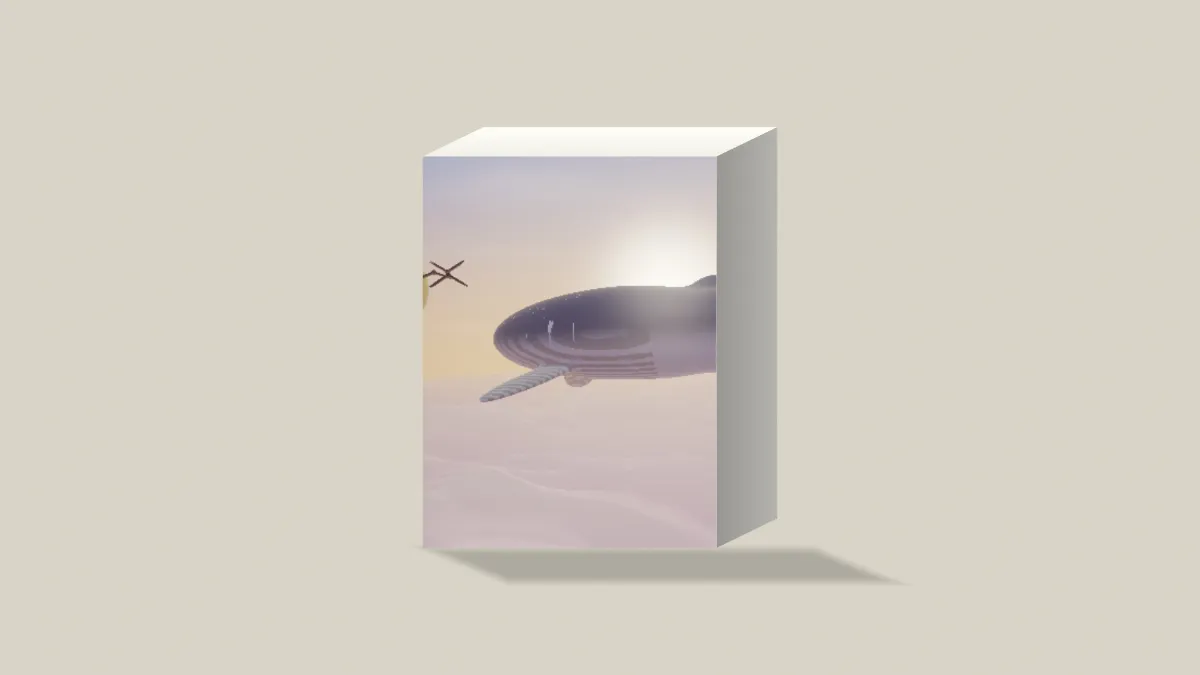
The box here is drawn in your browser by a shader instead of photographed, so it has no brand and no stock photo license. You see the front, the right side in shade and the top in the light.
Why does the front of the box stay flat?
The box is drawn in oblique projection. The front faces you square on and the depth runs back at a slant, so your artwork lands on the front at its true shape, with no perspective squeezing it toward one side.
That keeps lettering, logos and barcodes straight and the same size across the whole panel. A thin line of light runs along the edges where two faces meet, just like on a folded card.
How to make a box mockup
Upload the front panel's art and pick a preset: Box, Slim, Cube, Dark, Cut out or Book. Front sets the face's shape. As it is keeps your picture's proportions, and 2:3, 3:4, 1:1 and 4:3 crop it from the middle.
Size sets how tall the front is in the picture, and Depth how far back the box runs. Box colors the side and top, Shadow sets the shadow it stands in, and Backdrop the color behind.
Any transparent parts of your art show the box's own color, so a logo on a clear PNG sits on a plain card front. Tick No backdrop and the box stands on nothing, which is handy for a page of any color.
Depth and Front from a real carton
Depth is the box's depth divided by the height of its front, so it's worth measuring the real carton. A front 20 cm tall that runs 5 cm back is 0.25, the default. A slim sleeve 1 cm deep on a 15 cm front works out to 0.07, close to the Slim preset's 0.08, and the Cube preset pairs a square front with the deepest setting, 0.6.
According to Shopify, 2048 by 2048 usually displays best for square product images. Choose 1:1 in Settings and type 2048 as the Width, then set Front to your art's own ratio, like 3:4.
If it's a book and not a carton, the Book Cover Mockup starts you on a 2:3 front with a thin depth.
Why does the box front have plain strips down its sides?
As it is gives the front the same shape as the frame. Once Settings changes the frame's shape, the front takes the new one while your art keeps its own shape inside it. The gaps show the Box colour, the same way transparent parts of a PNG do.
Pick the Front ratio that matches your art and the strips go away. A ratio the art doesn't have crops it from the middle instead, so check that nothing near an edge gets cut, like a barcode or a weight label.
Saving a box mockup
Packaging art has small print, nutrition panels and barcodes, and JPG rings their hard edges with faint noise. Save those as PNG. A photographic front without fine type is fine as JPG, and a front that plays a video goes out as MP4.