Mockup Generator
Put a screenshot, a screen recording or a design on something real, like a phone, a laptop, a browser window, a t-shirt, a mug, a box or a framed print. You'll also find die-cut stickers and interface pieces such as chat bubbles and notifications.
These are for app makers, shop owners and designers who want to show work before it ships. Every mockup is drawn in code, so there's no stock photo to license, and an unreleased design never leaves your browser.
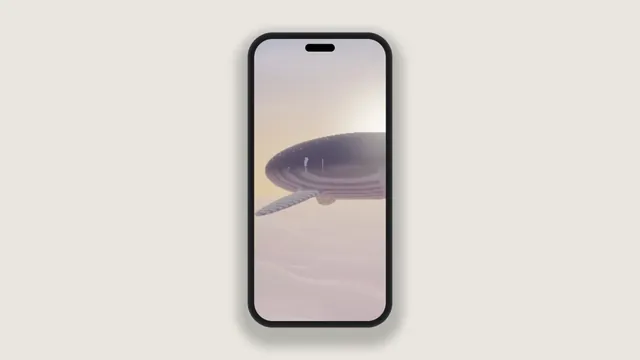
Phone Mockup Generator
For app screenshots and store art, with up to three phones showing different screens.
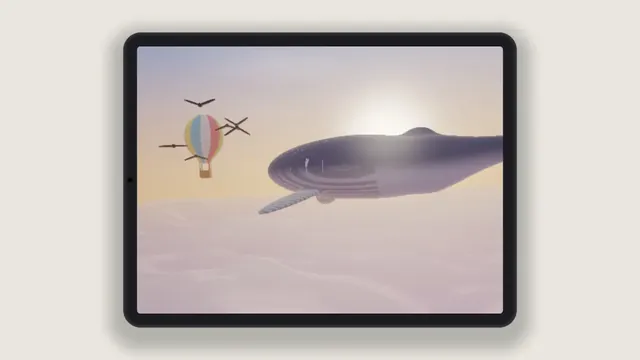
Tablet Mockup Generator
Choose it for iPad captures and reading apps, lying on its side or standing upright.
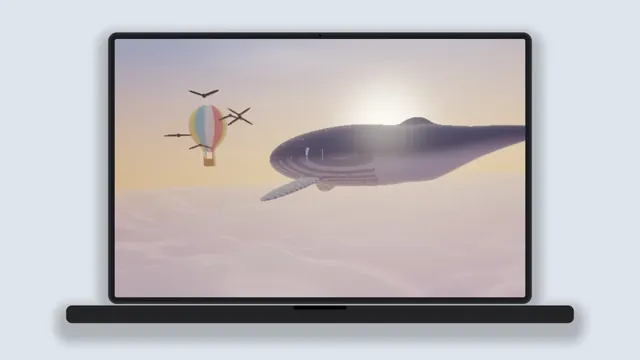
Laptop Mockup Generator
The pick for a website or web app captured at 16:10 and shown on an open laptop.
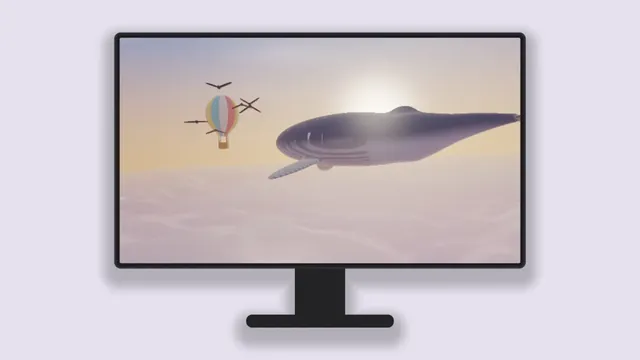
Desktop Mockup Generator
Best for dashboards and 1080p captures, which its 16:9 monitor shows uncropped.
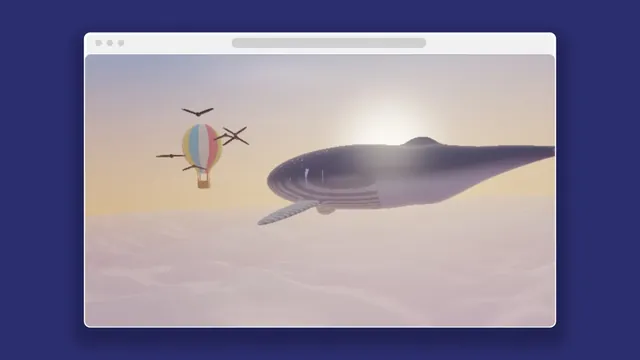
Browser Mockup Generator
Use it when the page matters more than the hardware: a plain window, light or dark.
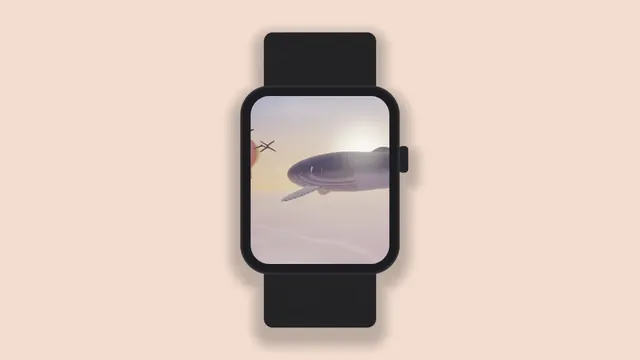
Watch Mockup Generator
For watch faces and wrist apps, with a strap and crown that show the scale.
3D Mockup Generator
The one for video: a camera pushes in on the device in true perspective, with focus blur.
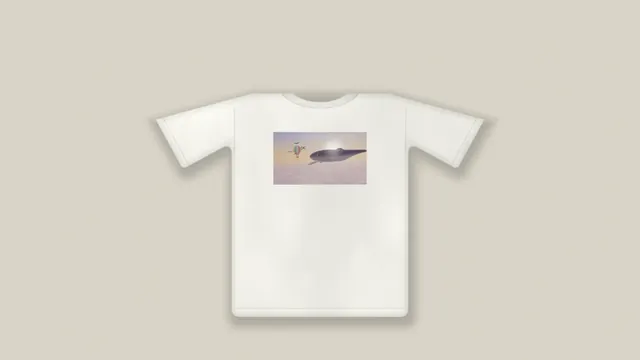
T-Shirt Mockup Generator
For merch on a flat-lay tee in any color, its print taking the cloth's folds.
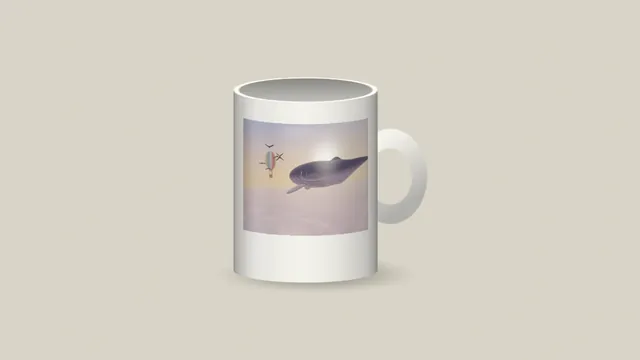
Mug Mockup Generator
Wraps a logo or a full design round a glazed mug, bending it with the curve.
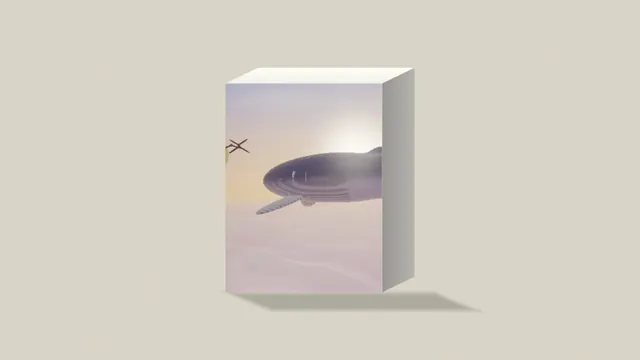
Product Box Mockup
For packaging art on a carton, its front kept flat so the lettering stays straight.
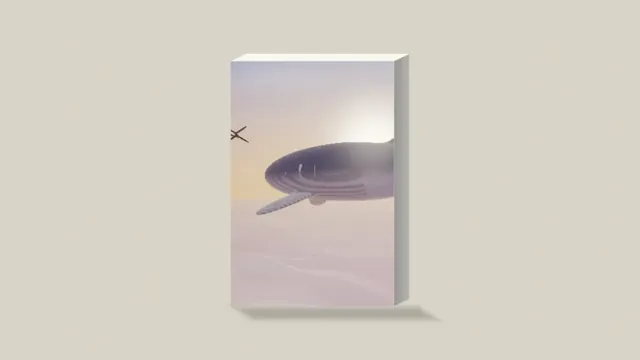
Book Cover Mockup
Stands a cover up as a finished book, with a thickness set from the page count.
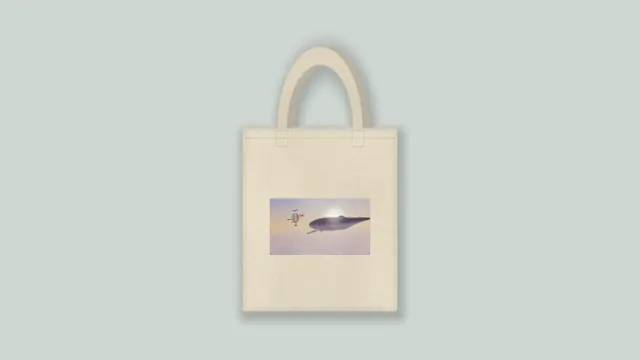
Tote Bag Mockup Generator
For prints on canvas bags in natural, black or navy, with the weave showing through.
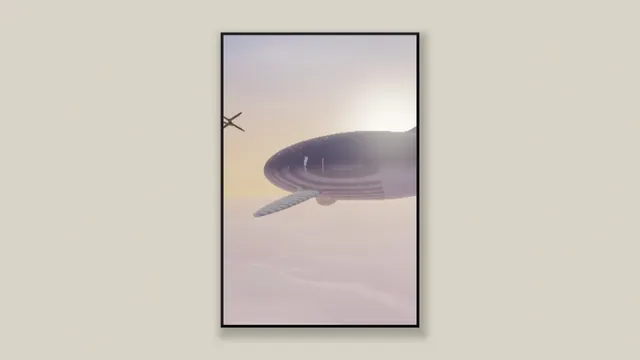
Poster Mockup Generator
Hangs a print on a wall in a slim frame, at 2:3, 3:4, square or your file's shape.
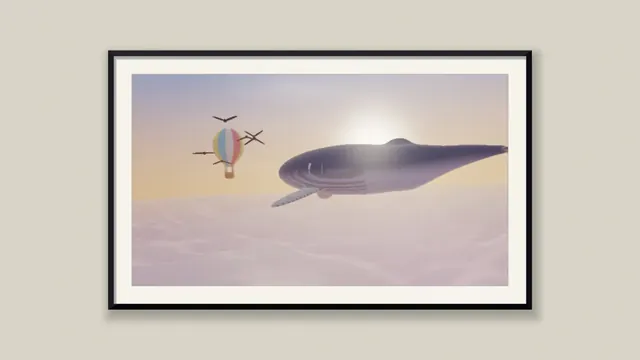
Framed Art Mockup
For artwork sold framed, with a mat, glass and a black, oak or white frame.
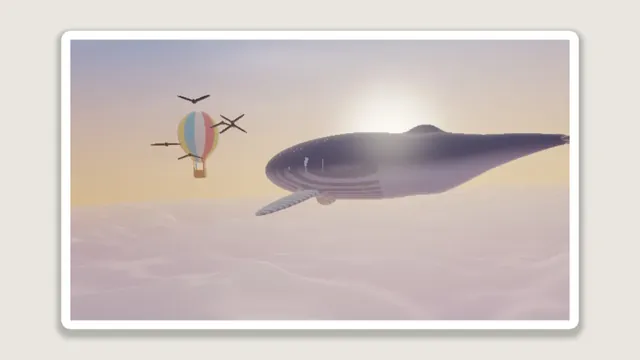
Sticker Maker
Turns a cut-out photo into a die-cut sticker with an even white rim and a shadow.
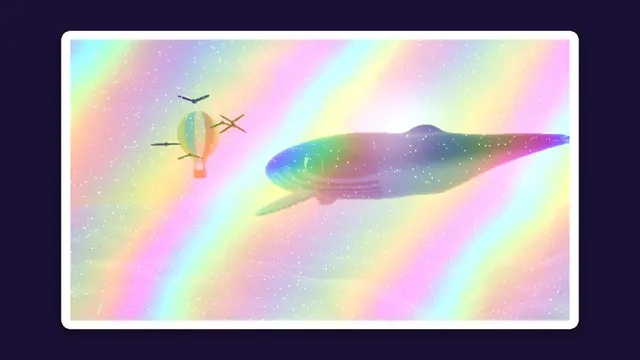
Holographic Sticker Maker
For rainbow foil vinyl: foil on the art, the rim around it left plain white.
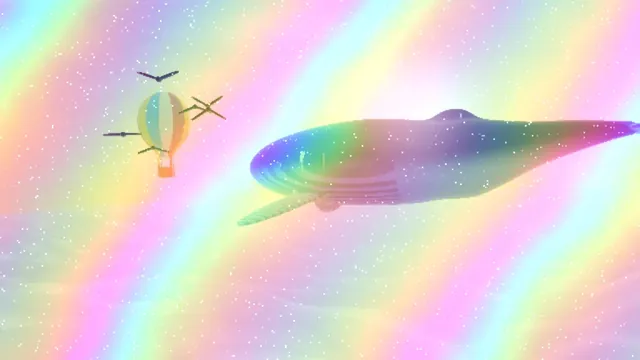
Holographic Foil Effect
The foil alone, with no border, for cards, titles or video, shimmering as it moves.
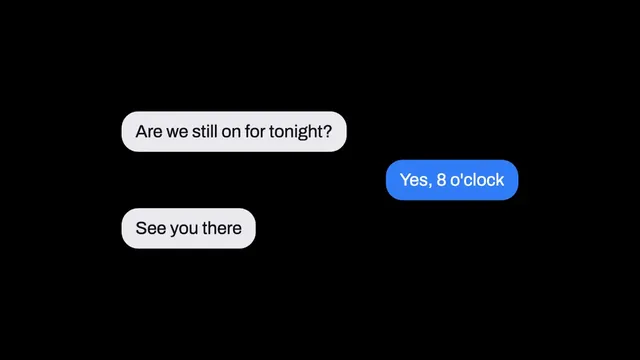
Chat Bubble Generator
For a typed conversation, theirs on the left in gray and yours on the right in color.
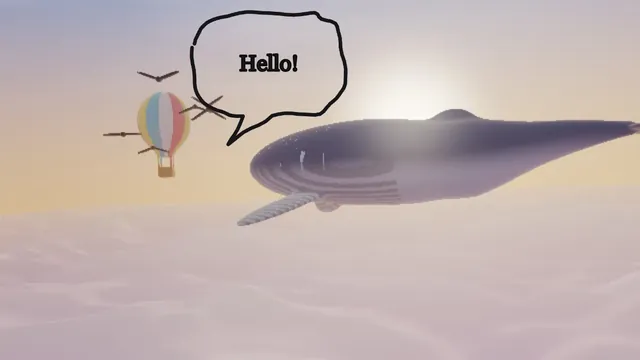
Speech Bubble Generator
Puts a comic balloon over a photo, its tail aimed at whoever is speaking.
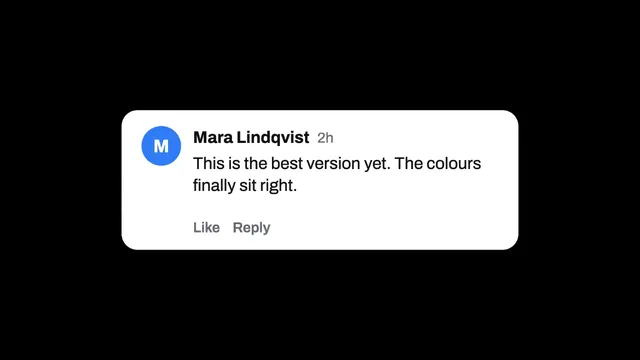
Comment Mockup Generator
A reply card with a name, an initial avatar and Like and Reply links under it.
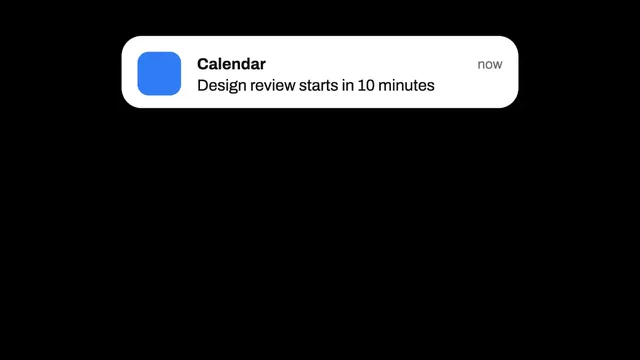
Notification Mockup Generator
A banner with an app icon and two lines of text, to lay over a screenshot.
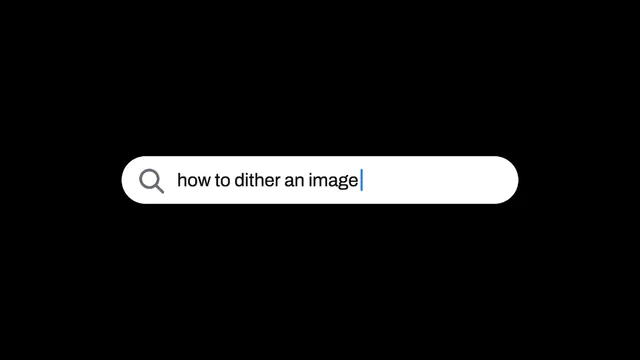
Search Bar Mockup
A query typed into a rounded bar, the usual opener for a video or a thumbnail.
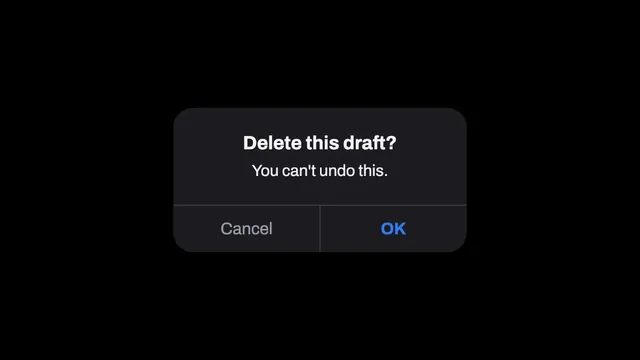
Alert Dialog Mockup
A modal box with a heading, a message and a Cancel and OK pair along its foot.
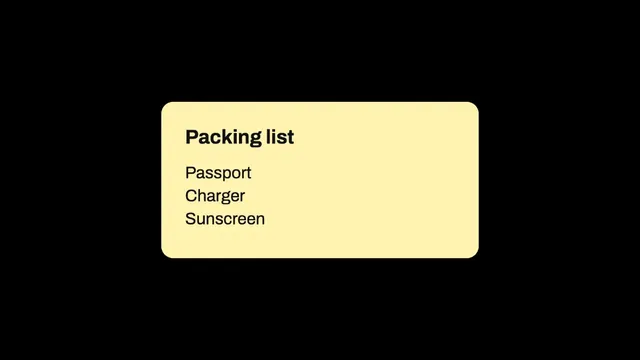
Note Card Generator
A heading over a short list, on a sticky-note yellow or a dark olive card.
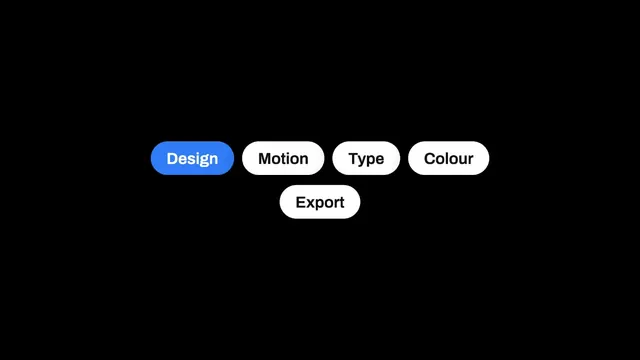
Tag Pill Generator
A row of rounded labels with the first one filled in your accent color.
What is a mockup?
A mockup shows a design in place: a screenshot on a phone, a logo on a mug, a cover on a book. A client or customer can see the finished thing before it's printed or built, and a store listing or launch page gets a picture people understand at a glance.
Most mockups are photos with a smart layer that bends the design into place. These ones are drawn in code. The device or product is built from shapes and shading and your picture is mapped onto it in perspective, so any color works and a recording keeps playing on the screen.
Which device mockup should you use?
Start with the shape of your capture, since every screen has its own. Phone Mockup Generator has a screen of about 1 to 2.14, close to a recent iPhone capture, and Tablet Mockup Generator one of about 3:4, upright or on its side. Laptop Mockup Generator suits a 16:10 capture, and Desktop Mockup Generator a 16:9 one, which it shows without cropping anything.
Browser Mockup Generator shows a page at about 1.73 to 1 in a window with no hardware around it, and Watch Mockup Generator fits a face that's a little taller than wide. For video, go with 3D Mockup Generator, which films any of those devices with a camera that pushes in and pulls back. Swaying, spinning and carousel loops of a screenshot are on the Video Effects hub.
Why does a screenshot look soft or cut off in a device mockup?
Fit decides what gets cut. Fill the screen crops the capture to the screen's own shape, and Fit inside shows all of it with black bars wherever the two shapes don't match. Pick Fit inside when nothing at the edges can be lost.
Softness is about scale. On a 16:9 frame 1080 pixels tall, the phone's screen measured 846 pixels tall at the default Size, so a capture twice that height keeps only half its detail each way. A 9:16 frame of 1152 by 2048 with Size at 1 gives the same screen 1,956 pixels, 2.3 times as many each way, and small interface text in the capture stays crisper.
How do you make a product mockup?
T-Shirt Mockup Generator and Tote Bag Mockup Generator print your design on a flat-lay tee or a canvas tote in any color. Mug Mockup Generator wraps artwork around a glazed mug, Product Box Mockup puts packaging art on a 3D box, and Book Cover Mockup stands a cover up with its page edge and a shadow. Poster Mockup Generator and Framed Art Mockup hang a print on a wall, under glass or with a mat.
Each scene is drawn into a frame with your file's own shape, so a tall design gives you a tall picture. For a square shop photo, set the output to 1:1 in the editor's Settings before saving, then pick the print or front ratio that matches the art. It's worth setting the product color to the stock you plan to order.
What size should a mockup be for a Shopify listing?
Shopify's guide to product media says square product images usually display best at 2048 by 2048 pixels. Open the gear beside Mosh, choose 1:1 and type 2048 as the Width. That's also the longest side these pages give a still, so the mockup saves at exactly that size with no scaling.
Listings can carry video too, and Shopify takes MP4 and WebM files up to 4K. A phone or laptop mockup with a screen recording playing on it can go in exactly as it's saved.
How do you turn a picture into a sticker?
Sticker Maker adds a white die-cut border that hugs the picture's outline, plus a soft shadow, and saves a transparent PNG. The border follows whatever's opaque, so a picture with a transparent background makes a shaped sticker and a plain photo makes a rectangle.
Holographic Sticker Maker adds rainbow foil that shimmers on video. Holographic Foil Effect lays the same foil over any picture, without the border.
What are the chat bubble and UI mockups for?
Chat Bubble Generator turns a typed conversation into rounded speech bubbles, theirs on the left and yours on the right, for a story, a meme or a tutorial. Speech Bubble Generator draws a single hand-drawn comic bubble with your words in it, and its line can redraw itself a few times a second like a flipbook. Comment Mockup Generator, Notification Mockup Generator, Search Bar Mockup and Alert Dialog Mockup draw other familiar bits of an interface, and Note Card Generator and Tag Pill Generator make quick cards and tags.
Each one sits over a photo, a video or a blank canvas, so you can drop a notification into a clip or put a conversation over a screen recording. Except for the speech bubble, their text is sized from the frame's width, which means a vertical video needs a larger Size than a widescreen one to keep the same lettering.