Photo Filters
These filters change what a picture seems to be made of. Brushstrokes, pencil lines, film grain, polished chrome, the green glow of night vision goggles. Each one has presets to start from and sliders for everything else.
They're meant for photographers, video editors and anyone who wants to give a portrait or a clip a finish. Every filter works on video too, frame by frame, and it all runs in your browser, so nothing gets uploaded.

Oil Painting Effect
Pick it for visible brushstrokes that curve along edges, from a fine brush to thick impasto.

Watercolor Effect
The softer sibling of the oil filter: blended washes with clean borders and no brush marks.

Photo to Pencil Sketch
Choose it for graphite on paper, with hatched shadows, or clean line art for a coloring page.
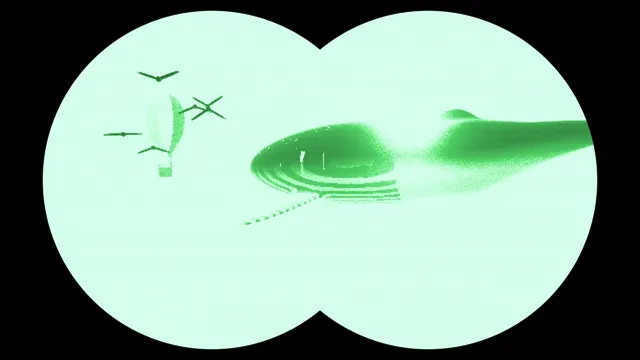
Night Vision Filter
For a dark scene seen through goggles: green, boosted and grainy inside a round or twin eyepiece.
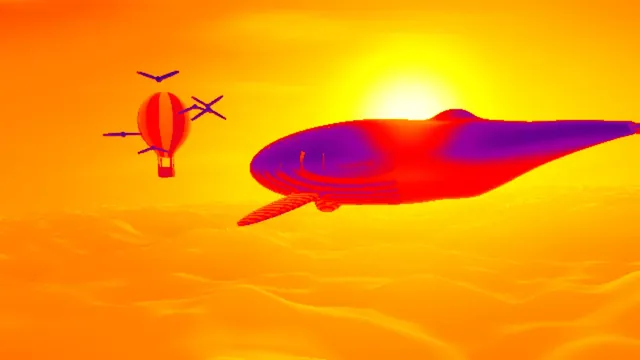
Thermal Camera Filter
For a heat-camera palette with no noise or mask: bright parts glow yellow and white, dark go purple.

Super 8 Film Effect
The whole home-movie package in one: amber fade, coarse grain, flicker and a wandering frame.
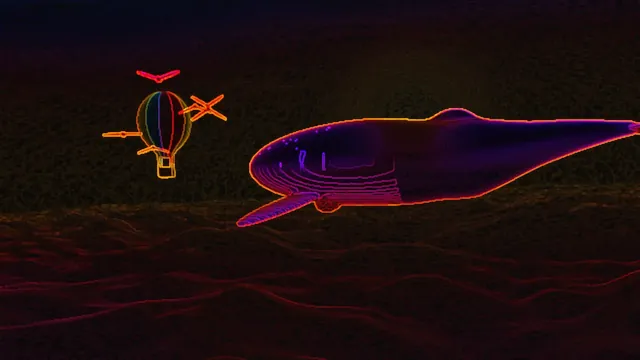
Neon Outline Effect
Pick it when only the outlines should remain, glowing in the photo's own hues on black.

Film Grain Overlay
Adds moving grain and nothing else, so color, framing and contrast stay exactly as shot.

Vignette Effect
Darkens, whitens or cuts away the edges, down to a transparent oval or rounded corners.
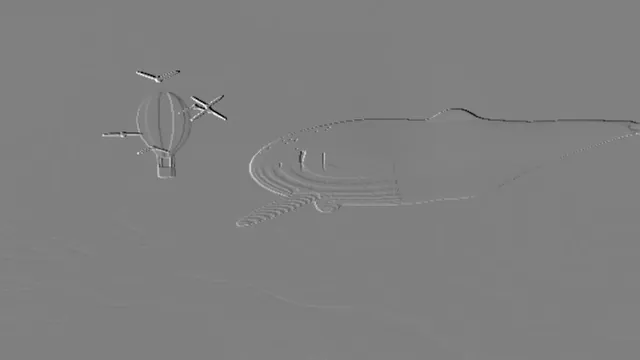
Emboss Effect
Turns edges into a stamped gray relief, or adds a light relief over the photo's own colors.
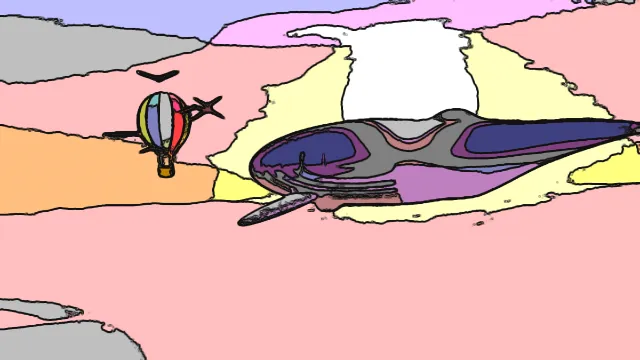
Cartoon Effect
Flat bands of bold color with thick, dark ink lines, like a comic panel built from a photo.

Anaglyph 3D Effect
The one to choose when people will look at the result through red-cyan 3D glasses.
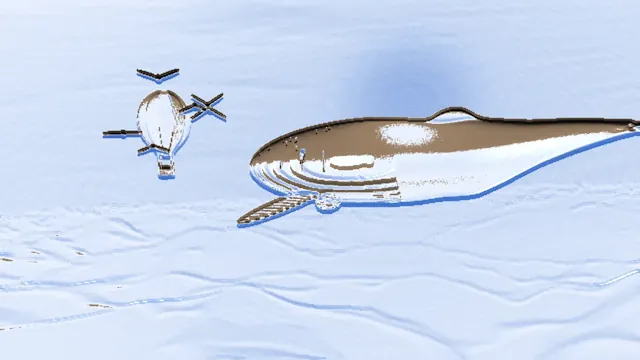
Chrome Effect
Best on logos and bold shapes: a reflective surface in chrome, gold, rose gold or steel.
What is a photo filter?
The name comes from the glass filters photographers screw onto a lens. A yellow one darkens the sky on black and white film; a soft-focus one spreads the highlights. Software borrowed the word for any effect applied to a whole picture, and around 2010 phone apps made the one-tap filter part of posting a photo.
The ones here fall into three groups. Painterly filters redraw the picture as if by hand, film and camera filters copy how a medium records light, and sensor looks imitate cameras that see what eyes can't.
How do painting and drawing filters work?
Oil Painting Effect uses an anisotropic Kuwahara filter. It replaces each pixel with the average of whichever nearby region varies least, and that region is shaped along the direction of the edges, so the strokes bend along a jaw line or a branch. Watercolor Effect is the same filter, tuned for soft washes with clean edges.
Photo to Pencil Sketch draws outlines from the edges and hatches the shadows, and it comes with Charcoal and Blueprint presets. Cartoon Effect smooths the picture with an edge-preserving filter, cuts it into five steps per channel and inks the outlines in near-black. Emboss Effect turns edges into a raised metal relief. Chrome Effect goes further and turns the whole picture into polished metal, while Neon Outline Effect traces the edges as glowing tubes on a dark background.
Film and camera looks
Film Grain Overlay adds seeded noise that changes 24 times a second, the rate of cinema film. Real grain comes from the silver crystals in the emulsion, and they sit differently on every frame. Super 8 Film Effect adds faded amber color, flicker and gate weave, all stepping at 18 frames a second like a home movie. Vignette Effect darkens or fades the edges, the way many lenses do toward the corners.
Anaglyph 3D Effect splits the picture into a red view and a cyan view for red-cyan glasses. It offsets them by a depth it estimates from brightness or edges.
Do the night vision and thermal filters see heat?
No, they don't. Night Vision Filter boosts the picture into the green of an image intensifier, with grain, scanlines and a round or binocular eyepiece. Thermal Camera Filter maps brightness through a heat palette that runs from black through red and yellow to white. Both work from the picture's brightness, so you get the look of those cameras without any actual measurement.
A real thermal camera colors each pixel from a temperature reading, and it can show the same scene in several different palettes.
Which photo filter fits the job?
If a portrait should look made by hand, pick by how loose you want it. The oil filter keeps the strokes, the watercolor filter melts them, and the cartoon chain adds bands and ink. Line art that has to print is better off with the pencil filter's Outline only preset than with the neon tracer, whose lines sit on black. For a logo, the chrome and emboss filters work best on bold shapes; on a busy photo they don't do much.
Want an old-film look on video? The Super 8 filter handles all of it at once. A modern clip that only needs texture is better with grain alone, which leaves the color as shot. The night and heat looks need a bright subject against a dark background, since both treat brightness as the signal.
In which order should you stack photo filters?
Each tool page does one look, and you combine them by saving: run one filter, save a PNG, then load that file into the next page. Put texture last. If grain goes in before the pencil filter, its edge detector gets thousands of tiny edges to draw. On the tool pages' example picture, the share of pixels drawn at more than a quarter of full graphite jumped from 5.6% to 38% with the grain first.
Darkening works the same way. Put a vignette before the sketch and the corners fill up with hatching; put it after and it shades the paper instead. The file format between steps matters much less than the order. Re-saving the example as a JPG at 92% quality before an emboss at Strength 4 only moved the share of flat gray in its sky from 58.5% to 54.7%. Still, PNG is the safe choice.
If all you want is a change of color, like sepia or black and white, those tools live on the Color Effects hub. The filters on this page change texture and medium.
Which photo filters hold steady on video?
Every filter here runs on video frame by frame on your graphics card, and seeded parts like grain and pencil strokes look the same in the export as in the preview. A filter that draws only from the picture stays still as long as the picture does. With a one-level brightness change between two frames, as in a slow fade, no pixel of the sketch or the vignette moved by more than a tenth of the range.
Filters that cut tones into steps flicker on that same fade. The five-level posterize step of the cartoon chain, run on the bare example photo, made 1.6% of its pixels jump by more than a tenth. Tones sitting right on a step flip to the next band, and how many do so depends on where the steps fall against the picture's own tones.