Tablet Mockup Generator
Tablet mockup for a screenshot or screen recording, standing upright or lying on its side, on a backdrop of your color. It runs in your browser: no upload.
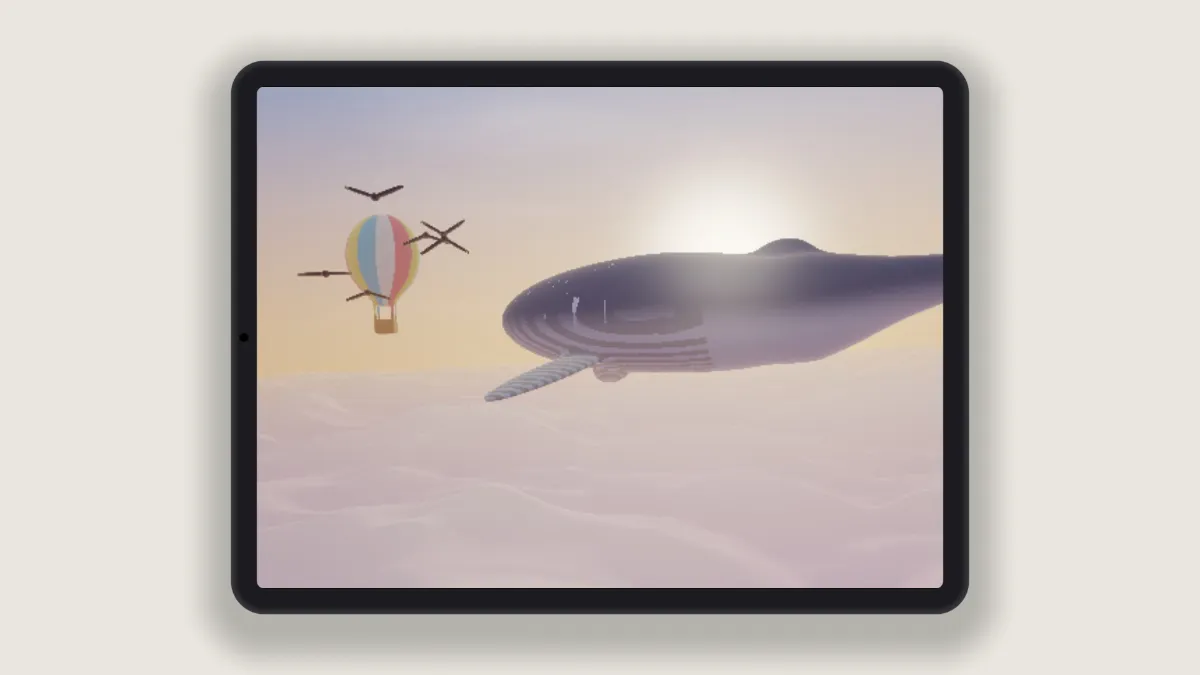
What is a tablet mockup?
A tablet mockup puts a screenshot on a tablet's screen, the slate that sits between a phone and a laptop. App makers use them in store listings and case studies to show an interface at the size it was designed for.
The tablet here is generic: a rounded body, even bezels and a front camera dot, drawn in the shader with no logo. Its screen is close to 4:3, so a tablet screenshot of that shape fits with very little cropped off.
How to put a screenshot on a tablet
Load a tablet screenshot or a screen recording. The Tablet preset starts with On its side ticked, which gives you landscape. Untick it to stand the tablet upright in portrait.
Fit lets you choose between Fill the screen, which crops the picture to the screen's shape, and Fit inside, which shows all of it with black around. Size sets how much of the frame the tablet takes, and Device colour paints the body anywhere from near black to silver, or any color you like.
Backdrop and Shadow finish it off. Devices goes up to three tablets, and the ones behind get their own Second screen and Third screen pictures.
Should a tablet mockup be in landscape or portrait?
Go with whatever orientation the screenshot was taken in. Put a landscape capture on an upright tablet and it loses around half its width under Fill the screen. The reverse loses around half its height.
Landscape works for video, games and dashboards, since they're laid out wide. Portrait is better for reading apps, forms and long pages.
Settings for an iPad capture and a three-tablet banner
Apple's 13-inch iPad screenshots are 2732 by 2048 in landscape, which is a 4:3 shape. The Tablet preset lays the device down with a screen of about 1.37 to 1, so under Fill the screen that capture loses only 2.5% of its height. The frame takes the capture's own shape, and the whole tablet fits in it.
For a case study banner, set Settings to 16:9 with a Width of 2048, untick On its side and raise Devices to 3. Upright, the three tablets fill most of the height. Lying down, they shrink to under half of it, because it's their combined width that has to fit.
One upright tablet works well in a square social post. Choose 1:1 in Settings, untick On its side and set Size to 0.9. If you want the phone version of the app next to it, make a second image with the Phone Mockup Generator on the same Backdrop color.
Saving a tablet mockup
A tablet screenshot holds a whole page of interface, so its text gets small once the device is shrunk into the frame. PNG keeps those letter edges clean, while JPG softens them. If the image is going on a web page, WebP is the lighter option.
Save a recording of a tablet app as MP4. GIF's 960-pixel limit makes a tablet's small type hard to read.