Book Cover Mockup
Book cover mockup: show your cover on a standing book with its page edge and a shadow, in 2:3 or your own trim. Your unreleased cover never leaves the browser.
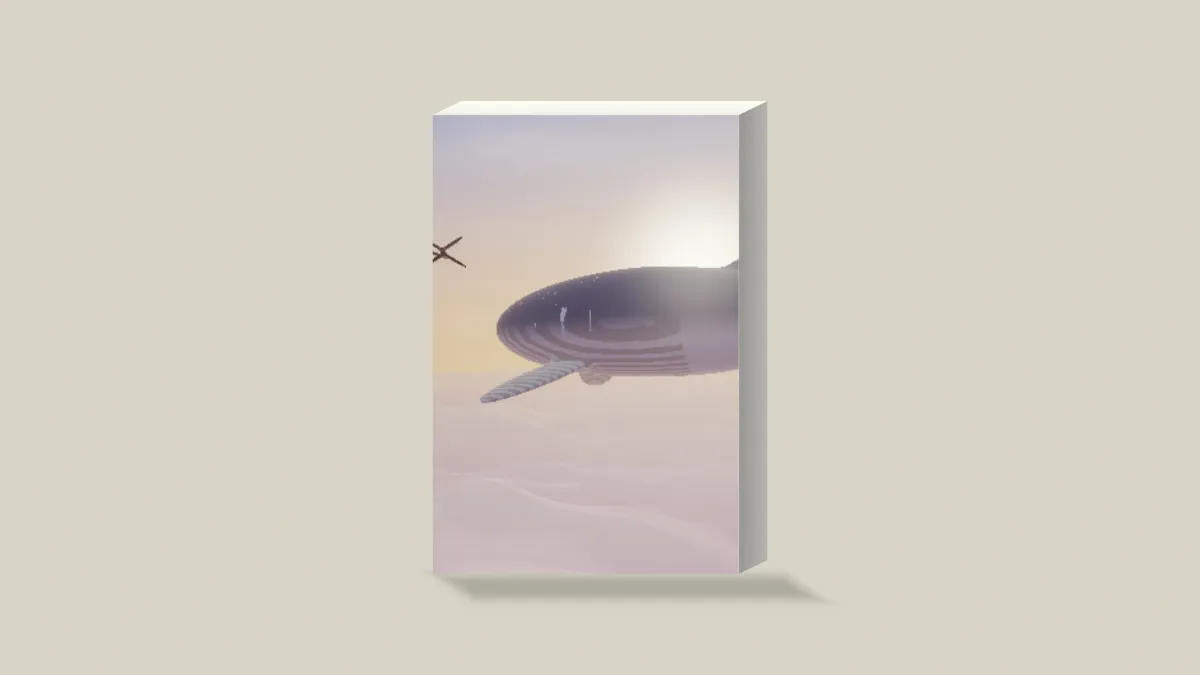
What is a book cover mockup?
A book cover mockup shows a flat cover design as a finished book, the way it'll look on a store page or in a launch post. Authors and publishers use it to judge the cover before the first copies get printed.
The book is drawn by a shader in your browser, seen from one side and slightly above: the cover in front, the edge of the pages to the right and the top above. Since it isn't a photo, there's no brand on it and no image license to clear.
What shape should a book cover mockup be?
The Book preset sets the front to 2:3, the shape of a 6 by 9 inch octavo, which is one of the traditional US book sizes. The cover is shown face on in oblique projection, so the title and artwork keep their true shape.
For a different trim size, set Front to As it is and the book takes on your file's own proportions. Amazon's ideal Kindle cover, 1600 by 2560 pixels, is a good example: at 1 to 1.6 it's taller than 2:3.
How to make a book cover mockup
Upload the front cover as an image. Size sets how tall the book stands in the picture, and Depth how thick it is. The Book preset keeps it slim like a paperback, and raising Depth gives you a thicker hardback.
Box sets the color of the page edge and top, Shadow the shadow the book stands in, and Backdrop the color behind it. No backdrop puts the book on a see-through background.
Depth from the page count
Amazon KDP gives a paperback's spine as the page count times 0.002252 inches on white paper, or 0.0025 on cream. Divide the spine by the trim height and that's your Depth.
A 150-page novella on white paper at 6 by 9 inches has a 0.34-inch spine, which makes Depth 0.04. A 300-page book comes to 0.68 inches, about Depth 0.08, and 500 pages on cream reach 1.25 inches, or Depth 0.14.
Ebooks don't have a spine to show, so set Depth to 0.03, its lowest value, for a thin slab. If you'd rather show the cover as a print on a wall, use the Poster Mockup Generator.
Why is the top of my title cut off?
The Book preset's Front is 2:3, and a cover of any other shape gets cropped from the middle to fit. A Kindle cover at 1 to 1.6 loses 6% of its height that way. Half of that comes off the top, which is often right where the title is.
Set Front to As it is and you'll see the whole cover. A 5 by 8 inch trim, whose width is 0.625 of its height, runs into the same thing.
Saving a book cover mockup
Amazon prefers JPEG for Kindle covers, and a photographic cover saved as a high-quality JPG stays small enough for a launch post. A cover that's just flat color and type keeps sharper letter edges as PNG. An animated cover plays on the front as MP4.