Pixel Art & Mosaic Effects
These effects rebuild a picture out of small units: square pixels, tiles in grout, toy bricks, glowing LEDs, isometric cubes, hexagons and stitches. Each one samples the picture cell by cell and gives every cell one color or shape.
Reach for them when you want retro game art, a stadium-screen title, an embroidered look or a photo turned into a brick build. They all work on video as well as stills, and nothing ever leaves your browser.
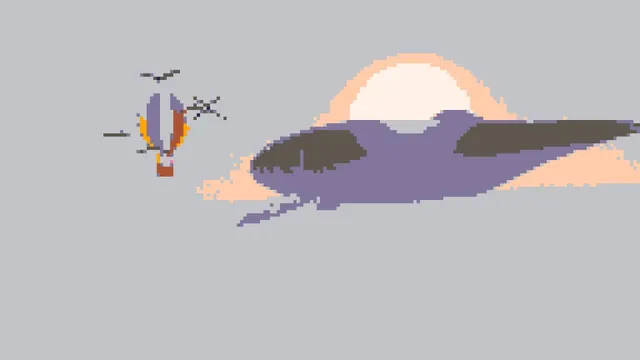
Photo to Pixel Art
Pick it for game art: blocks snapped to a retro or custom palette of up to sixteen colors.
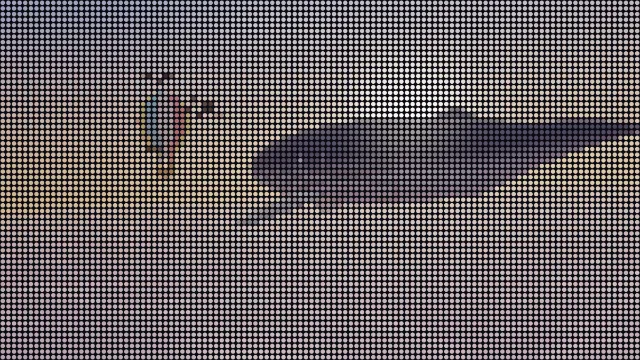
Image to Particles
The one that moves: dots scatter and regather on a loop you can time to a GIF.
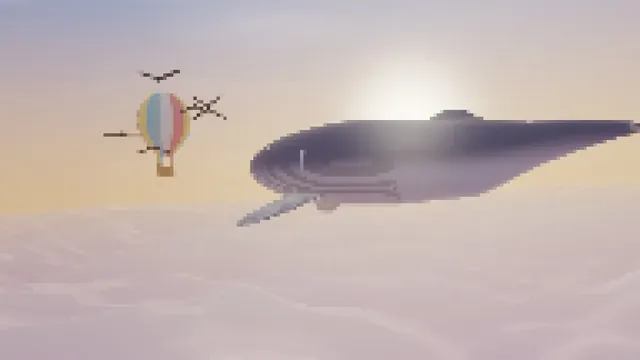
Pixelate Image
For hiding a face or a plate, or for blocks that keep every color of the photo.
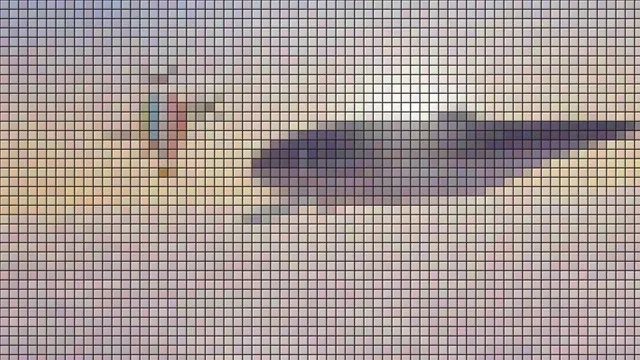
Mosaic Maker
Choose it for a tiled wall or floor, with grout lines and slightly uneven glazed shades.
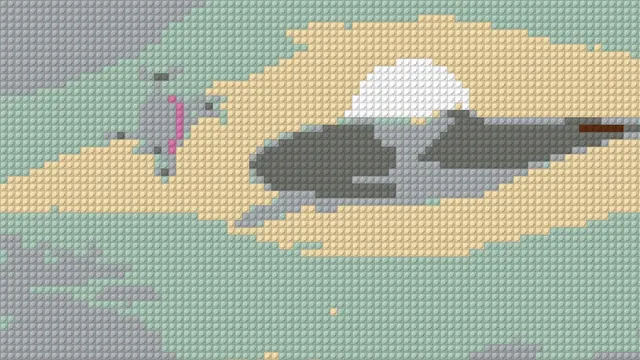
Brick Mosaic Maker
Plans a toy-brick build from a photo, with a stud on every cell and a count you can work out.
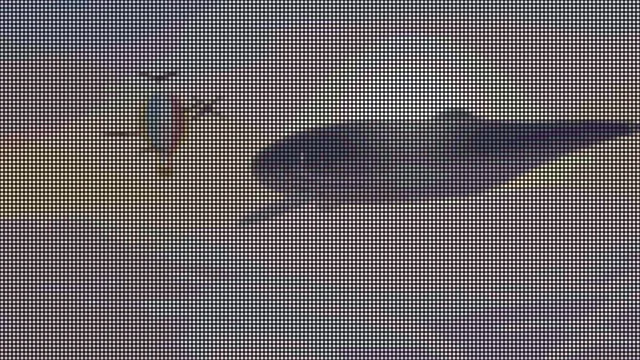
LED Matrix Effect
For a shop sign or stadium screen: glowing dots on a dark panel, with banded brightness.
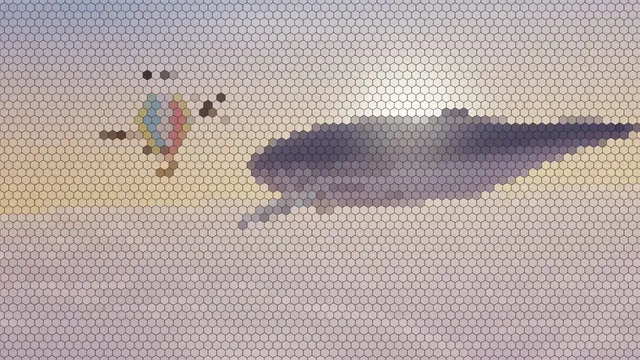
Hexagon Mosaic
Best for a honeycomb or a game-board hex map, flat cells with or without lines.
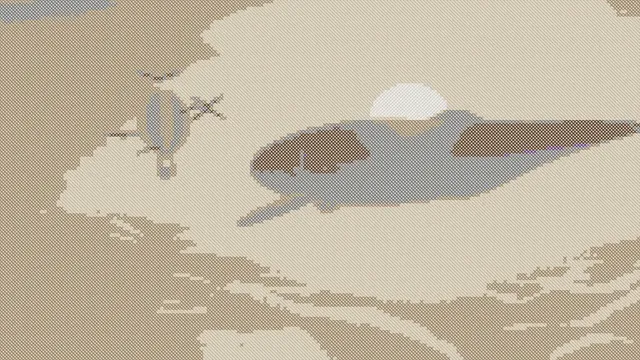
Cross Stitch Effect
Previews a counted cross-stitch piece on aida, sized by stitches per inch.
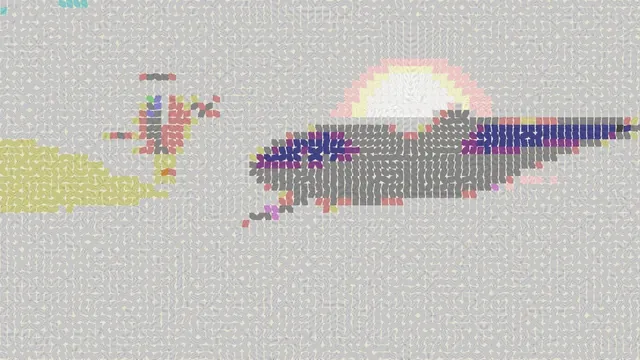
Embroidery Effect
For a patch or badge look, with satin stitches that run along the picture's edges.
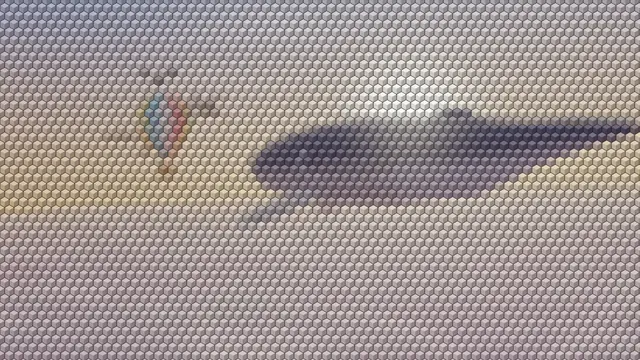
Voxel Art Maker
Isometric block art: shaded cubes seen from a corner, the look of a game world.
What is the difference between pixelating and pixel art?
Pixelating cuts a picture into square blocks and fills each one with a single color, taken from the block's center or its average. That's exactly what Pixelate Image does. The photo keeps its full range of colors and only loses detail, like a zoomed-in thumbnail or a censored face.
Pixel art is drawn with a small palette, and every color in it is a choice. Photo to Pixel Art adds that step. After making the blocks, it snaps each color to a palette like PICO-8's 16, the Game Boy's four greens or the Commodore 64's colors, and that limit is what makes a photo read as a sprite. Hand-made pixel art is still different, since an artist places the outlines and shading pixel by pixel.
What is this pixel effect called?
A lot of people can't name the look they're after. Of 19 Stack Exchange and Hacker News threads about pixel effects that we read, 9 asked what the look in some picture is called. The easiest way to match it is by the cells. Flat squares in the photo's own colors are Pixelate Image, and the same squares held to a game palette are Photo to Pixel Art. Squares set in grout are Mosaic Maker, a honeycomb is Hexagon Mosaic, and round studs in toy-brick colors are Brick Mosaic Maker.
If you see glowing round dots on a dark panel, like a close-up of a screen, that's LED Matrix Effect. Cubes with a lit top and shaded sides come from Voxel Art Maker, and dots scattering out of the picture are Image to Particles.
Stitched looks come in two kinds. Cross Stitch Effect makes X stitches on cloth, and Embroidery Effect makes satin stitches that follow the edges. Round dots that grow and shrink with the tone are the halftone of print, and you'll find those on the Dithering & Halftone Effects hub.
Why do my pixel blocks come out blurry?
Six of those threads were about blocks that came out soft or full of in-between colors. Blocks blur when something resizes the picture with smoothing turned on: a photo viewer or app enlarging it, a game engine scaling a sprite, or a resize in an editor. To enlarge pixel work, use nearest-neighbor resampling and scale by a whole multiple.
Every effect here draws each cell at the size of the file it saves, so blocks leave the page with hard edges. Cell sizes are counted in pixels of a 1080p frame, which means a 720p video and a 2048-pixel still show the same grid you saw in the preview.
The other cause is JPG. We saved a Pixelate Image render with 8-pixel blocks as a quality-92 JPEG using macOS's encoder, and 8 percent of the blocks came back with shades they never had, a few of them off by 40 of 255 levels. Save as PNG and every block comes back exact.
Is a pixel a little square?
Alvy Ray Smith, a co-founder of Pixar, argued in a 1995 memo that it isn't. In his view a pixel is a point sample of the picture and a voxel is a sample in 3D, so the little square is just one way to draw it. Pixel effects draw it as a square on purpose, because that blocky square is the look.
What is a mosaic?
A mosaic is a picture set from small pieces of stone, glass or tile. Roman floors were laid in tesserae (small cut cubes) with a technique called opus tessellatum. The grout between the pieces is part of how it looks.