Laptop Mockup Generator
Laptop mockup for a website or app: put a screenshot or screen recording on a laptop's screen and save a PNG, or an MP4 when the screen is a video. It's free.
What is a laptop mockup?
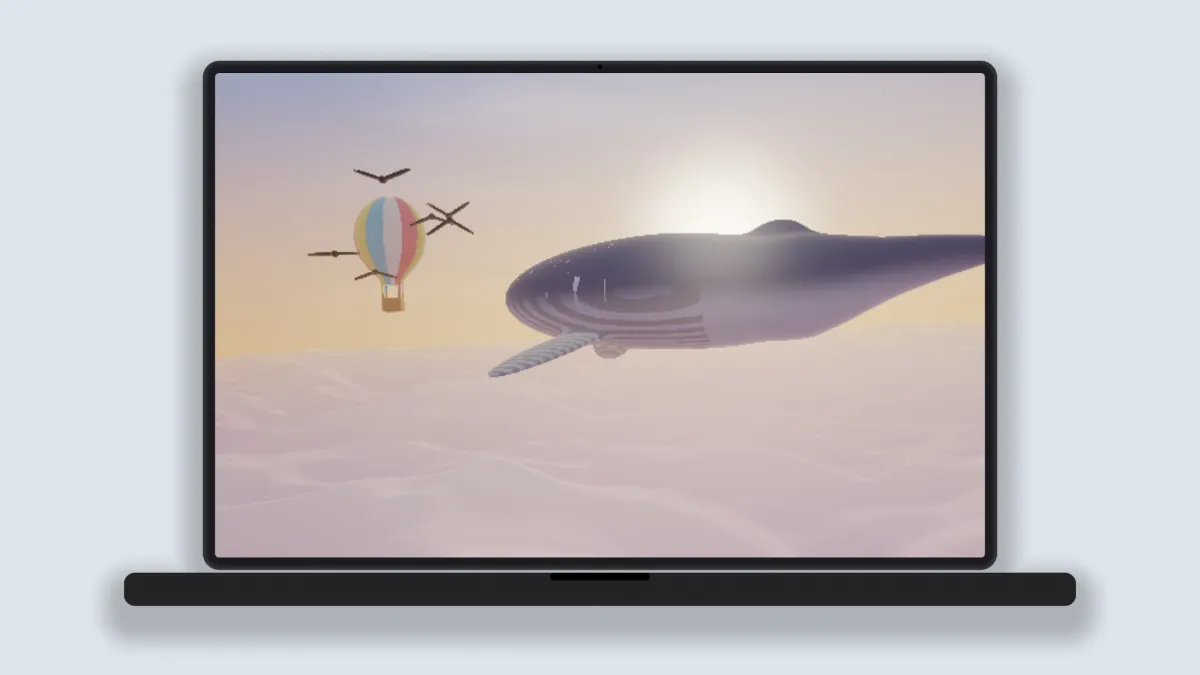
A laptop mockup shows a website or desktop app on the screen of an open laptop, seen straight on. It puts the work where people will actually use it, and that's why you see it so often in portfolios, pitch decks and launch pages.
The laptop is drawn in the shader: a thin bezel with a camera dot, the lid, and the base below in a shade just off the body color. There's no logo, and it doesn't copy any maker's proportions.
What size screenshot fits the laptop screen?
The screen is close to 16:10, which is the shape of a lot of laptop displays. A capture at 1440 by 900 or 1920 by 1200 fills it with almost nothing cropped.
A 16:9 capture like 1920 by 1080 loses a strip on each side under Fill the screen. Switch Fit to Fit inside and you'll see all of it, with thin black bars above and below.
How to make a laptop mockup
Open a capture of the site, or a recording of someone using it. The Laptop preset sets up the device and a pale blue-gray backdrop.
Size scales the laptop in the frame, Device colour sets the body from near black to silver, and Shadow controls how dark the shade under it is. Devices can add up to two more laptops behind, each with its own Second screen or Third screen picture if you want.
Tick No backdrop if you need the laptop on a see-through background. Its shadow stays, as a soft shade.
Settings for a Product Hunt gallery and a Dribbble shot
Product Hunt recommends 1270 by 760 for gallery images and wants each one under 3 MB. In Settings, click the lock, type those two numbers and set Size to 0.88. The laptop then stands about 650 pixels tall with a margin on each side, and a 1440 by 900 capture fits its screen with no black edge.
Dribbble recommends shots at least 1600 pixels wide. Choose 4:3 in Settings and type 1600 as the Width, which gives a 1600 by 1200 frame. In that shape Size 1 runs the laptop edge to edge, so use 0.9 if you want the backdrop to show as a border.
To show a site's light and dark themes together, set Devices to 2 and load the dark capture as Second screen. Two laptops side by side need a Size near 1 in a 16:9 frame to stay large. And if your 16:9 capture has to keep its sides, the Desktop Mockup Generator has a screen of exactly that shape.
Saving a laptop mockup
A still for a gallery or a shot is best saved as PNG. The flat backdrop compresses to almost nothing and the screen's text keeps its edges. Video exports here stop at 720 pixels on the short side, which is under the 1600-pixel width Dribbble asks for, so post the still there and save MP4 for social posts.