Text Effects
Type a word and give it a finish: a neon tube, chrome, glitter, a solid 3D side, a graffiti block, fire or a glitch. Or get it moving with kinetic typography that waves, scrolls, writes itself on or wraps round a cylinder.
Use them for titles, thumbnails, stream overlays, posters and social posts. The built-in display fonts cover plenty of styles, you can load your own font file, and everything renders in your browser.
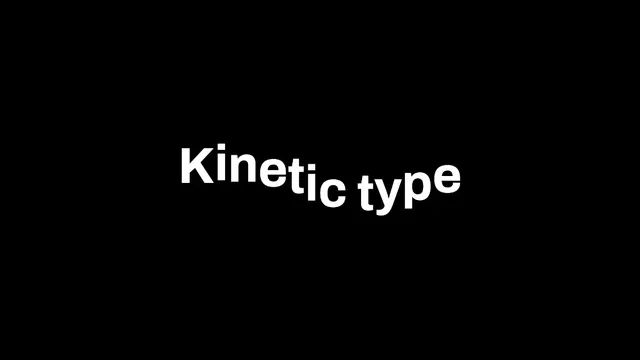
Kinetic Typography Maker
Start here to try all ten motions on one line before you settle on a page built for one of them.
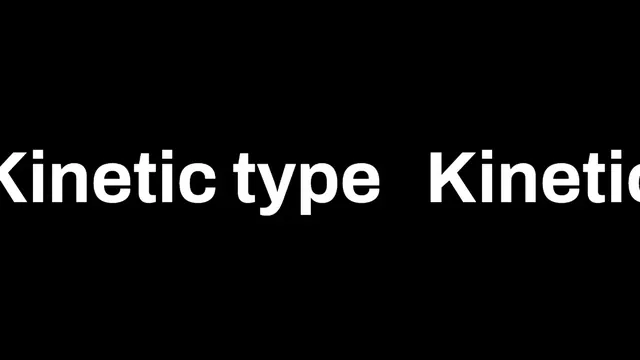
Scrolling Text Generator
The one for an endless strip: a ticker under a stream, a news crawl or a dot-matrix style sign.
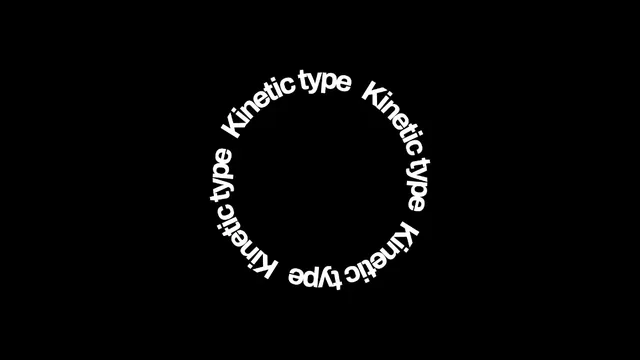
Text on a Circle
Choose it for words that ring a logo or a stamp, held still for a badge or turning slowly.
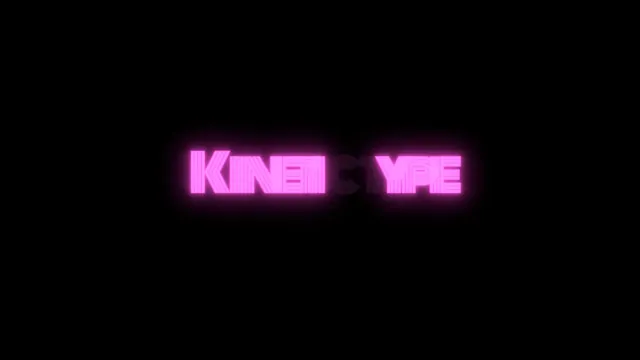
Neon Text Generator
Go here for a glowing tube sign on a dark wall, steady or with letters that fail at random.
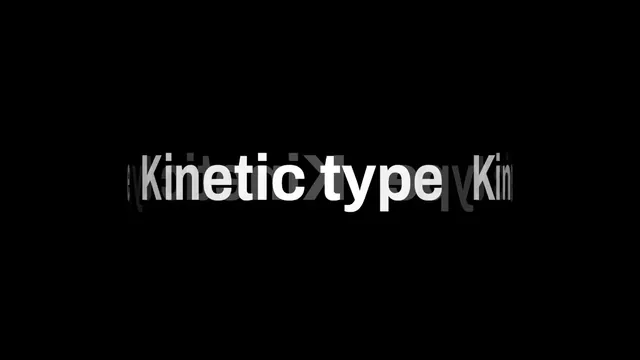
3D Text Generator
Use it when the word should turn in depth like a drum, rather than sit still as a solid block.
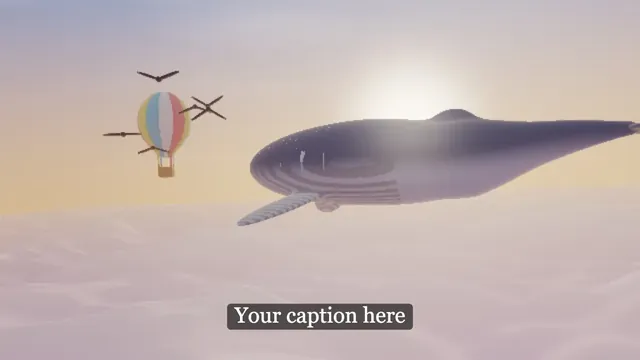
Add Text to Image
The plain pick for a subtitle, a caption or a meme line laid over a photo or clip of your own.
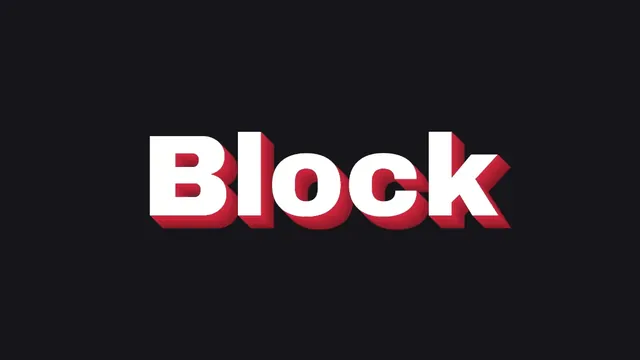
3D Block Text Generator
Pick it for a still title with a solid side, ready to drop onto a thumbnail as a cut-out PNG.
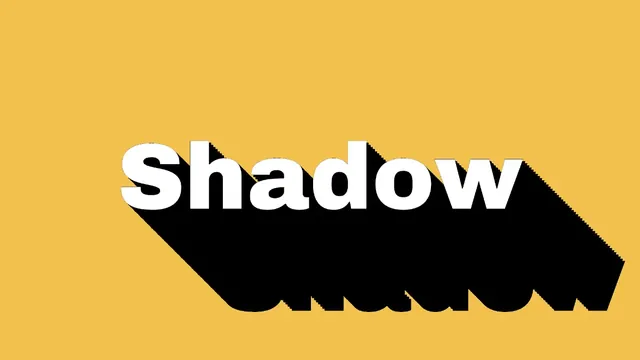
Long Shadow Generator
Choose it for the flat design icon look: one hard shadow running off the word to the frame's edge.
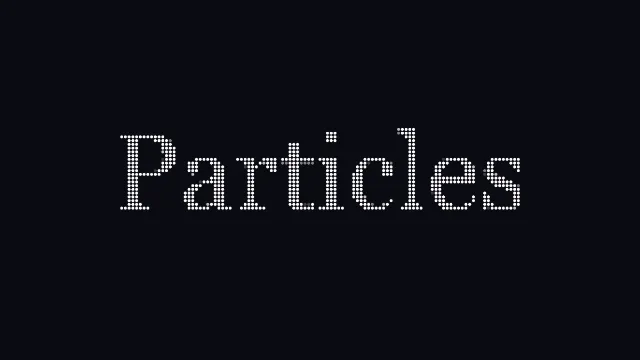
Particle Text Generator
For a logo or title that bursts into dots and pulls itself back together on a timed loop.
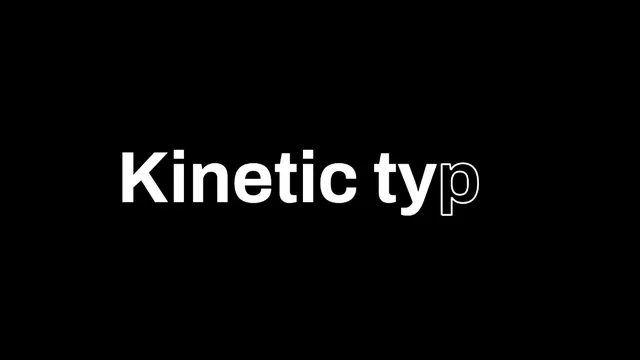
Write-On Text Animation
Use it when a pen should trace every letter before it fills, as in a signature intro.
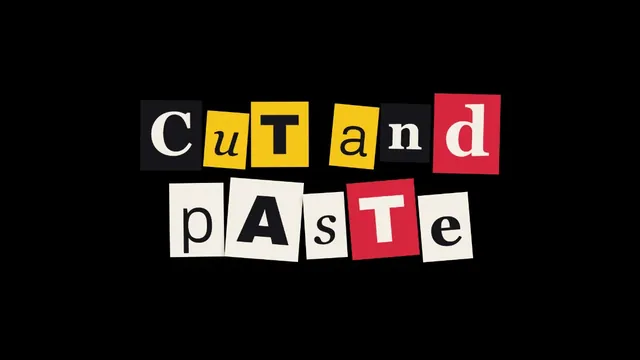
Ransom Note Generator
Pick it for punk flyers and mystery posts: clashing faces on paper scraps, never cut twice alike.
Blur Text
The privacy pick: soften one line of a screenshot, such as an email or a name, and keep the layout.
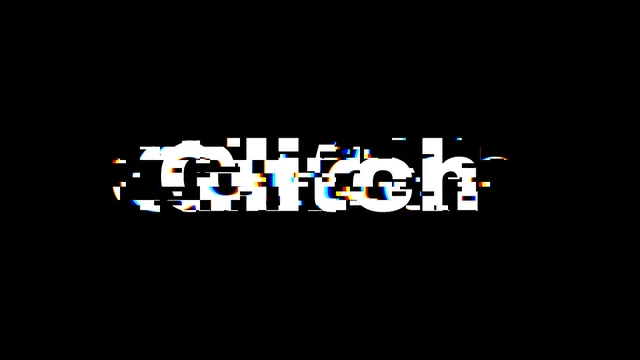
Glitch Text Generator
Choose it for a broken-signal title, slices of the word jumping and splitting red from blue.
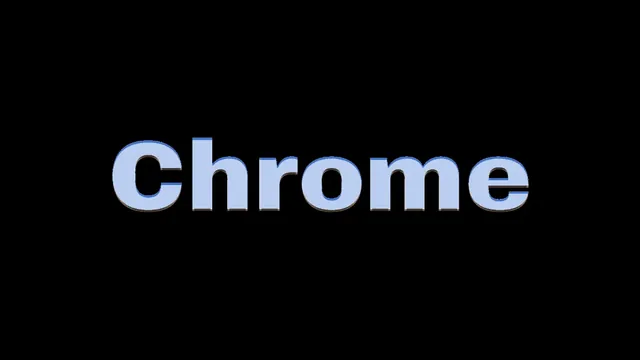
Chrome Text Generator
Go here for polished 1980s metal lettering, or switch the finish to gold, rose gold or steel.
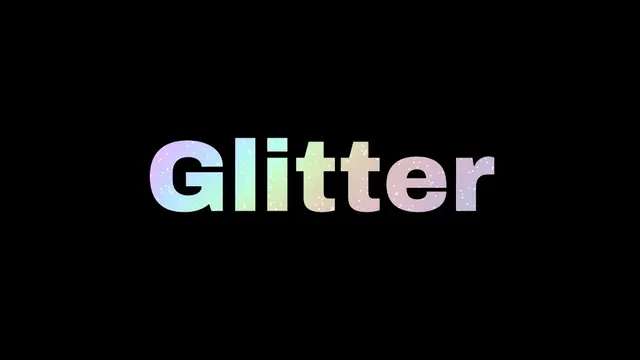
Glitter Text Generator
The pick for rainbow foil with flashing glints, which only a GIF or a video can show off.
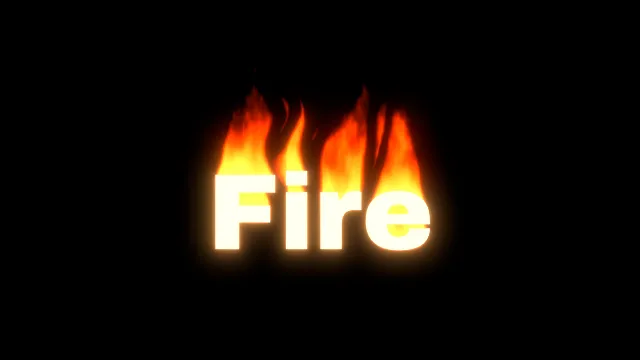
Fire Text Generator
For a word with flames licking off its top edges, from a candle flicker to a blue gas burner.
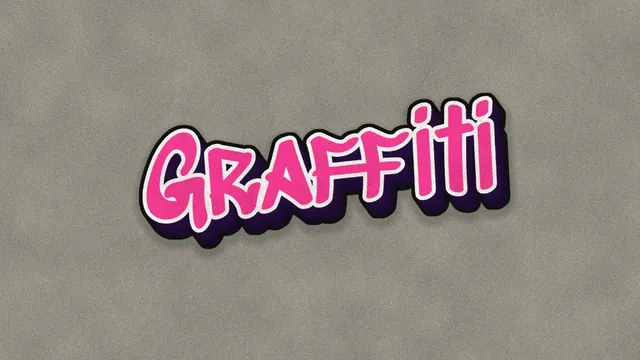
Graffiti Text Generator
Choose it for a whole painted piece: fill, outline, 3D drop and a speckled gray wall behind.
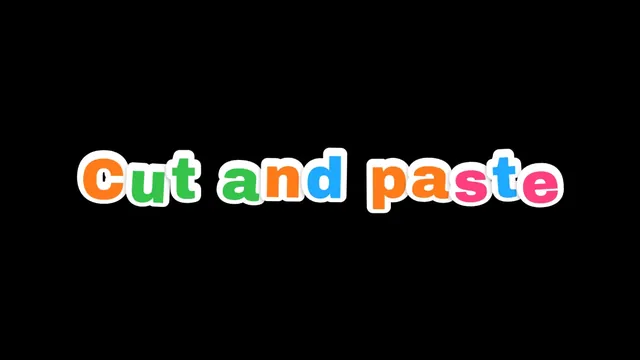
Sticker Text Generator
Pick it for a row of chunky letter stickers in candy colors, each with its own white edge.
How are these text effects made?
Every generator sets a line of type and runs an effect over it, much like a designer layering a style onto lettering. Neon Text Generator sets a word in Monoton, a neon tube typeface, flickers it on a seeded schedule and spreads a bloom round it, after the gas-filled tubes Georges Claude first showed in Paris in 1910. Chrome Text Generator, Glitter Text Generator and Glitch Text Generator put polished metal, holographic glitter or a block glitch over a heavy word.
Fire Text Generator burns the letters themselves. Flames climb from the bright parts, cool as they rise, and get torn into tongues by a drifting noise. Type and effect stay on separate layers, so you can change the word or the font and keep the effect's settings.
How do you make 3D text?
3D Text Generator wraps your words round a turning cylinder, with the far side showing through mirrored and dim. 3D Block Text Generator gives a word a solid side, like it's been cut from a block, and lets you set depth, angle and colors. Long Shadow Generator runs that side out flat at 45 degrees for the flat design look.
Graffiti Text Generator uses the same extrusion for the blocky 3D side you often see on painted graffiti letters.
What is kinetic typography?
Kinetic typography is text that moves to carry meaning or rhythm. Saul Bass's title sequence for North by Northwest (1959) often gets credit as the first to use it, and the style later made its way into lyric videos, ads and explainers.
Kinetic Typography Maker has ten motions, from a wave to a write-on. Scrolling Text Generator runs a line across the frame as an endless ticker, and Text on a Circle sets it round a ring for a badge. Write-On Text Animation traces each letter's outline before filling it in, and Particle Text Generator builds a word out of drifting dots.
Which fonts hold up under an effect?
How much an effect has to work with comes down to stroke weight. We drew one word in every bundled face at the same size and measured the average stroke, which is twice the inked area divided by the outline's length. Bungee came out at 0.19 of the font size, Press Start 2P at 0.16 and Coiny at 0.14. Monoton's tube lines measured 0.033 and Major Mono Display 0.036. On Archivo, the face most of these tools start in, the Weight slider goes from 0.11 at 700 to 0.14 at 900.
Effects that work inside the letters want the heavy end. Flames feed on how much bright ink is nearby, the chrome and glitter finishes only show within the strokes, and an extruded side is only as thick as the stroke it repeats. Thin faces are better for a glow, which is why the neon tool starts on Monoton.
Fonts are either bundled with the site or loaded from your device as a .ttf or .otf file, and none come from a font service. For paper letters, Ransom Note Generator cuts each one from a different page in its own typeface, and Sticker Text Generator gives every letter a die-cut white edge.
Can text effects have a transparent background?
The ones built on an extruded side can. Tick No backdrop in Extrude for the block and long shadow lettering, or in Sticker for the graffiti piece, and the PNG holds just the lettering. Everything else draws on the black canvas.
With the glowing ones, keep the black. Neon, fire and glitter are light on black, and a video editor's Screen blend mode lays them over footage, dropping out the black and keeping every soft edge. A see-through GIF couldn't hold them anyway. GIF stores each pixel as shown or not shown, and the GIF writer here only keeps a pixel that's at least half covered, so the faint part of a glow would get cut off.
If you want type on your own picture, load it before you start. Add Text to Image places a caption, a subtitle plate or a yellow highlight in any font, and Blur Text hides a line of a screenshot under a box.
Which text effects move, and which loop exactly?
Chrome, block, long shadow, graffiti, ransom note and sticker lettering stay still, so a PNG covers them. The others move, and when you record a loop they split into two groups.
The kinetic motions, the particles and the glitter bands depend only on time, so a recording of one full cycle meets itself exactly, and each tool's page lists its cycle length. Fire, the neon flicker and the block glitch never repeat. A glitch or a flicker hides the cut anyway, and flames handle the Seamless loop crossfade well.