Distortion Effects
These effects move pixels around instead of recoloring them. Bend a photo through ribbed glass, twist it into a swirl, push it out like a fisheye lens or mirror it into a kaleidoscope. The colors are still the picture's own; only where they land changes.
They're good for posters, backgrounds, album art and video transitions. Every effect works on video and runs in your browser, so nothing gets uploaded.
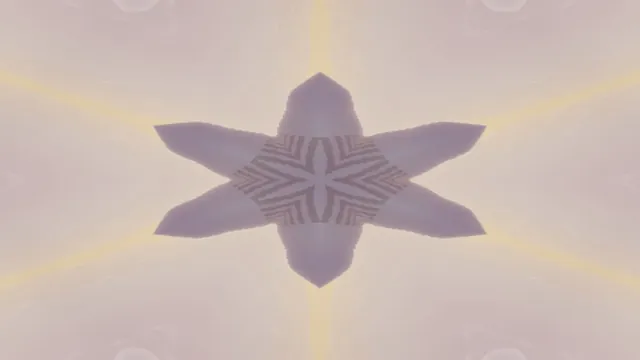
Kaleidoscope Maker
Pick it for a star of 2 to 12 mirrored wedges around the center, the look of a real kaleidoscope.

Symmetrical Photo Maker
Pick it for one straight mirror line: a symmetrical face, a lake reflection or a perfect facade.
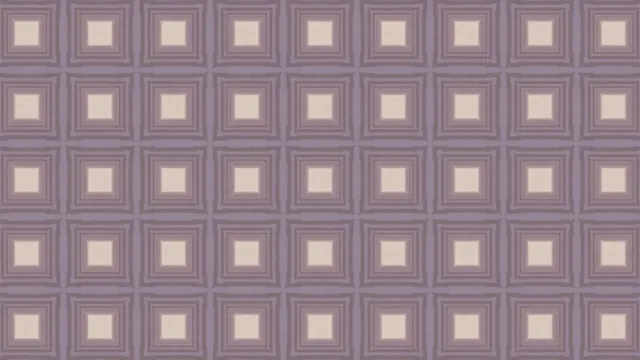
Wallpaper Pattern Maker
Pick it to repeat a motif over the whole frame under any of the 17 wallpaper symmetry groups.
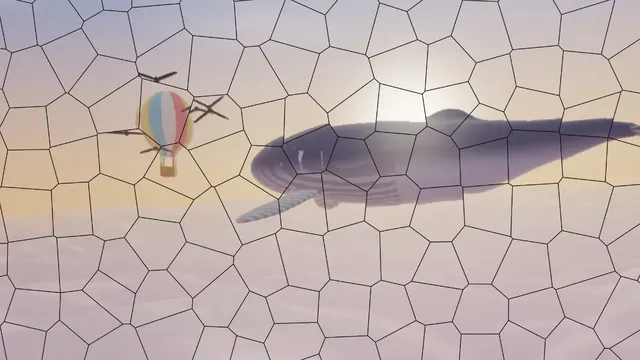
Shatter Effect
Pick it to break the picture into shards with cracks between, from one hairline crack to a smash.
Fluted Glass Effect
Pick it for the look of ribbed, reeded glass, with the picture split into bent vertical strips.
Frosted Glass Effect
Pick it to keep the colors but melt the detail into a fine grain, like a pane of etched glass.
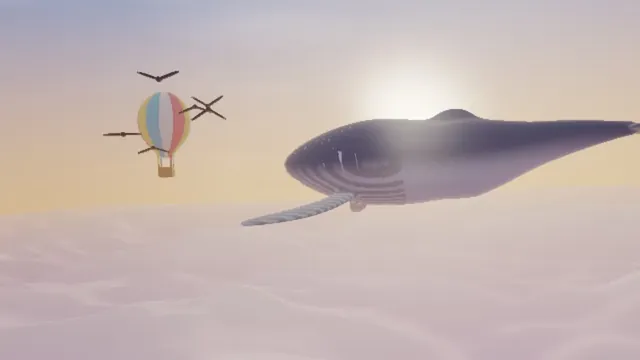
Liquify Image
Pick it to push, bloat, pucker or twirl one spot you place, with a warp that never folds over.
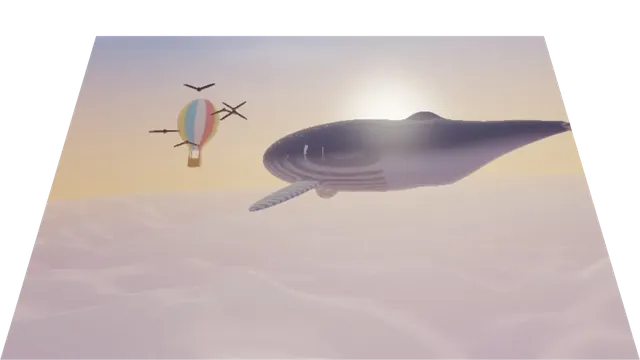
Skew Image
Pick it to slant a picture or pin its four corners in true perspective, onto a wall or a table.

Ripple Effect
Pick it for rings that keep traveling out from the center, like water after a dropped stone.
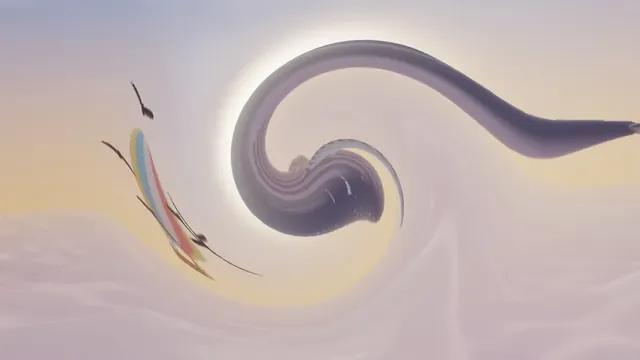
Swirl Effect
Pick it to twist the middle into a whirlpool of up to two full turns that rocks as it plays.
Fisheye Effect
Pick it to swell the middle of the frame like an ultra-wide lens, or to pinch it inward.
How does image distortion work?
A distortion is a map from each pixel of the result back to a point in the original. For every pixel it draws, the effect works out where in the source that pixel should come from and samples the picture there. Working backward means there are no holes, which you'd get if you pushed pixels forward instead.
That sampled point rarely lands exactly on a pixel, so the effect blends the nearest ones, and fine detail softens a little wherever the picture is stretched. If you plan to warp something hard, start from the largest version you have.
Which distortion should you use, and what do other editors call it?
Liquify Image works like Photoshop's Liquify filter, except you place it with sliders instead of a brush. It pushes, bloats, puckers or twirls one spot, and the warp never folds over itself. Swirl Effect is the counterpart of Premiere's Twirl: it twists the middle of the frame hardest and the edges least. Fisheye Effect does the job of Premiere's Spherize, wrapping the middle of the picture around a ball.
Skew Image is a corner pin, like Premiere's Corner Pin. Each corner of the picture can go anywhere in the frame in true perspective, so a flat image can lean back like a wall or lie on a table. Ripple Effect sends rings outward from the center like a stone dropped in water, which is different from the wave that travels across the frame in Premiere's Wave Warp. Shatter Effect breaks the picture into Voronoi shards that slip and turn apart, with cracks in any color.
Is it lens distortion or an effect?
A lens can bend straight lines all by itself. Barrel distortion bows them outward from the middle, the look of a fisheye or a very wide lens, and pincushion distortion pulls them in toward it. The fisheye tool here gives you the barrel look on purpose, and its Pinch preset the pincushion one.
A photo of a sign or a building taken at an angle has a different problem. Its edges stay straight but converge, which is called keystoning. A corner pin squares it up, since it maps any four-cornered shape onto any other. Verticals that lean or wobble in a fast pan come from a rolling shutter, a sensor that reads its rows one after another, and a video editor's rolling shutter repair will straighten them.
Where do kaleidoscopes and symmetry patterns come from?
The Scottish physicist David Brewster invented the kaleidoscope around 1816: mirrors set at an angle inside a tube, turning a few loose colored pieces into a symmetric star. Kaleidoscope Maker does the same with a photo or video, with 2 to 12 mirrored wedges around the center. Symmetrical Photo Maker uses a single mirror instead, reflecting one side of a photo onto the other, left to right, right to left or top down, which is the job of Premiere's Mirror effect.
Wallpaper Pattern Maker repeats a motif across the whole plane. Every pattern that repeats in two directions belongs to one of exactly 17 wallpaper groups, from p1 to p6m, built from shifts, rotations, mirrors and glide reflections. The tool offers all of them.
Why does textured glass distort a picture?
Glass bends light by refraction, and textured glass bends it differently at every point. Fluted Glass Effect copies reeded panels, where each rounded rib shows a narrow, bent strip of what's behind it. Frosted Glass Effect copies glass etched to a fine roughness that scatters light, so the colors survive while detail melts into a grainy haze.
Both are settings of the same glass effect, and its Glass menu also has Ripple, Hammered, Glass block and Rain.
Can you distort a video?
Yes. Each frame gets warped on your graphics card, and some effects move on their own: Ripple and Swirl have a Speed, so the rings travel and the whirl turns. Shatter's Seed fixes the break pattern, so you get the same cracks on every export.