Browser Mockup Generator
Browser mockup: frame a website screenshot or screen recording in a clean browser window, light or dark, with an address bar and no brand. Transparent PNG too.
What is a browser mockup?
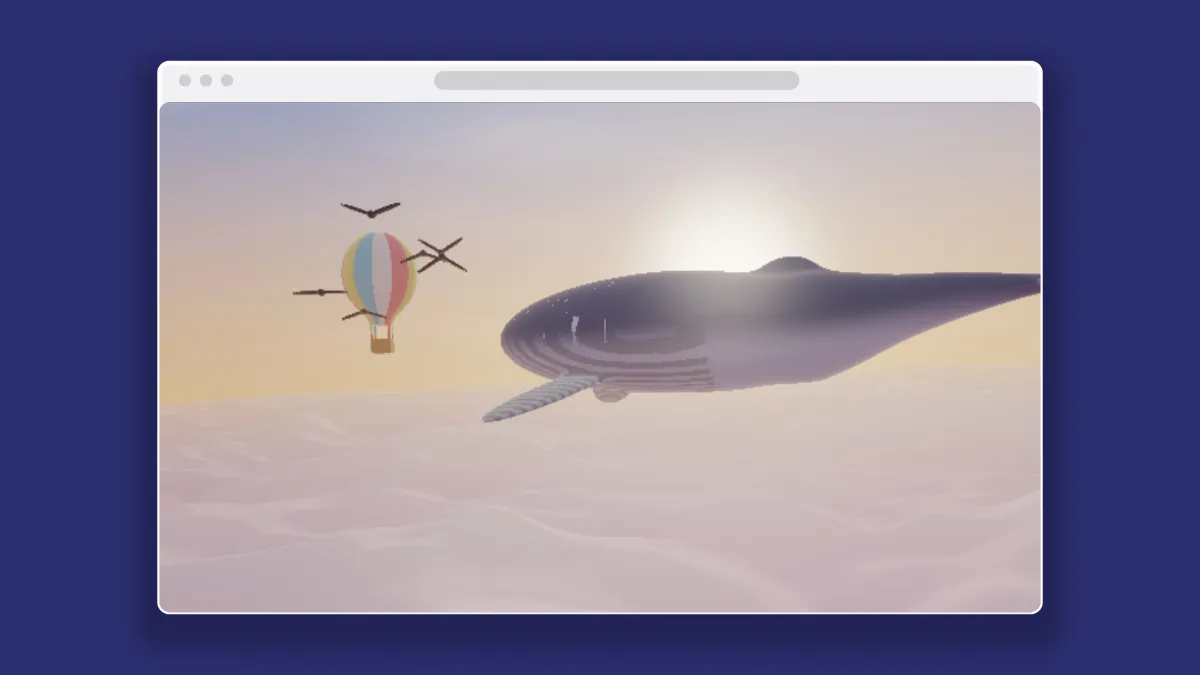
A browser mockup wraps a website screenshot in a browser window frame, with a bar across the top holding three window dots and an address bar. It tells people the picture is a web page, minus the clutter of a real tab strip, bookmarks and extensions.
The window is drawn in the shader and doesn't belong to any browser maker. The dots and address bar take a shade of the window's own color, darker on a light window and lighter on a dark one, so they show up on whatever color you pick.
How to frame a screenshot in a browser window
Load the site's screenshot or a recording of it. The Browser preset gives you a light gray window on a deep indigo backdrop.
Device colour sets the window color. Keep it light, or set it near black for a dark mode frame, and the bar's details follow along. Fit picks between Fill the screen, which crops the capture to the window, and Fit inside, which shows the whole thing.
Size and Shadow place the window in the frame. Devices stacks up to three windows for a set of pages, and each one can take its own Second screen or Third screen picture.
Settings for a link preview and a README
Facebook recommends link preview images of at least 1200 by 630, which is close to 1.91 to 1. In Settings, click the lock, type 1200 and 630, and set Size to 0.86. The window fills most of the height and leaves the sides to the backdrop, which is a good spot for your brand color.
For a README or a docs page, tick No backdrop and drop Shadow to 0.35. The transparent PNG works on GitHub's light and dark themes alike, and the shade only shows on the light one.
Setting Device colour to #202124 gives you a dark mode window, and the three dots and address bar turn a lighter shade of it on their own. To show the same page on hardware, the Laptop Mockup Generator puts it on a 16:10 screen.
Why does a full-page screenshot show the middle of the page?
Fill the screen crops from the middle of a capture. A tall full-page capture therefore loses its top and bottom, and what you see is a slice from halfway down. The window's content area is about 1.73 to 1, the shape of a 1440 by 833 capture.
Crop the capture to its first screenful before you load it (the Image Tools hub has a cropper for that). Or have Chrome DevTools set the viewport to that exact size before you take the screenshot.
Saving a browser mockup as an image or a clip
PNG is the right choice for a still with page text in it. For a recording with No backdrop ticked, WebM with transparency keeps the cut-out. MP4 on green paints the see-through parts key green instead, for video editors that can't read transparency.