Shader Effects & Backgrounds
These generators draw a picture from nothing at all: mesh gradients, stripes and dots, waves, blobs, noise clouds, sunbursts, mandalas and particles. Every one of them is a shader, a small program your graphics card runs for each pixel of each frame, so it renders at any size and moves smoothly.
Use them for website backgrounds, slides, wallpapers, video intros or print. You can save a still or a loop here for free. In the studio, you can also save a generator as code that draws it live on your own site.
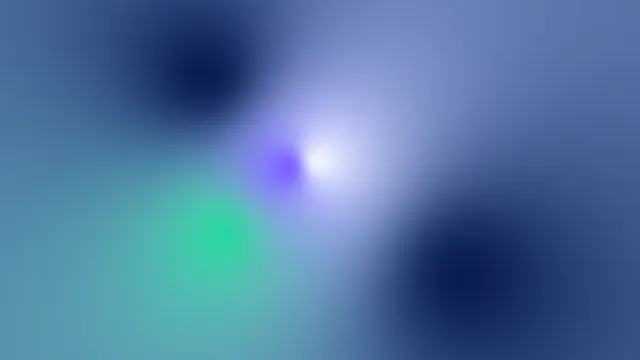
Mesh Gradient Generator
Pick it for soft, blurry color fields from colors you choose, still or slowly drifting.

Gradient from Image
Pick it when a backdrop has to match a photo, with every color sampled from the picture.
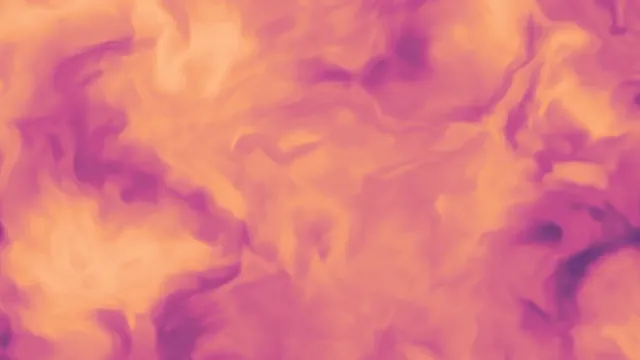
Animated Background Generator
Pick it for organic motion with no hard shapes: clouds, marble, cells or a Truchet maze.
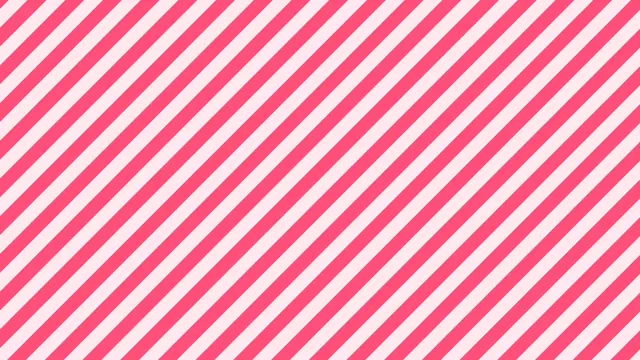
Pattern Generator
Pick it to try every two-color repeat on the same inks, or for grids, zigzags and rings.
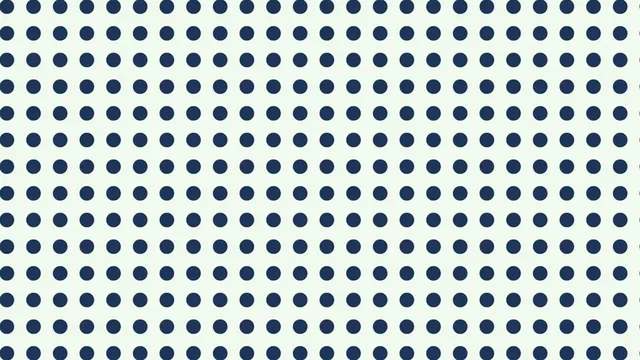
Polka Dot Pattern Maker
Pick it when you want dots and only dots, with spacing and dot size as the two dials.
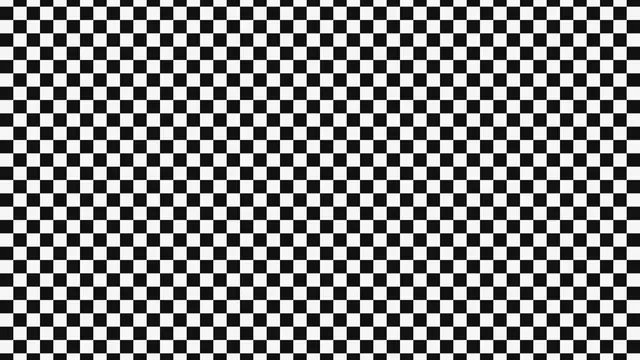
Checkerboard Pattern Generator
Pick it for checks and diamonds: chessboards, transparency grids and finish-line flags.
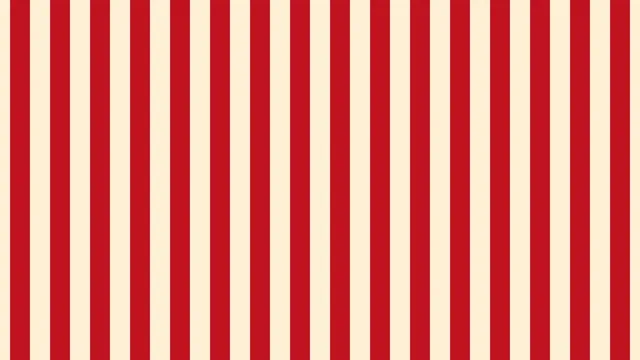
Stripe Pattern Generator
Pick it for awnings, Breton bands, barber poles and pinstripes, set straight or slanted.
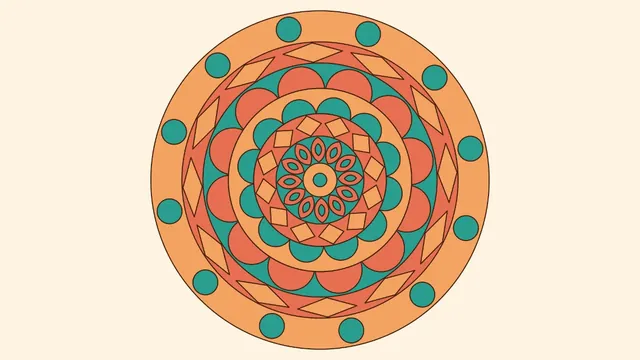
Mandala Maker
Pick it for ordered, symmetric designs, and for black line art to print and color in.
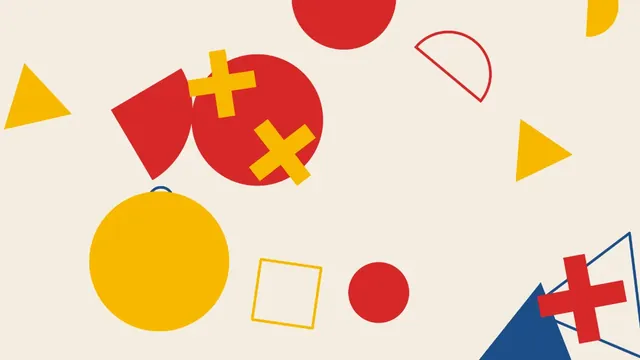
Abstract Shape Generator
Pick it for loose, poster-style compositions of flat shapes scattered across the frame.
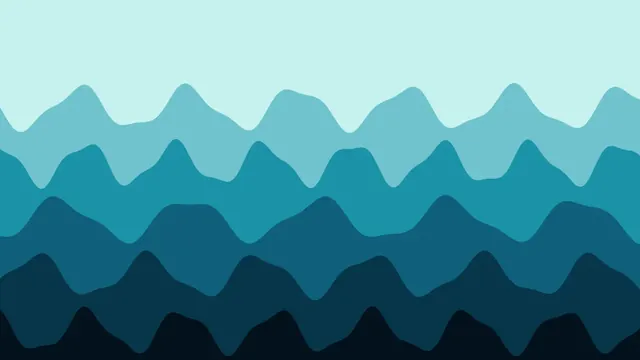
Wave Background Generator
Pick it for layered horizons: sea, dunes or hills stacked in bands under an open sky.
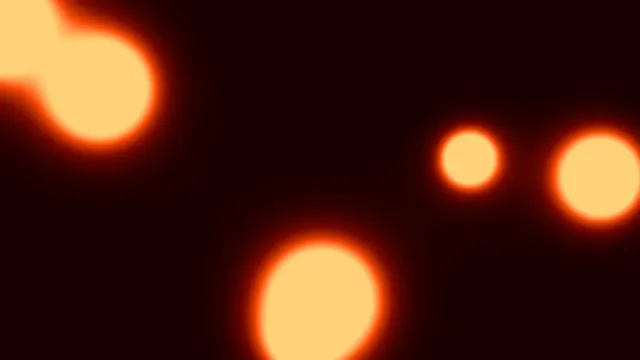
Blob Background Generator
Pick it for rounded forms that join and split as they drift, from a glow to hard ink.
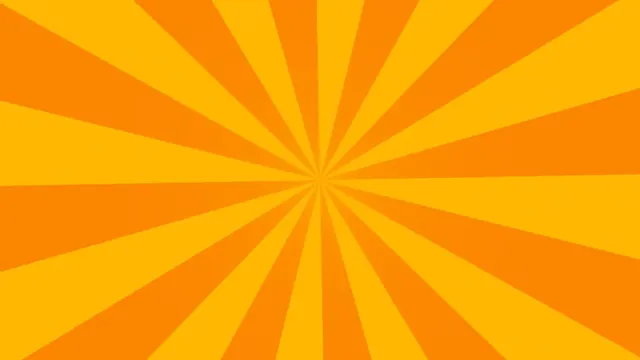
Sunburst Background Generator
Pick it for rays from one point, behind a title, a product or a retro sun on the horizon.
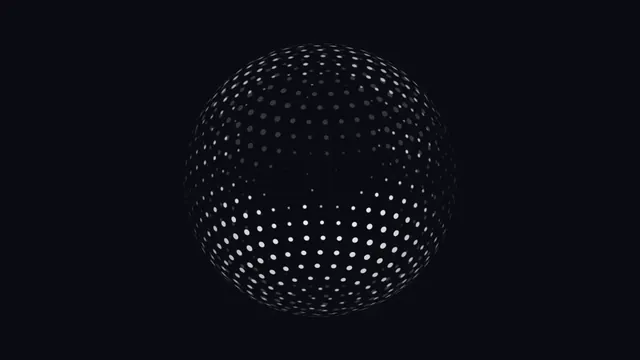
Dotted Globe Generator
Pick it for a spinning sphere of dots that says global, looping on a fixed turn.
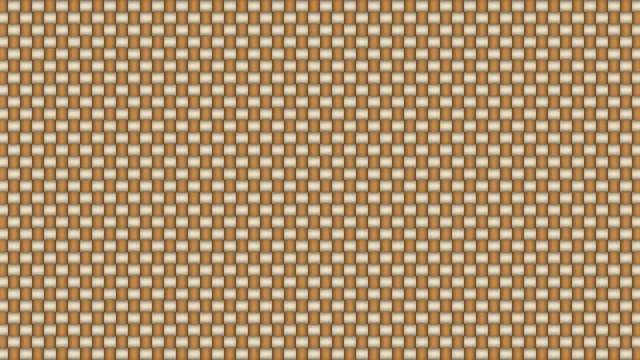
Weave Pattern Generator
Pick it for cloth and stitch textures: twill, tweed, hatching and folk cross-stitch.
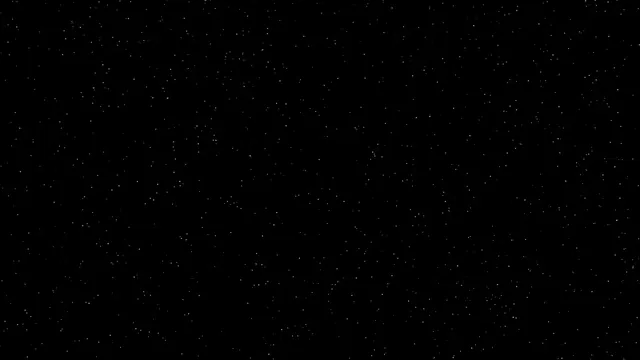
Particle Background Generator
Pick it for weather and atmosphere over your own footage: snow, embers, dust or stars.
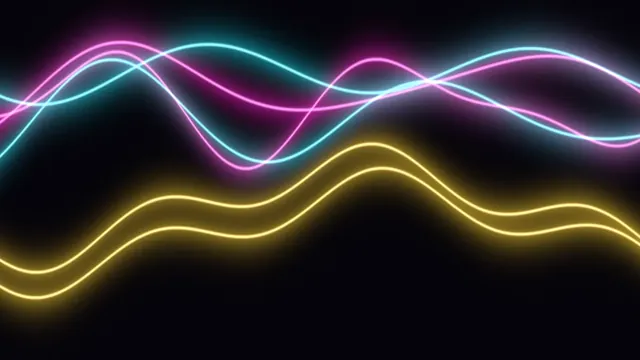
Light Trails Generator
Pick it for glowing neon ribbons that swing across a dark frame like night traffic.
What is a shader?
A shader is a small program that runs on your graphics card. A fragment shader takes the position of a single pixel and returns its color, and the GPU runs that same program across a huge number of pixels in parallel. That's how a full-screen pattern can be redrawn sixty times a second. Shaders are written in GLSL, the OpenGL Shading Language, and they reach the web through WebGL.
Almost every effect on this site is a GLSL shader running on your GPU, from the dithers on the Dithering & Halftone Effects hub to the screen looks under Glitch Effects. The few exceptions, such as pixel sorting, have to work through the pixels in order, so they run on the processor. What sets the generators on this page apart is that they're shaders that don't need a picture.
Which background generator should you use?
Mesh Gradient Generator blends up to eight colors from drifting points, mixing them in OKLab so the in-between shades stay clean, and Gradient from Image pulls those colors from your photo. Animated Background Generator draws noise clouds, warped marble, Voronoi cells or Truchet tiles. Wave Background Generator layers rolling waves, Blob Background Generator merges shapes like a lava lamp, and Sunburst Background Generator fans rays out from any point you like.
For repeats, Pattern Generator makes two-color stripes, dots, checks, grids, zigzags, waves and rings, with Polka Dot Pattern Maker, Checkerboard Pattern Generator and Stripe Pattern Generator as shortcuts, and Weave Pattern Generator adds basket weave, twill and herringbone. Mandala Maker rolls out rings of petals and Abstract Shape Generator scatters circles, triangles and squiggles. Dotted Globe Generator spins a globe made of dots, while Particle Background Generator and Light Trails Generator fill the frame with snow, embers or neon ribbons.
How do you make a flowing shader gradient?
The flowing gradient shader gradient tools are known for, with colors sliding through each other like liquid, is closest to what Animated Background Generator does. Set Pattern to Domain warp, Scale to 1200 (its maximum), Detail to 0.3 for a gentle warp and Speed to 0.3, then put four of your own colors in Colours.
We rendered the three side by side at 1920 by 1080 using the same four colors, and they look clearly different. The warp folds the colors into one another. Mesh Gradient Generator keeps them in round pools that drift around, and Wave Background Generator stacks them in hard-edged bands like cut paper.
Can you use these backgrounds on a website?
Yes, and there are two ways to do it. Save a still as PNG, JPG or WebP, or a loop as MP4, WebM or GIF, and use it like any other image or video. Or go into the studio and save the generator as code, either as a single web page or as a React component that Framer accepts as a code component. Both files contain the GLSL shader, your settings and a plain WebGL2 loop to draw it, and nothing has to load from this site.
We compared the options for Mesh Gradient Generator at its default settings. As code it came to 10.5 KB, or 4.5 KB gzipped, and every other generator here that can save as code landed between 8.4 and 12 KB. In our test, five seconds of it took 440 KB as a 720p H.264 video and 28.5 MB as a 960-pixel GIF with Dither on. The GIF stores every frame in full, and its dither noise doesn't compress well.
Code also stays sharp on any screen size. Two can't be saved as code, the particle background and a mesh gradient made from an image, so save those as video.
Do shader backgrounds slow a page down?
A shader uses GPU time on every frame it draws, but it costs almost nothing to download. The saved code keeps the GPU cost down. It caps the pixel ratio at 2, stops drawing when the tab is hidden or the canvas has scrolled out of view, and shows a single still frame to visitors whose system asks for reduced motion.
On your page, the background reacts to the pointer as well. The sunburst's center follows it, blobs move out of its way, light trails bend toward it, and the others lean toward it slightly.
Why does the same seed give the same background?
All the randomness in these generators comes from a Seed. None of it comes from the clock or a random call, so the same settings with the same seed draw the same picture on any machine. Change the seed and you'll get a new layout with the same look.
Which backgrounds loop without a jump?
Anything that moves in whole steps. Stripes, dots and checks look identical after one repeat, so a clip of 1 ÷ Scroll seconds loops. The weaves come back around after 1 to 8 threads, the sunburst after 10 ÷ (Rays × Speed) seconds, the mandala once every ring has turned by one repeat, and the globe after 12 ÷ Speed seconds.
Gradients, noise, waves, blobs, shapes, particles and light trails all drift along paths that never line up again. For those, the export's Seamless loop setting fades the last ¼ to 2 seconds into the first frame, which makes the file that much shorter.