Note Card Generator
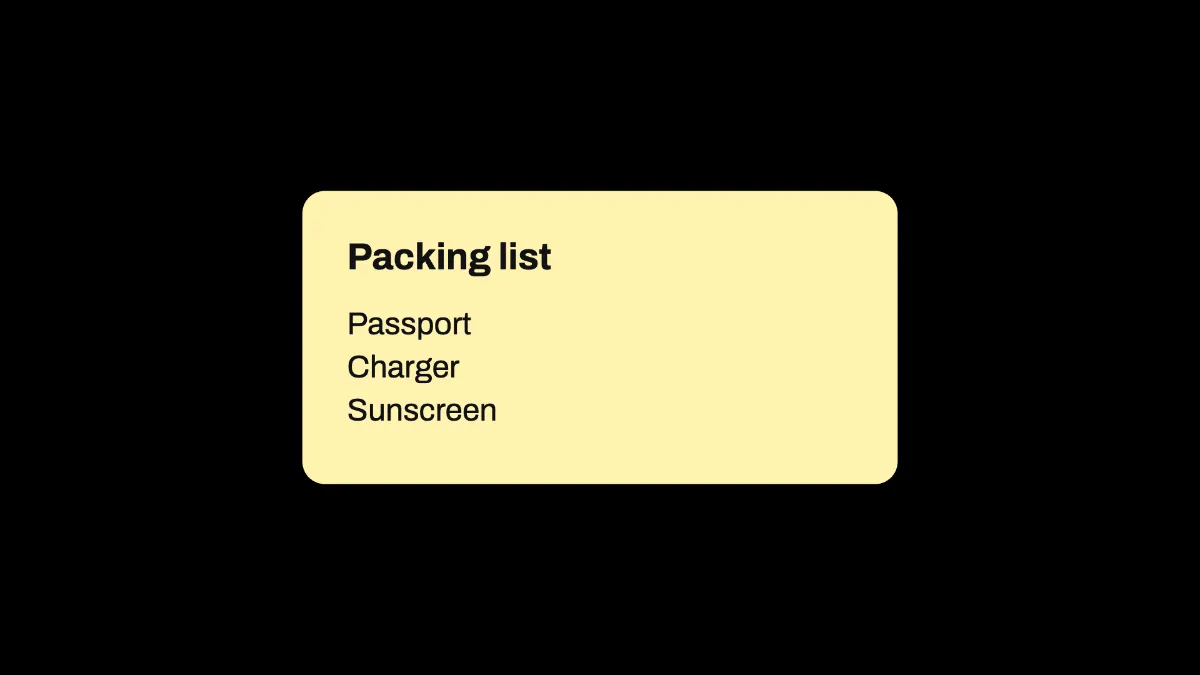
Note card generator: a bold heading and a few short lines on a pale yellow card with a soft shadow. Save it as an image, or lay it over a photo or video clip.
What is a note card?
A note card holds a heading and a few lines, like a list, a reminder or a quote. It goes back to the index card, card stock cut to a standard size for one piece of information. The system is said to have been invented by Carl Linnaeus around 1760.
This note card generator draws one as a picture. In the light theme it's pale yellow like a sticky note, and in the dark one it's a dark olive.
How to make a note card image
Start on the blank canvas, or load an image or video to put the note on. Type the heading into Title, then put the lines into Text with a | between them. Passport | Charger | Sunscreen gives you three lines.
Theme switches between the yellow card and the dark one. Size sets how wide it is as a share of the frame, and Position X and Position Y move it.
How does the note card fit longer lines?
Each line wraps on its own when it's too long for the card, and the card gets taller to fit. A | always starts a new line, while a long sentence just folds under itself.
Text holds up to 240 characters, and Title up to 60. The heading is bold and the lines are regular, all in Archivo, on a card with slightly rounded corners and a soft shadow.
Settings for a checklist slide, a reminder in a video and a quote card
For a checklist next to a talking head, type the steps into Text with a | between them, then set Size to 0.5 and Position X to 0.72. The card is 80% as wide as Size makes it, so it takes up about two fifths of a 16:9 frame and leaves the left side free.
A small reminder in a corner of a video works at Theme Dark, Size 0.35, Position X 0.8 and Position Y 0.25. There the olive card stays clear of faces.
For a quote card, put the author in Title and the quote in Text as one line, and it'll fold onto as many lines as it needs. If you want short labels in a row instead, the Tag Pill Generator makes them.
Saving the note card
PNG keeps the pale yellow card one even color, while JPG adds faint blotches to big flat areas. Over a clip the note shows from first frame to last, so use MP4 for a video and PNG for a slide.