Color Effects
These effects change a picture's colors and leave its shapes alone. Think of a photo negative, a two-color duotone, a sepia print, a flat posterized poster or a full hue shift. Each one opens on a preset, and the sliders let you take it further.
Some are quick fixes, like brightening a dark photo or turning a clip black and white. The rest are looks.
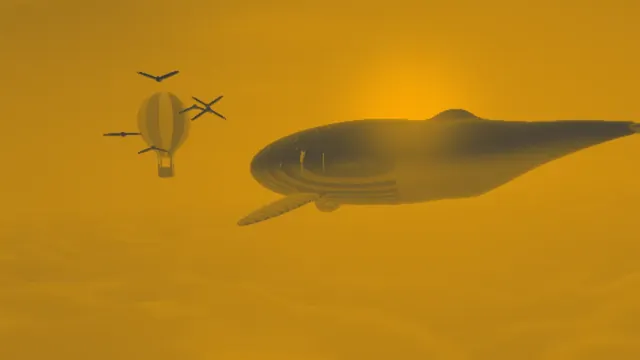
Duotone Generator
Maps any photo onto exactly two colors you pick, so a whole set of pictures matches.

Gradient Map
For when two colors aren't enough: up to 16 stops, blended through OKLab without muddy middles.
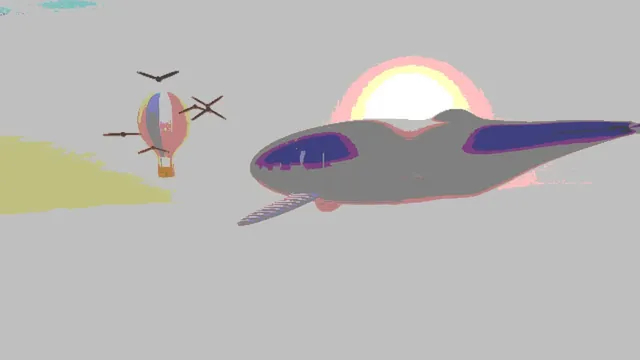
Posterize Image
Cuts smooth tones into a few flat bands per channel while the photo keeps its own colors.
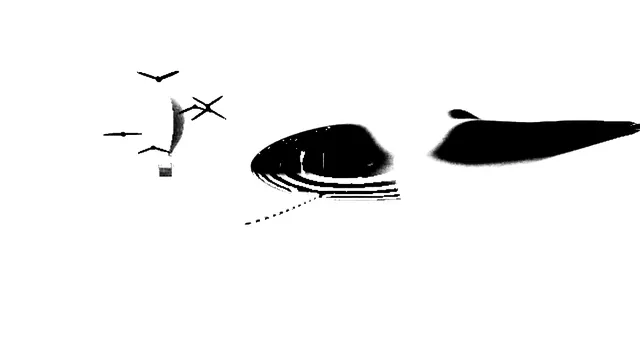
Threshold Image
A clean two-color cut at the brightness you set, ready for a stencil, a stamp or tracing.

Invert Colors
Makes a negative, or flips only light and dark while each hue stays where it was.
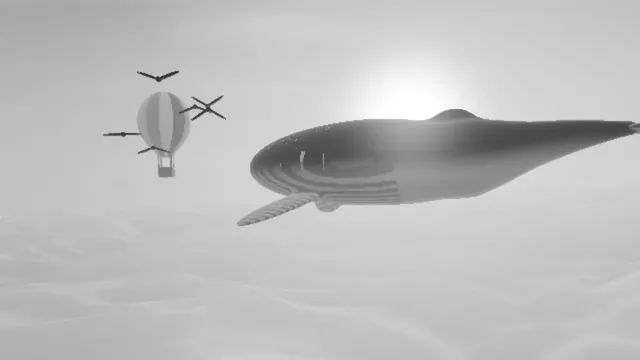
Black and White Converter
A full-range grayscale photo, with Hue to decide which colors come out light or dark.
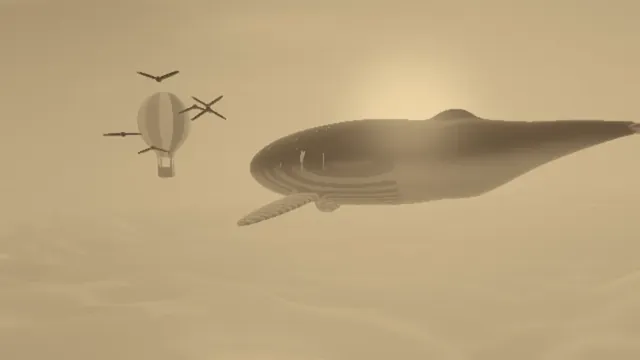
Sepia Filter
The brown of an old toned print: dark brown shadows under cream highlights, ready in one click.
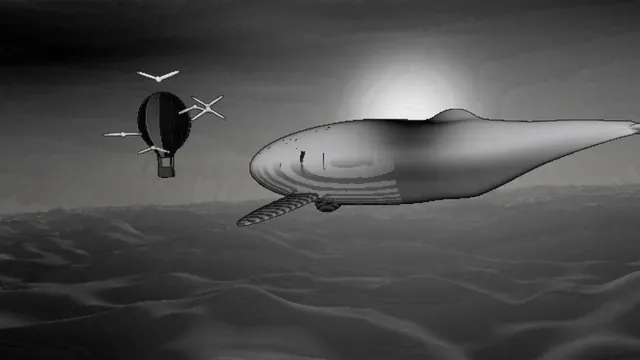
Solarize Effect
For the half-negative, half-positive tones of a darkroom print flashed with light.

Brighten Image
The fix for a dark or dull photo: exposure, midtones, contrast and saturation together.
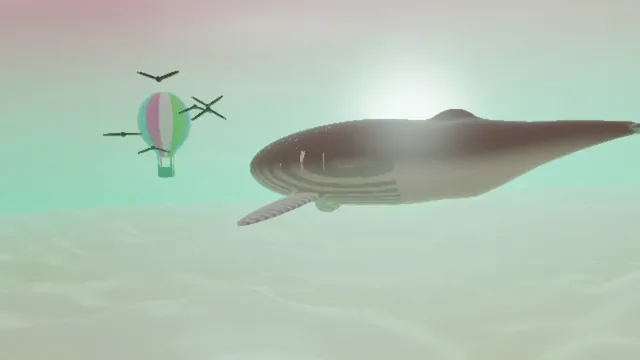
Change Image Color
Turns every hue by the same angle around the wheel; whites, grays and blacks are left alone.
How do color effects work?
Most of them are a curve, meaning every input color maps to one output color, the same way everywhere in the frame. Invert Colors flips each channel, so white turns black and blue turns yellow. Posterize Image rounds each channel to a few steps, and Threshold Image sends every pixel to one of two colors.
Duotone Generator, Sepia Filter and Gradient Map recolor by brightness. Shadows get one color and highlights another, and the gradient map can pass through up to 16 colors along the way. Black and White Converter drops the color and leaves you brightness, contrast and gamma to tune. Brighten Image lifts brightness, contrast and saturation together, while Change Image Color turns every hue around the color wheel by the same angle.
Which color effect should you use?
If you're fixing a photo, brighten it first and save the looks for later. Exposure and color are easier to judge before a picture gets recolored. For recoloring by brightness, it comes down to how many colors you want: two for the duotone tool and the sepia filter built on it, up to sixteen for the gradient map. And for cutting tones into flat areas, posterizing keeps several steps in color while thresholding leaves exactly two.
A lot of them chain nicely with a PNG saved between steps. Run a black and white conversion with a turned Hue and then a threshold, and you'll get a cleaner stencil than from the threshold alone. A contrast boost before a duotone or a gradient map lets the colors reach both ends.
Do color effects lower quality or change file size?
Some are lossless and some throw detail away for good, and you'll want to know which before you save over an original. We tested on the whale and balloon picture used for the examples. Invert Colors applied twice gave back every pixel exactly, and so did Change Image Color at +120 degrees and then -120. Posterize Image at 4 steps cut the picture's 37,643 colors down to 12. Brighten Image at its opening settings pushed a channel of 21 percent of the pixels to full, and no later step can get those back.
File size tracks the colors that are left. As a one-frame GIF at 960 by 540 with the export's default dither, the picture came to about 149 KB untouched and 148 KB inverted. Sepia brought it to 120 KB and black and white to 70 KB, the threshold to 12 KB and posterizing at 4 steps to 11 KB.
Which color effects work on a logo with a transparent background?
All ten leave the alpha channel alone, so see-through areas and soft edges stay exactly as they were. A black pixel at full, half and zero opacity came out recolored with its opacity untouched. Save as PNG to keep the transparency. Hue turns can't move black, white or gray, so Change Image Color only recolors a logo that already has some color in it.
A black logo turns white in Invert Colors. It takes on any color you pick as the Shadow in Duotone Generator, or as Dark in Threshold Image, and the threshold also snaps the grayish edges of a scanned logo to clean color.
What is solarization?
In the darkroom, if a print or negative gets a brief flash of light while it's still developing, some of its tones turn around and pale halos form along the edges. Photographers call that the Sabattier effect, or solarization. Man Ray and Lee Miller stumbled on it by accident and made it a signature of their portraits around 1930.
Solarize Effect flips the tones past a Pivot you choose. Curve sets how sharp the turn is, and Colorize tints the result.
What is color banding, and how does dithering hide it?
Color banding means visible steps in what ought to be a smooth gradient, like a sky that goes from blue to lighter blue in stripes. You see it when a gradient is stored or displayed with fewer levels than the eye can tell apart. A 256-color GIF does it, so does heavily compressed video, and so does a very gentle gradient in an 8-bit file.
Dithering adds a fine pattern or noise before the colors get rounded. Pixels near a step then land on both sides of it, and the eye averages them back into the missing shade. Want to see it? Posterize a gradient, then run the same picture through a dither from the Dithering & Halftone Effects hub with a small palette, and the bands turn into an even pattern of dots. Faint film grain from the Photo Filters hub hides banding after the fact in a similar way, by breaking up the straight edges the eye picks up on.
Can you use color effects on video?
Yes, and they're some of the lightest effects to render, since each pixel depends only on its own color. A clip plays through them in real time. The same input color always gives the same output, so a look you set on one shot carries over exactly to the next.