Tote Bag Mockup Generator
Tote bag mockup generator: print a design on a flat canvas tote in natural, black, navy or any color, then save a PNG or video. Free, with no photo to license.
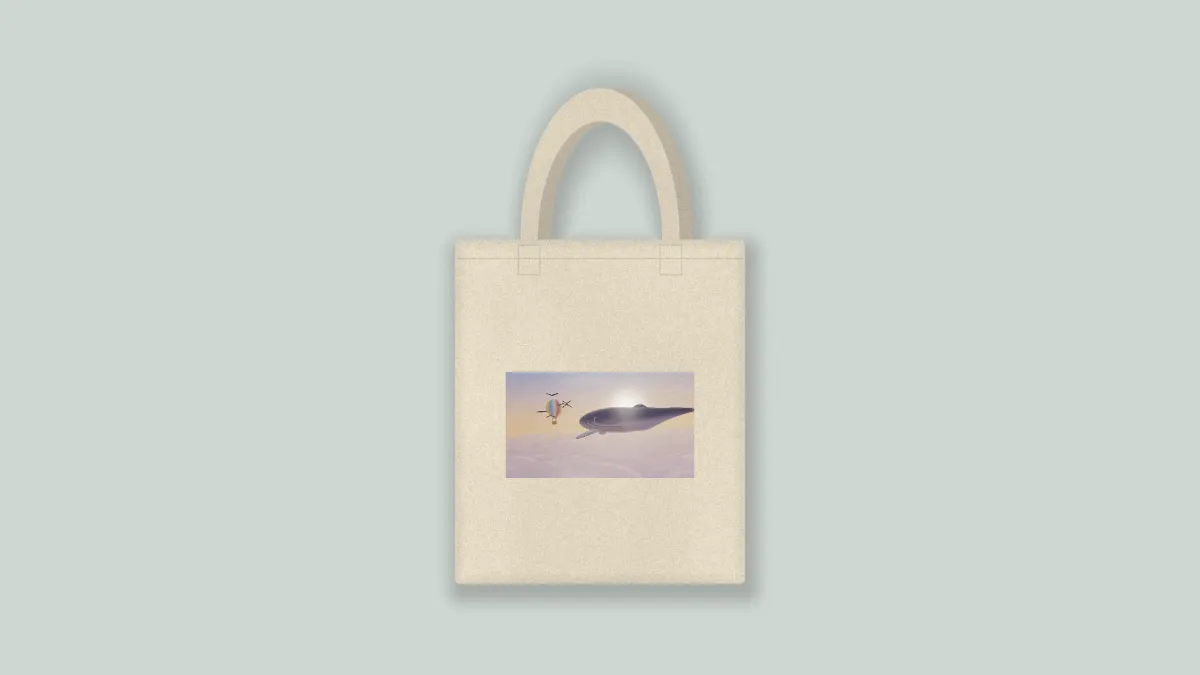
What is a tote bag mockup?
A tote bag mockup shows your design printed on a tote before you order any bags. A tote is a big open bag with two parallel handles, often made of natural canvas, and people use it as a reusable shopping bag.
This one's a flat lay of a plain canvas tote seen from above, with a hemmed top and stitched squares where the handles join. It's drawn by code in your browser instead of photographed, so there's no brand on it and no photo license.
How to make a tote bag mockup
Upload your design or a video, then pick a preset: Natural, Black, Navy, Small print or Cut out. Bag sets the canvas color and Backdrop the surface underneath.
Print size sets the print's width, and Print height moves it up or down the bag. Shadow sets how dark the shadow under the bag is. With No backdrop you keep only the bag, on a transparent background.
How does the canvas texture show through the print?
Canvas is a heavy plain-woven fabric, and ink on it picks up the weave. The bag here has a coarse grain and soft folds built in, and Fabric decides how much of both reaches the print. At 0 the print sits flat, and at 1 it takes on the full texture.
Transparent parts of your file let the bag show through. Save a design as a PNG with a clear background and it prints as its own shape, without a rectangle around it.
Print settings for a tall design and a light print on a dark bag
The bag's body is about 0.43 of the frame's height across, and Print size works in that same unit. The default of 0.28 covers about two thirds of the bag's width.
A 2:3 design prints taller than it is wide. Keep Print size at 0.3 or under and the whole design stays on the bag, 0.3 wide and 0.45 tall. If you're putting a light print on the Black or Navy bag, lower Fabric to around 0.3 so the print keeps an even color.
Small print sets 0.14 with Print height -0.06, which puts a small logo a little above the middle of the bag. The T-Shirt Mockup Generator has the same sliders, for the same design on a shirt.
Why is the bottom of my print missing?
The print gets clipped to the bag's body, which runs about 0.51 of the frame's height from the hem down to the bottom seam. A tall design at a large Print size, or one pushed down with Print height, runs past the bottom edge and that part gets cut.
Lower Print size, or bring Print height closer to 0. Square and wide designs have room to spare, since their print area is never taller than it is wide.
Saving the tote bag mockup
Canvas grain makes PNG files heavy, so a listing photo is better off as JPG or WebP. The Cut out preset needs PNG or WebP to keep its transparency.