Desktop Mockup Generator
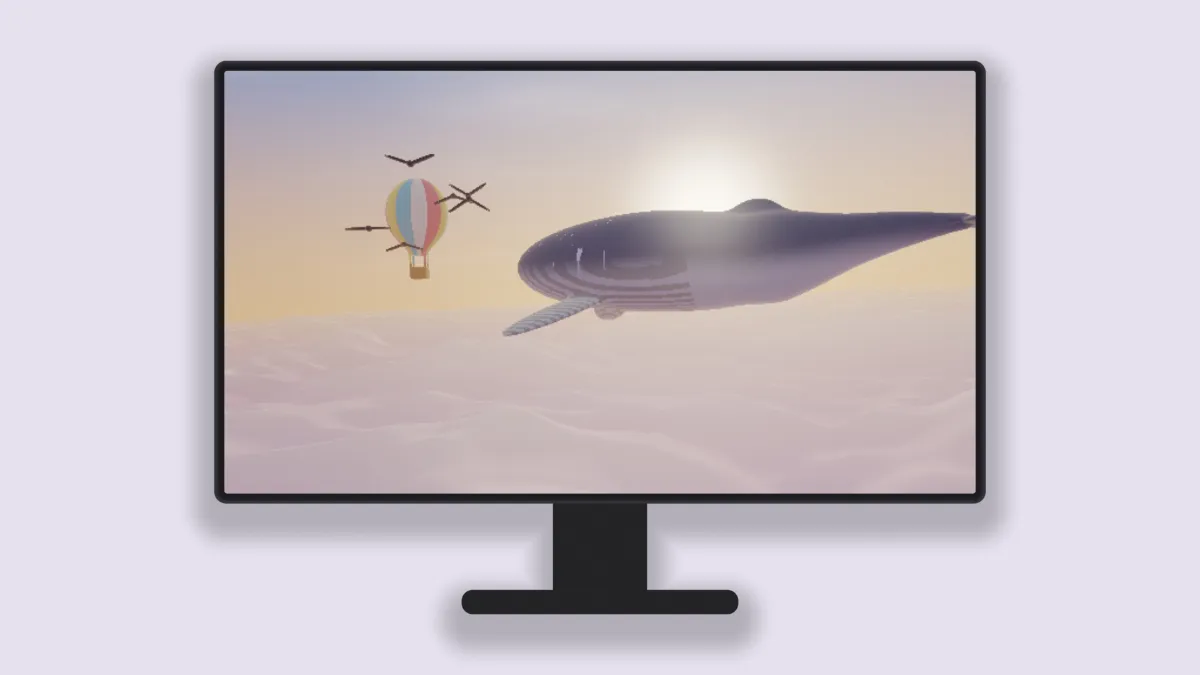
Desktop mockup of a monitor on its stand, with a 16:9 screen that takes a 1080p screenshot with nothing cropped. Free, and drawn in your browser, not uploaded.
What is a desktop mockup?
A desktop mockup puts a screenshot on a computer monitor sitting on a desk. It's the usual frame for dashboards, design tools and other software made for a big screen, because it tells people right away that the product isn't a phone app.
The monitor has a thin bezel, a neck and a flat foot. The stand is a shade off the body color so it reads as a separate part, and the whole thing is drawn in the shader with no logo.
Why does a 1920 by 1080 screenshot fit the monitor exactly?
The monitor's screen is 16:9, the same shape as 1920 by 1080, 2560 by 1440 and 3840 by 2160. A full-screen capture at any of those sizes fills it under Fill the screen and nothing gets cut off.
A 16:10 capture loses about a tenth of its height, split between top and bottom. With Fit inside you see all of it, with black bars at the sides instead.
How to make a desktop mockup
Load a capture of the software, either a still or a recording. The Desktop preset picks the monitor and a pale lilac backdrop.
Size sets how much of the frame the monitor fills, Device colour paints the bezel and stand, and Shadow sets the shade underneath. Devices adds a second or third monitor behind and off to the sides, and each can take its own Second screen or Third screen picture.
Settings for a dashboard case study, a square post and two monitors
Dashboards have small type, and the monitor's screen takes up about three quarters of its height. In a 2048 by 1152 frame at Size 0.82 the screen is about 720 pixels tall, so a 1920 by 1080 capture shrinks to two thirds. You can zoom the browser to 150% before capturing, or set Size to 1 for a screen about 880 pixels tall.
For a square post, choose 1:1 in Settings and set Size to 0.92. In a square it's the monitor's width that limits it, so Size 1 already touches both sides.
Two monitors fit a 21:9 frame almost exactly. Choose 21:9, set Devices to 2 and give Second screen its own capture. If you want a website without any hardware around it, the Browser Mockup Generator frames the page in a plain window, and the Laptop Mockup Generator is the better fit for a 16:10 capture.
Saving a desktop mockup
Keep dashboard mockups as PNG. Charts and tables are all hard edges and flat fills, and JPG blurs those into faint halos. If the file's too heavy for a slide deck, try WebP before you fall back to JPG.