Screen Print Effect
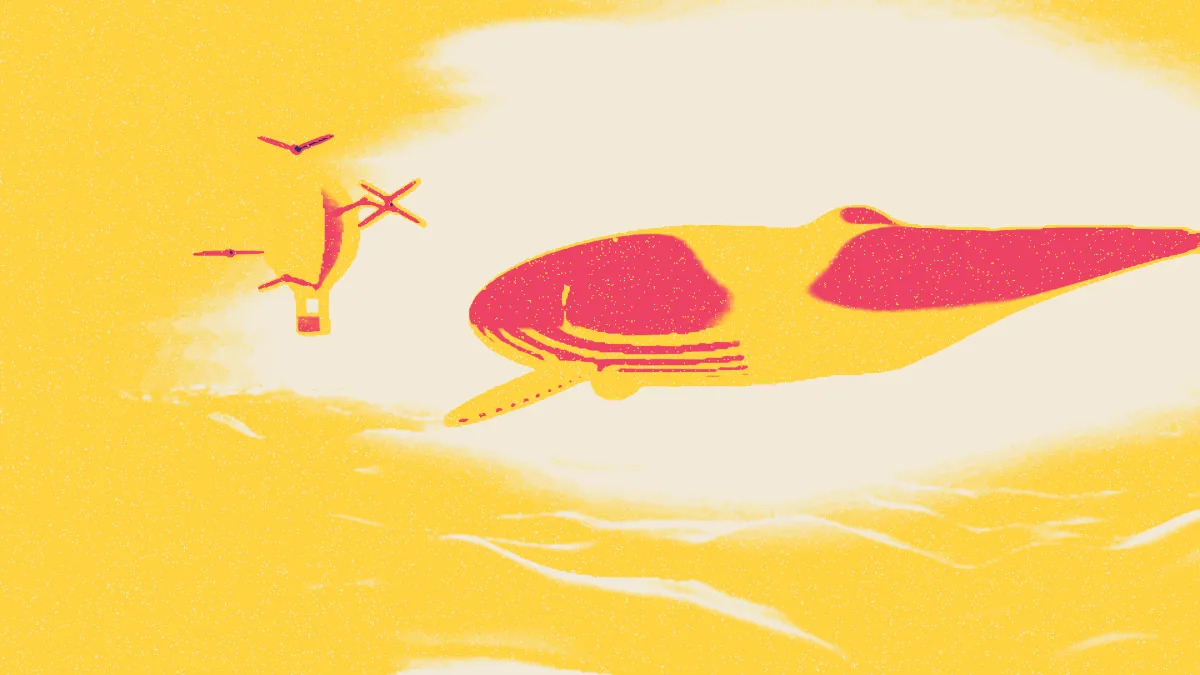
Screen print effect for images and video: flat layers of opaque ink, each pulled a little off register, with pinholes where ink didn't take. Prints on dark too.
What is screen printing?
Screen printing, also called silkscreen or serigraphy, pushes ink through a mesh with a squeegee. A stencil blocks the mesh wherever ink shouldn't go, and every color needs its own screen and its own pull.
That's where the look comes from: flat, opaque shapes of color with no gradients, stacked in order and rarely in perfect register. Andy Warhol made it popular as an art technique, with works like his 1962 Marilyn Diptych.
How does the screen print effect cut the layers?
It smooths the picture, then splits it by brightness into one layer per ink. The first ink covers everything except the lightest tones, and each ink after it covers a darker band, printed opaquely on top of the one before. With three inks the cut-offs fall at 75%, 50% and 25% brightness.
Later inks hide earlier ones, so order matters. List the lightest ink first and the darkest last. Each layer's offset and pinholes come from the seed, which means you can repeat a pull exactly.
How to make a screen print from a photo
Load an image or video and set Inks: one to five, in printing order, from sets like Pop, Red + black, Neon and Earth. Paper sets the paper or cloth underneath.
Simplify smooths away fine detail before the layers get cut, and Exposure moves every cut-off: up leaves more bare, down lays down more ink. Misregistration shifts each layer, Wear adds pinholes, and Seed gives you a different pull.
For a design on a black shirt, tick Print on dark. The shadows stay bare and the highlights take the ink. Risograph Effect is the translucent counterpart, where overlapping inks mix instead of hiding each other.
Settings for a black T-shirt, a two-color gig poster and a worn vintage tee
Black T-shirt: the On black preset sets the Neon inks, a near-black Paper (#121214) and Print on dark. Print on dark flips the order, so the last ink lands on the brightest highlights. End on the lightest ink, the way Neon does with its yellow.
Two-color gig poster: the Red and black preset with Simplify at 8, Misregistration at 2 and Exposure at -0.05. More simplifying gives bigger, bolder shapes that read from across a street, and the lower Exposure puts down more red.
Worn vintage tee: the Worn preset uses the Earth inks with Wear at 0.8 and Misregistration at 7. Keep changing Seed until the pinholes miss the face.
Why does my transparent logo fill with ink when I tick Print on dark?
Empty, transparent pixels count as the lightest tone, so on light paper they stay bare. Print on dark flips every tone. Those empty pixels become the darkest, and they get every ink, ending with the last one.
Put the logo on a black background before you load it, and the background will stay bare on the dark Paper.
Saving a screen print
Flat inks with few edges are exactly what PNG and GIF compress best, so even a five-ink print stays small and exact. JPG rings around the hard edges between inks, and that spoils the flat look.
To see the design on a shirt, save a PNG with Paper set to the shirt's color and take it over to the Mockup Generator hub.