Atkinson Dithering
Atkinson dithering for images and video: the crisp 1-bit look of the original Macintosh, made by passing on only three quarters of each pixel's error.
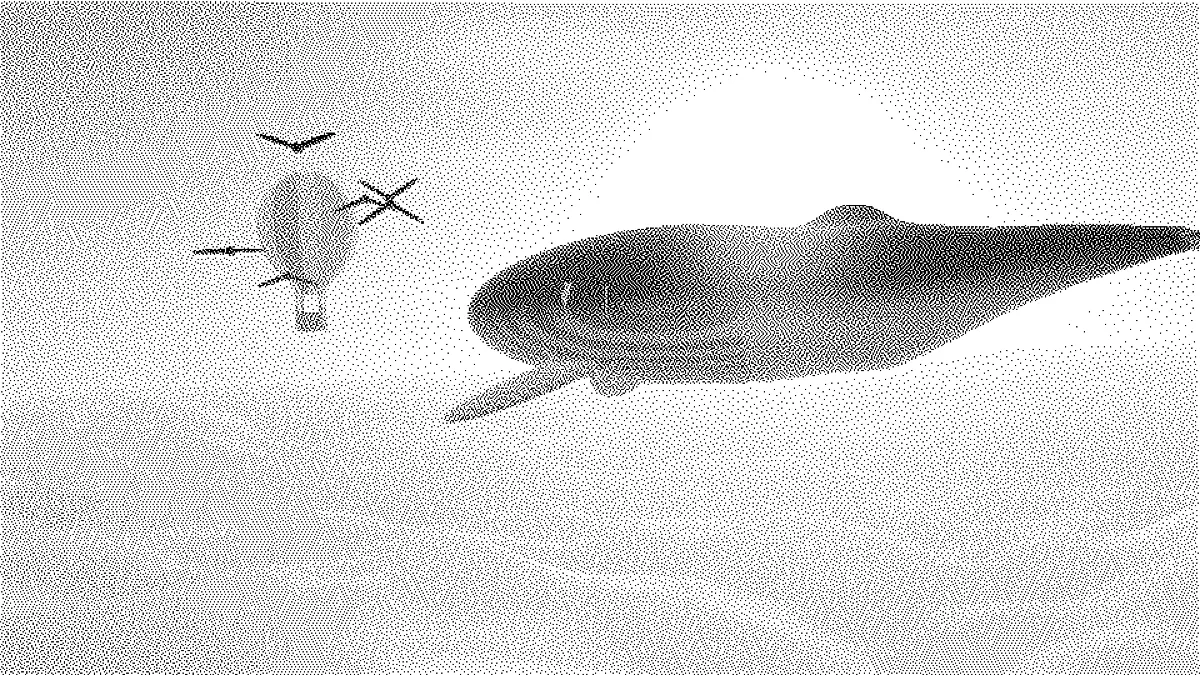
What is Atkinson dithering?
Atkinson dithering is a variant of Floyd-Steinberg error diffusion. Bill Atkinson designed it at Apple, and it was used on the original Macintosh, whose 512 by 342 screen showed only black and white. Like its parent, it rounds each pixel to the nearest color and hands the leftover error to neighbors that haven't been drawn yet.
Why does Atkinson dithering look so crisp?
It gives 1/8 of the error to each of six neighbors: two to the right, three on the row below and one two rows down. That only adds up to 6/8, so a quarter of every error gets dropped instead of carried forward.
Near-white areas settle to clean white and near-black ones to solid black. Edges stay sharp, and the midtones keep a fine texture. In black and white, any gray lighter than about 85% prints as bare white and any darker than about 8% as solid black, whereas Floyd-Steinberg Dithering still scatters a few dots at both ends.
How to give a photo the Atkinson dither look
Upload an image or video. The Atkinson preset sets the algorithm, a slight Contrast boost and 1-bit black and white. Dot size controls the size of each dot, so turn it up for bigger, more visible pixels.
Diffusion sets how much error is passed on, and Serpentine alternates the scan direction row by row. Brightness and Contrast shape the tones first. Palette lets you trade black and white for any two to sixteen colors.
Settings for a 1984 Macintosh screen, a scanned page and a moving clip
1984 Macintosh screen: crop the picture to 3:2 first (there's a cropper on the Image Tools hub), keep 1-bit and set Dot size to 3. You'll get about 360 rows of dots, close to the 342 lines of the original display. The preset's slight Contrast boost can stay on.
Scanned page or screenshot: Dot size 1 and Brightness 0.05. Paper and white backgrounds sit above the 85% cutoff, so they stay perfectly clean, and text and line art keep sharp edges. Put a slightly gray scan through Floyd-Steinberg and it'd come out sprinkled with stray dots.
Moving clip: Atkinson holds up on video better than most error diffusion. Bright skies and deep shadows settle to solid paper or ink and stay put between frames, so only the midtones shimmer. At Dot size 3 each dot is two pixels of a 720p export, which is enough to survive video compression.
How do I keep detail in pale skin and bright skies?
Pull those tones under the cutoff before the dither sees them. Set Brightness to about -0.1, or Contrast below 0, and pale skin gets a light texture of dots instead of blank paper. Keep an eye on the shadows while you do it, since the same shift pushes more of them into solid black.
If the lightest and darkest detail matter most, switch Algorithm to Floyd-Steinberg. It passes on all of each error, so you keep the full range of tones.
Saving an Atkinson dither
Save stills as PNG. The whites and blacks stay exactly two values, so you can turn the file into a true 1-bit image later without losing a dot. A JPG would add gray fringes around every one of them.
For a GIF, make the clip square. At 720 by 720 it's under the GIF export's 960-pixel cap, so the frames don't get scaled down and every dot survives at any Dot size.