Line Halftone
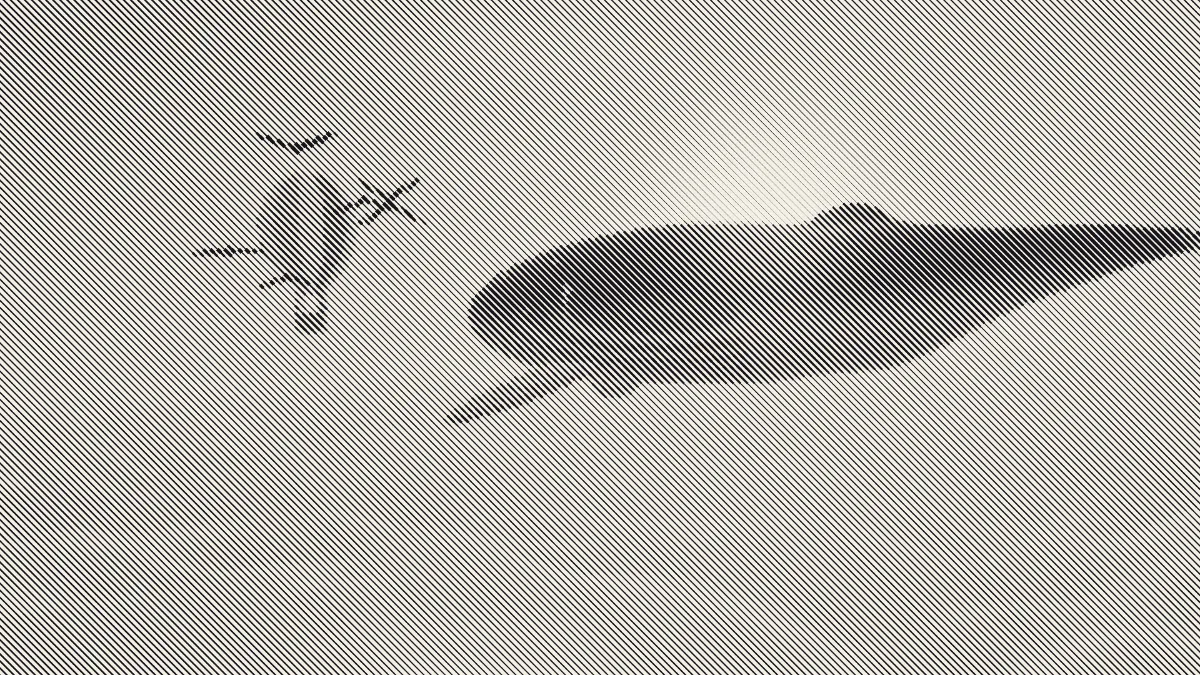
Line halftone for photos and video: parallel lines that thicken in the shadows and thin out in the highlights, like an engraved print. Exports PNG, MP4 or GIF.
What is a line halftone?
A line halftone swaps a regular halftone's dots for parallel lines. Each line swells where the picture is dark and thins to a hairline where it's light, so line width alone carries the tone.
The look goes back to line engraving: the cut-metal illustrations in 18th- and 19th-century books and, as steel engraving, on banknotes. Engravers built tone by hand with lines of different weights. A line screen does the same thing on a fixed grid.
How to make a line engraving effect from a photo
Load an image or video. The page opens on the Lines preset, with Shape set to Line and Size at 8. Size is the spacing between lines and Angle tilts them: 0 gives horizontal lines, 90 vertical, and the default is 45.
Colour picks One ink, drawn in the Ink color, or Image colours, where each stretch of line takes the color underneath it. Paper sets the ground. Dot gain thickens every line for a heavier, inkier print.
Set Shape to Cross to get lines in both directions, or pick the Crosshatch preset, which turns them to 30°.
Settings for an engraved portrait, an op-art poster and a light crosshatch
Engraved portrait: Size 4, Angle 30, a dark green or brown Ink on a cream Paper, and Dot gain 0.1. The tight spacing fits enough lines across an eye or a mouth to describe it, and the slight gain gives the shadows the weight of inked metal.
Op-art poster: Angle 90 for vertical lines, Size 16 to 20 and Dot gain 0.2. At that spacing the lines become the subject. A line at full ink fills its whole cell, so the shadows close up into solid black bars.
Light crosshatch: start from the Crosshatch preset and drop Dot gain to -0.2. Both sets of lines thin out in the midtones, and the hatch stays open and airy.
Which pictures suit a line screen?
Portraits, product shots and anything with clear light and shadow work well. Keep Size small and faces stay readable. Push it up and the picture turns into a bold graphic pattern.
Lines hold up well in one color, so the result is a good fit for posters, shirt artwork and print-style illustration.
Do the lines curve around the face like a real engraving?
No. Engravers bent their lines along the form, around a cheek or down a sleeve, and changed direction from one area to the next. This screen is one set of straight, parallel lines at a single Angle across the whole frame.
Pick the Angle that crosses the most important edges instead of running along them, because a line parallel to an edge hides it. If the lines keep fighting the subject, Halftone Generator runs the same screen with dots, crosses or diamonds.
Line halftone on video and in files
The screen stays fixed to the frame. On a video the lines hold still and the picture moves through them, swelling and thinning as it goes.
Thin angled lines take the worst of video compression, so for MP4 or WebM keep Size at 6 or more. That spaces the lines at least four pixels apart at 720p. For stills, PNG keeps the edges crisp.