PICO-8 Palette Converter
PICO-8 palette converter: snap every pixel of an image or video to the nearest of the fantasy console's 16 colors, matched in OKLab the way the eye sees them.
What is the PICO-8 palette?
PICO-8 is a fantasy console by Lexaloffle Games, released in 2015. It's a virtual machine with the limits of an imagined 8-bit computer, including a 128 by 128 pixel screen and a fixed set of 16 colors. Its creator, Joseph White, drew inspiration for the palette from the Commodore 64.
Every PICO-8 game draws from those same 16 colors, and that's a big part of why the platform looks so recognizable.
How are colors matched to the PICO-8 palette?
Each pixel moves to the nearest palette color as measured in OKLab, a color space Björn Ottosson published in 2020 so that equal distances look like equal differences. Plain RGB distance tends to drag colors toward the grays. OKLab picks the swatch a person would.
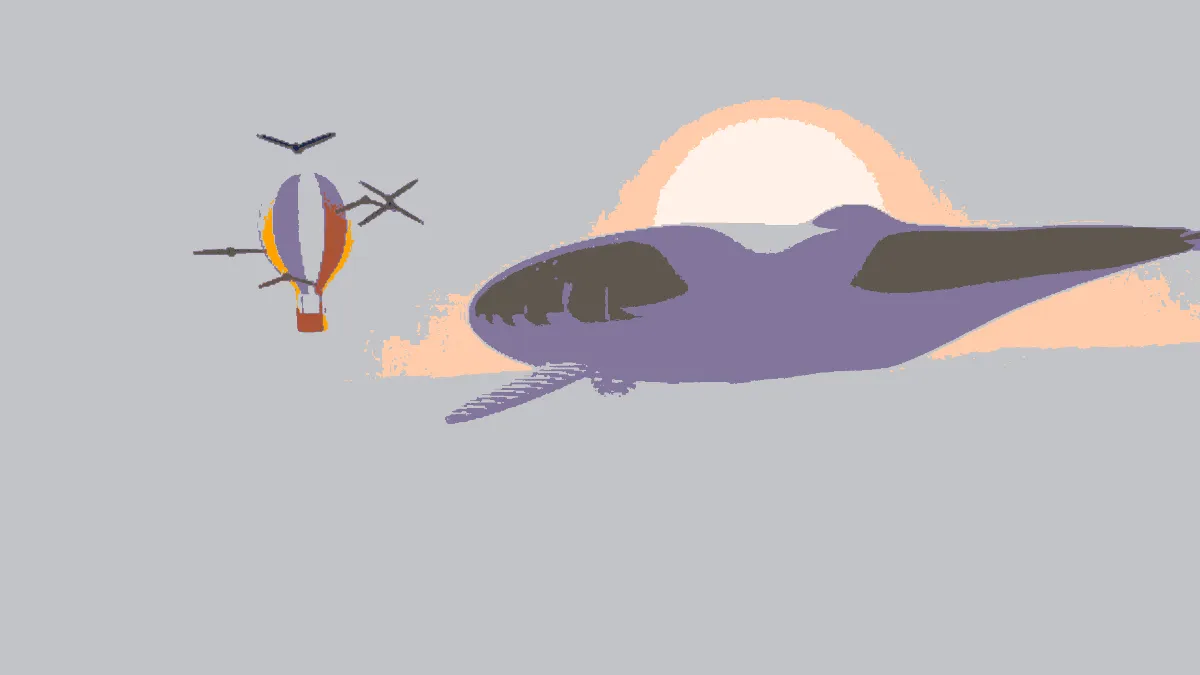
There's no dithering. Each pixel takes one flat color, the way sprites are drawn, and where a gradient falls between two palette colors it splits into clean bands.
How to convert an image to PICO-8 colors
Upload an image or video and the PICO-8 palette's already set. Amount blends between the original and the snapped colors, so you can shift only partway toward the palette.
Palette also holds 1-bit, Game Boy, CGA, C64 and Grey 4. You can edit any swatch, remove one, or add colors up to 16. Judge by changes how nearest is measured: By eye (OKLab), RGB, Luma-weighted RGB, Hue only or Lightness only.
The tool keeps your picture's resolution and only changes its colors. C64 Image Converter is the dithered cousin, mixing the Commodore's 16 colors in a Bayer pattern.
Settings for a 128-pixel sprite, a palette tint and truer hues
128-pixel sprite: this tool keeps every pixel, so for the console's chunky grid open Dither Image, pick its PICO-8 preset and set Dot size to 8 and Spread to 0. Each 8-pixel cell of a 1080-pixel frame then takes one flat color sampled from its center. That's about 135 rows, close to PICO-8's 128.
Palette tint: set Amount to 0.4. The picture keeps its detail and gradients while every color leans toward its PICO-8 neighbor, and it works nicely as a color grade for a game trailer or a title card.
Truer hues: set Judge by to Hue only. Each color goes to the entry closest in hue, so foliage stays green and dark reds stay red. Lightness can jump, though: a dark brown comes out as the pale peach #ffccaa.
Why does skin turn gray and dark brown turn blue?
The palette doesn't have many muted colors. Judged by eye, a light skin tone like #e0ac8c sits closer to the light gray #c2c3c7 than to the peach #ffccaa. A dark brown lands on the dark blue #1d2b53, which matches its darkness better than either brown in the set.
Set Judge by to RGB and that skin tone goes to the peach instead. Hue only keeps every color in its own family, but it gives up lightness to do it.
Saving PICO-8 colors
Sixteen flat colors suit GIF and PNG, which keep them exactly. The bands also compress far better than a dither pattern, so a GIF loop stays small. A transparent sprite keeps its transparency in PNG, since only the colors change.
GIF stores transparency as on or off and cuts at half coverage, so a sprite's soft edges turn hard there. PNG keeps them soft.