CMYK Halftone
CMYK halftone: split a picture into cyan, magenta, yellow and black dot screens at 15, 75, 0 and 45 degrees, with rosettes and dot gain. Works on video too.
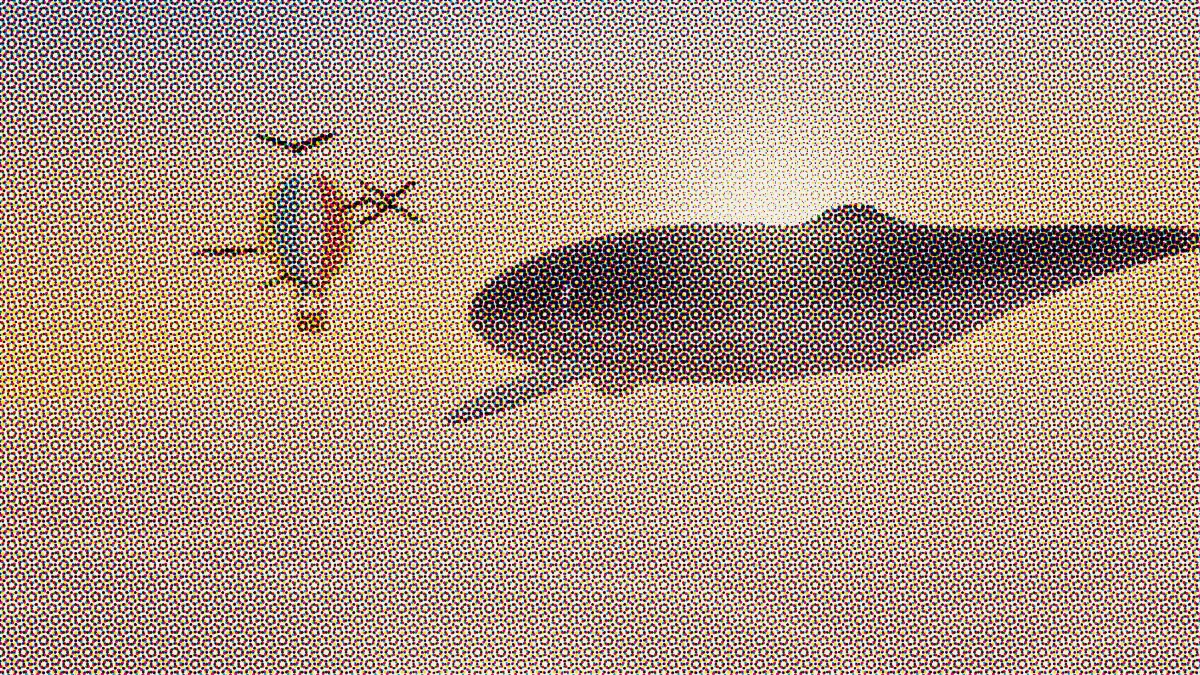
What is a CMYK halftone?
Four-color process printing reproduces a color picture with four inks: cyan, magenta, yellow and black (the K). The picture gets separated into one plate per ink, and each plate prints as its own halftone screen, with dots sized by that ink's share.
The screens sit at different angles so their dots don't line up into a moiré pattern. The classic set is cyan 15°, magenta 75°, yellow 0° and black 45°. Where they overlap, the dots gather into small rings called rosettes.
What does Black generation do in a CMYK separation?
It sets how much of each color's gray component prints in black ink instead of equal parts cyan, magenta and yellow. Printers call this gray component replacement, or GCR.
At 0 the shadows are built from the three colored inks. At 1 every shared gray goes to the black plate, which gives you cleaner neutrals and deeper darks. It starts at 0.6.
How to make a CMYK halftone from an image
Load an image or video. Size sets the screen ruling, Shape picks Dot, Line, Cross or Diamond for all four plates, and Rotate turns the screens together while keeping their angles apart. Black only prints just the black plate.
Under Press, Dot gain spreads the dots, Misregistration lets each plate drift off register, and Paper and Paper grain set the stock. Change Seed for a different drift and grain; keep it, and every export prints the same pixels.
The presets include Process, Fine art and Line screens. Newsprint Effect and Comic Book Filter open this same effect on its Newsprint and Comic presets.
Settings for visible rosettes, a magazine-fine screen and cleaner neutrals
Visible rosettes: Size 18, Dot gain 0, Misregistration 0 and Paper grain 0. With the plates in register, the four screens lock into rosettes that are big enough to read as a pattern of their own.
Magazine-fine screen: the Fine art preset sets Size 4 with no gain and a trace of grain. On paper a real magazine screen disappears. Size 4 keeps the dots just visible on screen, while the colors still blend at a normal viewing distance.
Cleaner neutrals: put Black generation at 1 and every shared gray goes to the black plate. Grays, shadows and text then print in black dots alone, and color dots only show up where the picture is saturated. At 0 those same grays are built from all three colors, with colored rosettes in every shadow.
Can I send the result to a print shop as CMYK?
Not as separations. The file is an RGB picture of four screens, so the print shop's software will separate it again and put its own screen over yours. Where your dots and the press screen are close in size, the two interfere and you get moiré.
Keep your dots several times coarser than the press screen, which on coated paper usually runs at 133 to 150 lines per inch, and they'll print as part of the picture.
How the inks overprint, and how to save them
Each plate goes over the paper as a transparent layer, so cyan over yellow makes green and all three together make a muddy dark, just like on press. The inks are fixed process colors: cyan #00aeef, magenta #ec008c, yellow #fff200 and a warm black #231f20.
Save stills as PNG, since compression blurs small cyan and magenta dots into each other. For MP4 or WebM, keep Size at 8 or more. Video stores color at half resolution, and smaller dots at 720p lose their hue.