Comic Book Filter
Comic book filter for photos and video: big cyan, magenta, yellow and black dots with pure black shadows, like a blown-up vintage comic panel. Exports GIF too.
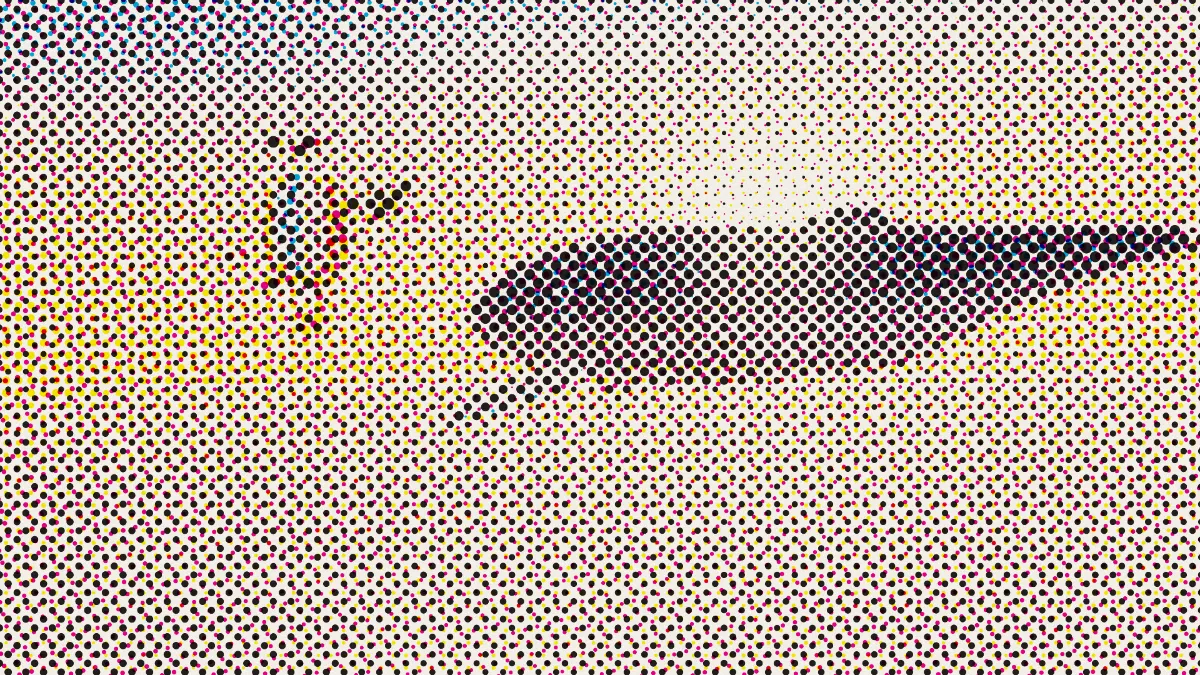
What makes a picture look like an old comic book?
Old comics were printed fast and cheap on newsprint. Their colors came from patterns of small dots under black line art, and the plates often landed a little off register, so color slipped past the lines.
Those are called Ben-Day dots, after Benjamin Henry Day Jr., who developed the process in 1879. Roy Lichtenstein blew them up in his paintings to evoke the comic panels he copied, and that's where the pop art dot look comes from.
Is this filter the same as Ben-Day dots?
Not quite. Ben-Day dots are an even tint, dots of one size filling a flat area with a single shade. This filter uses process halftone, so its dots grow and shrink with the photo's colors. A photo stays readable that way and still looks printed.
How to make a comic book effect from a photo
Load an image or video. The Comic preset is already set: Size 20 for big dots, Black generation at 1 so every shadow and gray prints in black ink alone, Dot gain at 0 for crisp dots, and 2 pixels of Misregistration.
Push Size up for a pop art poster, or down to keep faces readable. Rotate turns all four screens together, Shape swaps the dots for lines, crosses or diamonds, and Paper sets the page color.
Seed gives you a different drift between plates, and a given seed always prints the same way.
Settings for Lichtenstein-size dots, a Golden Age page and a readable portrait
Lichtenstein-size dots: Size 40, Black generation 1, Dot gain 0, Misregistration 0 and a white Paper. Dots that big turn a face into one of his enlarged panels, and the clean register keeps them as crisp as painted ones.
Golden Age page: Size 14, Paper #efe3c4, Paper grain 0.15, Dot gain 0.2 and Misregistration 3. The cream paper, softer dots and loose register stand in for fast presses on cheap pulp.
Readable portrait: Size 10 and Misregistration 1. With smaller dots, eyes and mouths stay clear, and the slight drift still says comic without blurring the features.
How do I get black ink outlines like a comic panel?
This filter only screens tone. It doesn't draw line art. Black generation at 1 already sends dark edges and shadows to pure black ink, though, and on a high-contrast photo that suggests outlines.
For drawn outlines, the Photo Filters hub has a cartoon look with dark lines, and in the studio you can run it before the comic dots. If you want flat inks with no dots at all, Pop Art Effect cuts a portrait into a few bold colors.
Saving a comic panel
From Size 20 up the dots are big enough to survive every format, JPG and the GIF export's 960-pixel cap included. Below Size 10, save stills as PNG, or the small cyan and magenta dots run together.