Blue Noise Dithering
Blue noise dithering for images and video: an even, grain-like scatter of dots where a Bayer grid would show its pattern, from a 64x64 void-and-cluster mask.
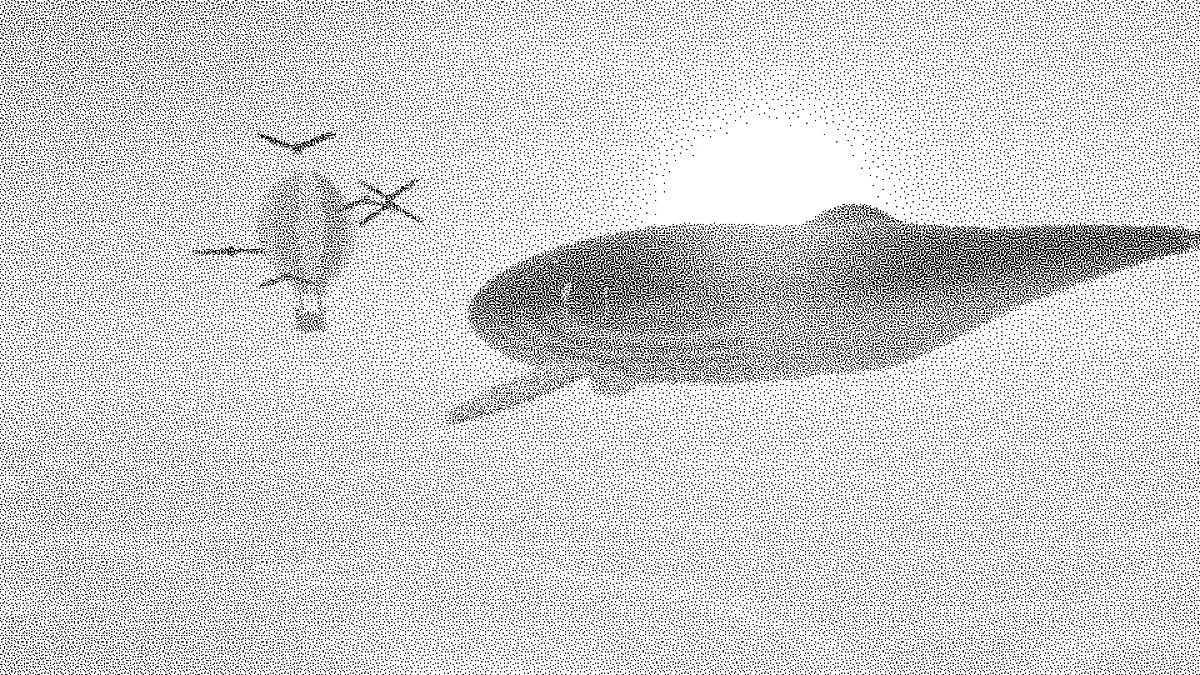
What is blue noise dithering?
Blue noise is noise with almost no low-frequency content. Its energy sits in the fine detail, so there are no clumps and no big gaps. Use it as a dither threshold and it scatters dots evenly, turning a flat gray into a smooth grain where a Bayer matrix would leave a crosshatch.
It's still ordered dithering, with one fixed threshold map tiled across the picture. And because that map doesn't move, still areas of a video keep the same dots from frame to frame.
How was this blue noise mask made?
The map is a 64 by 64 tile, generated with Robert Ulichney's void-and-cluster method. A Gaussian blur finds the tightest clusters and the widest voids among the dots. Swapping between them spreads the dots out evenly, and then each position gets ranked.
The blur wraps around the edges, so the tile repeats without a seam. Each of the 256 threshold levels shows up exactly 16 times.
How to apply blue noise dithering to an image or video
Upload a picture or clip, and the Blue noise preset starts you off in 1-bit black and white. Dot size sets how big each dot is. Spread sets how hard the noise pushes tones toward the next color.
Brightness and Contrast set the tones the noise has to work with. Palette swaps black and white for any two to sixteen colors, and Pattern switches to a Bayer matrix if you'd like to compare the two. Dither Image opens the same effect on its Bayer preset, and it has the shape and custom patterns too.
Settings for a stochastic print screen, a 16-color gradient and a grainy clip
Stochastic print screen: stay in 1-bit and set Dot size to 1. Every dot is then a single pixel of one size, and only how many there are changes with the tone. That's how a printer's FM screen works. Print the file at its own pixel size or bigger, because scaling a one-pixel scatter down blends it into gray.
16-color gradient: under Palette pick PICO-8 or another set of sixteen, then set Spread to 0.25 and Dot size to 1. With inks that close together, a small Spread is all it takes to blend each step into the next, and the blue noise turns whatever banding is left into grain.
Grainy clip: two inks of your own, Spread 1 and Dot size 4. At 720p each dot is three pixels wide, which is big enough to make it through video compression. The mask never moves, so the background holds its grain and only the moving subject changes.
Why use blue noise instead of random noise?
Set Pattern to Random and you'll see it. White noise draws every threshold independently, so dots bunch up in some places and leave holes in others, and a flat gray looks blotchy. The void-and-cluster mask is built so the dots keep their distance from each other.
Floyd-Steinberg Dithering gives a similarly even, blue-noise-like scatter too. It works the whole picture out again on every frame, though, so on video its dots crawl while this mask holds still.
Saving a blue noise dither
Use PNG for stills. A JPG turns the single-pixel scatter into a soft gray haze, and then there's no point having used blue noise at all.
Blue noise is the hardest of the patterns to compress, since nothing inside its 64 by 64 tile repeats. A GIF of it can come out four times the size of the same clip in Bayer 4x4. A bigger Dot size gives longer runs of one color, which shrinks the file.