Newsprint Effect
Newsprint effect for photos and video: coarse dots, yellowed paper, spread ink and plates slipping off register, in color or black only. Free, nothing uploaded.
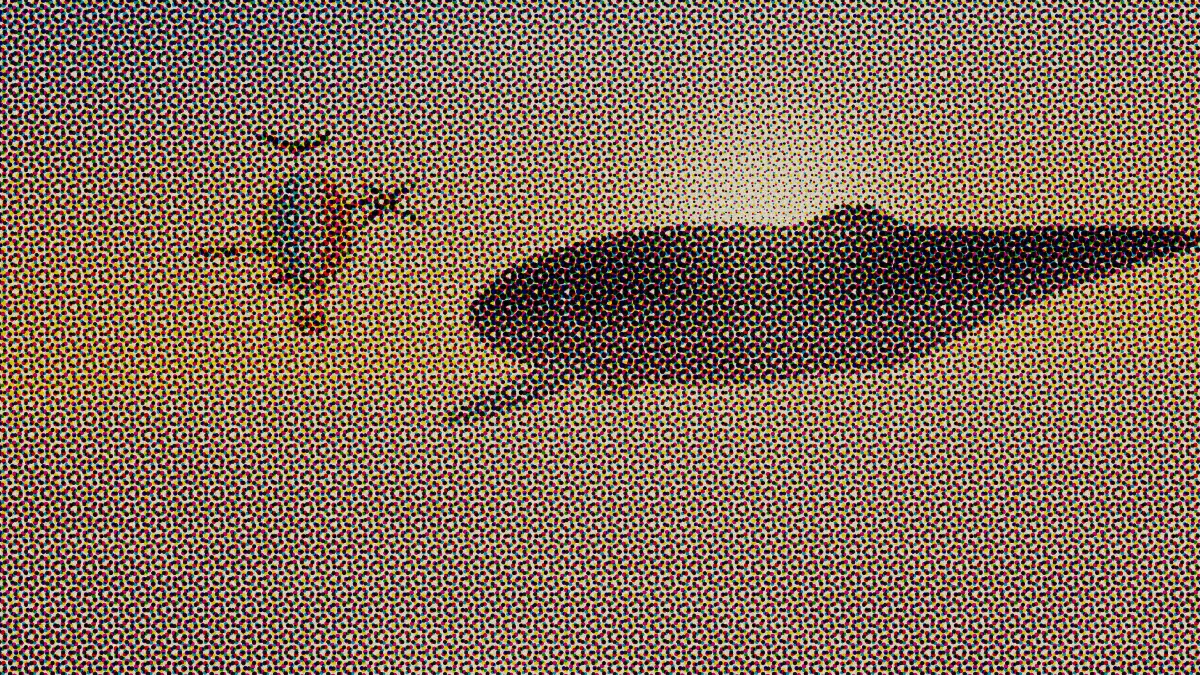
What does newsprint printing look like?
Newsprint is the cheap, off-white wood-pulp paper newspapers run on, invented in 1844 by Charles Fenerty of Nova Scotia. It's soft and absorbent, so ink spreads as it lands and every halftone dot prints bigger and darker than planned. Printers call that dot gain.
Throw in a coarse screen, fast web presses that let the color plates wander off register, and paper with visible fiber, and you've got the look of a photo in a printed newspaper.
When did newspapers start printing photographs?
The New York Daily Graphic printed the first photograph with a full tonal range in a newspaper on March 4, 1880. It was A Scene in Shantytown, made with a crude halftone screen.
Color pages came much later. They print the same way with four inks, cyan, magenta, yellow and black, each one as its own screen of dots.
How to make a photo look like newspaper print
Load an image or video and the Newsprint preset's already on: Size 12, a yellowed Paper, Paper grain at 0.18, Dot gain at 0.35 and 1.5 pixels of Misregistration.
For the black-and-white inside pages, pick the Newsprint mono preset or tick Black only, and the picture prints on the black plate alone. Raise Dot gain for cheaper, inkier paper, and Size for a coarser screen.
Seed picks a different drift and grain. Both stay put from frame to frame, so on a video the paper holds still while the picture moves. For comparison, CMYK Halftone opens the same effect on clean paper in tight register.
Settings for a yellowed clipping, a true newspaper ruling and a cheap tabloid
Yellowed clipping: Paper #d9c79c, Paper grain 0.3, Dot gain 0.45 and Misregistration 2.5. Newsprint keeps a lot of the wood's lignin, which yellows in light and air, so an old page is darker and warmer than it was the day it was printed.
True newspaper ruling: newspapers have long printed photos at around 85 lines per inch. Size counts in pixels of a 1080-pixel-tall frame, so a photo printed 5 inches tall gets that ruling at Size 2.5. At reading distance the dots all but disappear.
Cheap tabloid: Size 14, Dot gain 0.5 and Misregistration 3. You get coarser dots and heavier spread than the preset, like a page run off fast on thin paper.
Why does the newsprint look darker than my photo?
That's Dot gain, and it's on purpose. It enlarges every dot the way ink soaks into soft paper: at the preset's 0.35, a 50% gray prints with about 60% of its area inked, and the yellowed Paper takes a little more off the highlights.
For a lighter page, bring Dot gain down to 0.1, where a 50% gray prints about 53%, or choose a paler Paper. Past 0.5 the darker tones close up into solid ink, which is right for a heavily inked page.
Saving a newsprint picture
At the preset's Size 12 each dot spans lots of pixels, so JPG holds up better here than with finer halftones. Switch to PNG once Size drops below 6 or when the paper grain has to stay exact.
On video the paper and grain are fixed to the frame, so an MP4 spends its bitrate on the moving picture. A GIF stores the grain all over again in every frame, so keep GIF clips short or turn Paper grain down.