Halftone Generator
Halftone generator for images and video: dots, lines, crosses or diamonds that grow with the tone, for a printed halftone effect. Free, and nothing is uploaded.
What is a halftone?
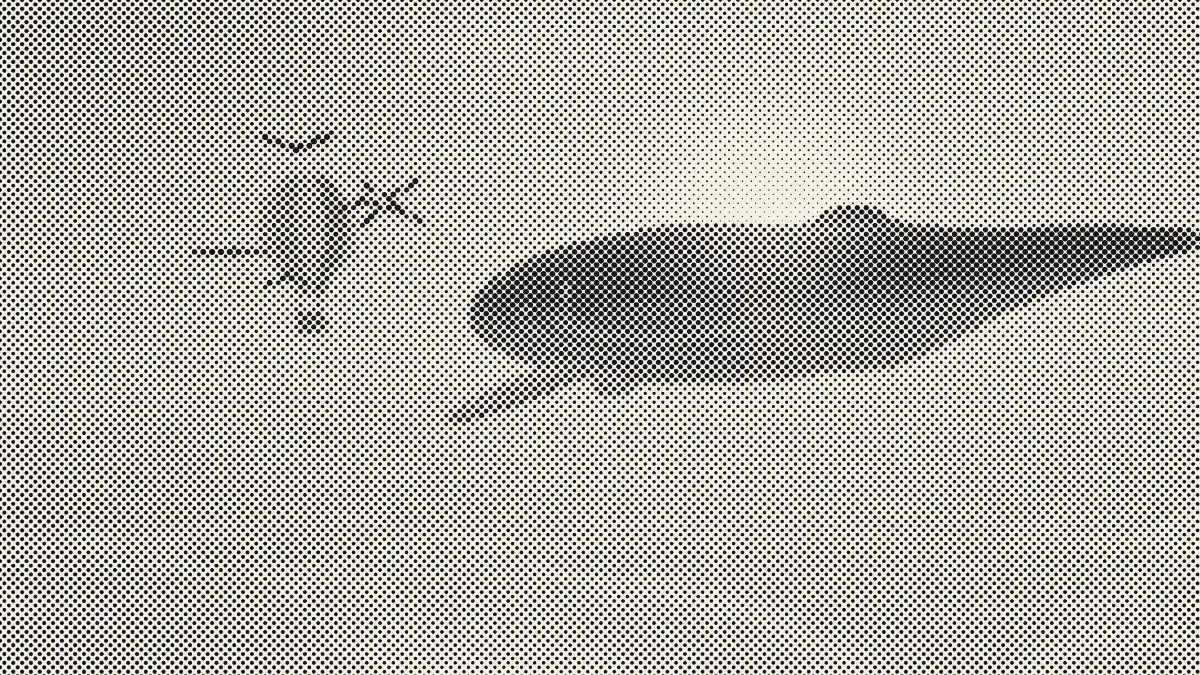
A halftone prints a continuous-tone picture with a single ink by breaking it up into a grid of dots. Each dot grows with how dark its spot is, and at reading distance your eye blends ink and paper into grays.
Frederic Ives had a commercially successful halftone process by 1881 and his crossline screen by 1884. The dot screen is still how most printed photographs get made. How coarse it looks comes down to the screen ruling: a fine ruling disappears into the picture, while a coarse one becomes the style.
How to turn a photo into halftone dots
Load a picture or a clip. Size sets the screen ruling, and Angle turns the grid (45° hides it best). Shape picks what each cell prints: Dot, Line, Cross or Diamond.
Colour switches between One ink, printed in the Ink color, and Image colours, where every dot takes the color of its own cell. Paper sets the background. Dot gain spreads the dots for a darker, softer print, or shrinks them when you take it below zero.
The presets give you a quick start: Newspaper, Lines, Crosshatch, Pop dots, Diamonds and White on black.
Settings for a newspaper photo, a shirt print and a poster
Size is measured against the picture's height, so the ruling on paper depends only on Size and how tall you print it: lines per inch = 1080 ÷ (Size × print height in inches). A newspaper photo 4 inches tall gets 90 lines per inch at Size 3, close to the 85 newspapers have used for a long time, and the dots vanish at arm's length just like in a real paper.
Shirt print 12 inches tall: Size 2.5 for about 36 lines per inch, Angle 22 or 23, One ink and Dot gain at -0.1. Murakami, which makes screen mesh and emulsion, multiplies the line count by 4 to 4.5 to choose the mesh, and that puts 36 lines on a 144 to 162 mesh. Screen printers start from 22.5° to keep dots off the threads, and the negative gain leaves room for ink to spread into the cotton. Size stops at 2, so the finest ruling on a print H inches tall is 540 ÷ H, which works out to 45 lines at 12 inches. A 2048-pixel file gives you under five pixels per dot there. That's fine for a proof.
A2 poster, 23.4 inches tall: Size 20 puts the dots about 11 mm apart. Up close they read as dots, and from across a room they merge into the picture.
Can I turn a halftone into a vector SVG?
This page saves pixels. The SVG converter on the Image Tools hub can trace a saved PNG into vector dots that stay sharp at any size, though, and that's what a film positive needs. Set its Colours to 2 for a one-ink halftone, so ink and paper become two layers.
The converter traces at 512 pixels on the picture's long side, and dots smaller than a few pixels at that size drop out. Traced from the 16:9 example frame with Detail on Medium and Round the shapes on, Size 10 gave back 943 shapes from 20,911 dots. Size 20 kept 5,076 of 5,273, and Size 30 kept 2,346 of 2,367 in a 517 KB SVG.
Aim for a cell about five pixels wide in the trace. That means Size 20 or more on a 16:9 picture and Size 11 or more on a square or upright one, whose cells come out larger at 512 pixels.
What is the difference between halftone and dithering?
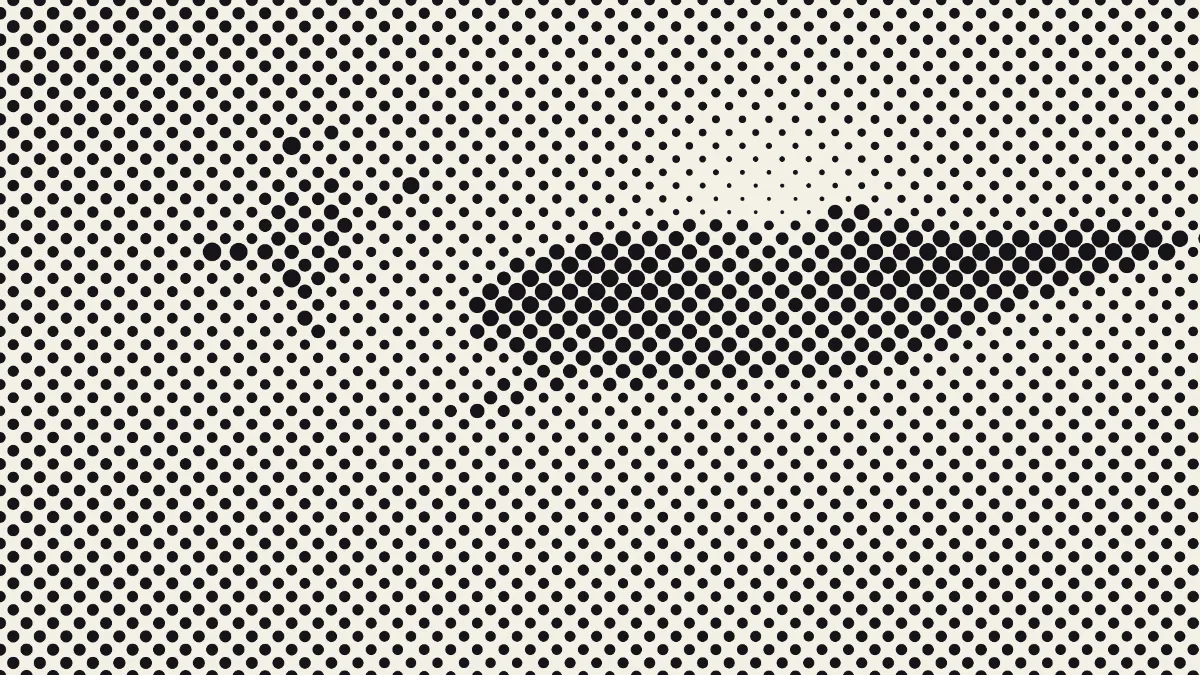
A halftone keeps its dots on a regular grid and changes their size, so dark areas get big dots and light ones get small dots. Dithering keeps every dot the same size and changes how many get inked, either with a pattern or by spreading errors, the way Dither Image does.
Print calls the first one AM screening and the second FM, or stochastic, screening. The halftone effect here is the AM kind.
Why do solid blacks show specks of paper?
Each cell draws one round dot, sized so its inked area matches the tone, and a circle can't fill the corners of its square. Even pure black leaves about 9% of the paper showing where four dots meet. With the Diamond shape it's about 17%.
For solid shadows, set Shape to Line or Cross, which fill the whole cell at full ink, or open Line Halftone, which starts on lines. On the White on black preset, dot size still follows how dark the photo is, so the light ink lands in the shadows and the picture prints as a negative. If you want a positive, invert it first with the inverter on the Color Effects hub.
Saving a halftone
The paper color fills the whole frame, so the halftone itself never gets a transparent background. For a direct-to-film transfer or a dark shirt, set Paper to #000000 and Ink to #ffffff on an inverted photo, save a PNG, then clear the black with the Knock out black preset of the green screen tool on the Image Tools hub. On the example frame at Size 20, that made every paper pixel transparent and kept every fully inked one solid, with the soft dot edges partly see-through.
PNG keeps the dot edges exact. A one-ink halftone is only ink, paper and the soft edge between them, so it makes a small, clean GIF as well. JPG at the page's 92% quality handles large dots fine but blurs small ones.