Game Boy Filter
Game Boy filter for photos and video: four shades of green and a Bayer dither, like the 1989 handheld's screen or a Game Boy Camera shot. Nothing is uploaded.
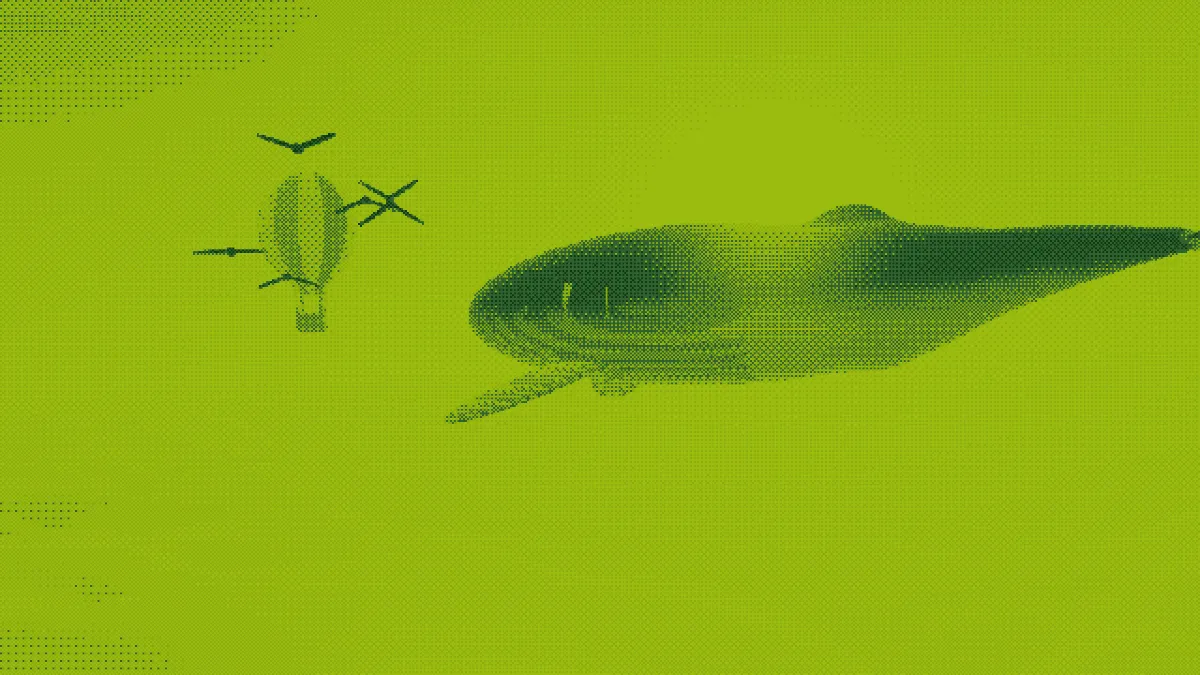
What did the original Game Boy screen look like?
Nintendo's Game Boy came out in 1989 with a 160 by 144 pixel STN LCD that had a green tint. It could show four shades, so every sprite and background was drawn in four greens, running from a deep green to a pale yellow-green.
The Game Boy Camera of 1998 used the same four shades and dithered its 128 by 112 photos to fake the tones in between. The Game Boy Pocket of 1996 kept the 160 by 144 screen but showed its four shades in gray instead of green.
How does the Game Boy filter work?
It snaps every color in your image or video to the nearest of the four greens. Ordered dithering with a 4x4 Bayer crosshatch keeps gradients alive as patterns, so they don't collapse into flat bands. Colors are matched in OKLab, which means each pixel lands on the green your eye would pick for its lightness.
The camera did something similar in hardware. Its cartridge controller compared each pixel with a 4 by 4 matrix of thresholds to choose one of the four shades.
How to make a photo look like a Game Boy picture
Upload an image or video and the Game Boy preset's already applied. Dot size sets the size of a dither dot, and Spread sets how hard the pattern pushes colors toward the next green.
Brightness and Contrast shift the tones before dithering, and that decides how much of the picture ends up in each green. Pattern trades the Bayer grid for blue noise, which is an even grain, and Palette takes another retro set or four colors of your own.
Floyd-Steinberg Dithering has a Game Boy preset too, if you'd rather have a finer scatter in the same four greens and no crosshatch.
Settings for a Game Boy screen, a Game Boy Camera photo and a Game Boy Pocket
Game Boy screen: crop to 10:9, the shape of the 160 by 144 display (the Image Tools hub has a cropper), then set Dot size to 7 or 8. Dot size counts in pixels of a 1080-pixel-tall frame. So 7 gives about 154 rows of dots and 8 about 135, landing either side of the real 144.
Game Boy Camera photo: Dot size 10 for about 108 rows, near the camera's 112, with Pattern on Bayer 4x4 and Contrast around 0.3. Four shades don't leave much room for midtones, and the extra contrast keeps a face from sinking into the two middle greens.
Game Boy Pocket: keep the same Dot size and pick Grey 4 under Palette, or edit its swatches to slightly warm grays. The preset's Spread of 0.35 still works, because four evenly spaced shades sit about a third apart.
Why do the highlights look flat?
The palette's two lightest greens, #8bac0f and #9bbc0f, are nearly the same lightness. They're about 5 points apart in OKLab, against 15 and 25 between the darker steps, so highlights and upper midtones blur into one pale band.
Lower Brightness slightly so fewer tones reach the top two greens. Or edit the lightest swatch to a paler green, which gives you a clearer top step.
Saving a Game Boy picture
Four flat greens come through PNG and GIF untouched. JPG and WebP are saved lossy, so they tint the greens and soften the dots. For a still, use PNG.
For a clip, GIF keeps the four greens exactly. At Dot size 8 a dot is five pixels of a 720p export and still close to four after the GIF's 960-pixel cap, so the grid stays readable.