Trim Transparent Edges
Trim transparent edges off a PNG automatically: the see-through border is cut to the tightest box around the visible pixels. Free, and nothing is uploaded.
What are transparent edges in an image?
PNG and WebP can store an alpha channel, a fourth value per pixel that says how opaque it is. A pixel with an alpha of zero is fully transparent. Lots of exports carry a wide border of them: logos saved on an oversized artboard, cut-out product shots, stickers and icons.
That empty border pads the file and throws off placement, because a layout or an editor aligns the whole canvas, invisible part included. Trimming cuts the canvas down to the picture.
How does the trim decide where to cut?
It reads every pixel and keeps the smallest rectangle, the bounding box, that holds all the pixels that aren't fully transparent. Only an alpha of zero counts as empty, so a soft drop shadow or a faint glow at the edge stays in.
Save it as PNG at its own width and everything inside the box comes out unchanged. If the whole picture is transparent, there's nothing to trim to, so it's left alone.
How to trim a transparent PNG
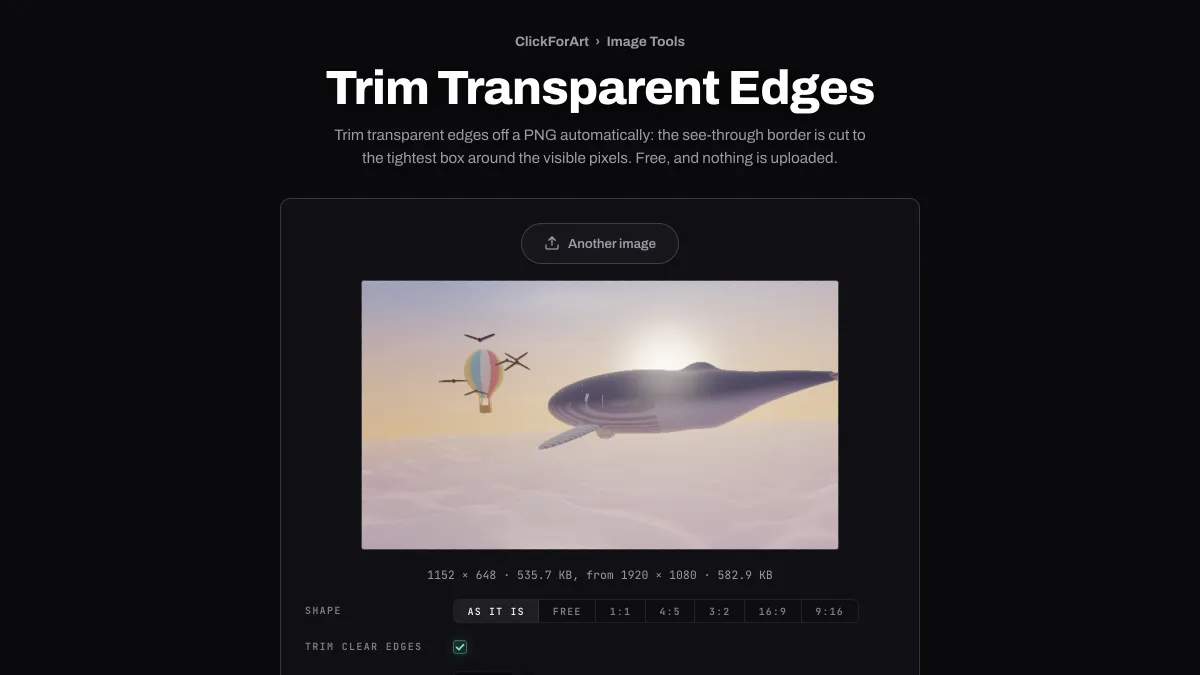
Trim clear edges is ticked from the start, so the preview already shows the trimmed result, with its new pixel size and file size next to the original's.
Leave Format on PNG, WebP or AVIF to keep the transparency. JPG doesn't have any and fills the clear areas with white. Width scales the trimmed picture down, and Shape cuts a 1:1, 4:5, 3:2, 16:9 or 9:16 box from the middle of it.
Settings for a logo, a product cutout and a sticker
A logo from an oversized artboard: keep PNG and don't touch Width. The pixels inside the box come out unchanged, so you get the same logo minus its padding, and a layout lines it up by what's actually drawn.
A product cutout for a web shop: trim it, set Width to 1200 and switch Format to WebP at Quality 85. That keeps the transparency at a fraction of the PNG's size.
A sticker made with Add Outline to Image: that page's Size leaves a clear margin around the stroke, and trimming here takes it off. If you kept a soft shadow, it stays inside the box, since its faint outer pixels aren't fully clear.
Why is there still empty space after trimming?
There are pixels in it that are almost transparent, just not completely: the faint tail of a glow, or a stray dot at 1% opacity. You can't see them, but the trim keeps anything that isn't completely clear. Erase them in the program that made the file, or export it again without the glow.
Shape won't add space either. 1:1 on a wide logo cuts the largest square from the middle of the trimmed box and drops the ends. For a square icon, set the logo on a square canvas before bringing it here.