SVG Optimizer
Optimize an SVG in your browser: editor metadata, comments and long decimals are stripped and the drawing looks the same. See the saving, then copy or download.
What does an SVG optimizer remove?
SVG, the W3C's Scalable Vector Graphics format, is XML text, and drawing programs write their own notes into it. This tool strips out the metadata block, the elements and attributes in the editor namespaces of Inkscape, Sodipodi, Adobe Illustrator, Sketch, Affinity and Vectornator, and the version attribute nobody reads.
Comments and processing instructions go as well, along with the line breaks and indents between tags. The exception is inside text, style and script, where spacing counts. Namespace declarations nothing uses anymore get dropped last.
How are SVG numbers rounded without changing the shape?
Coordinates, lengths and opacities are rounded to the number of Decimals you pick. Path data gets rounded by where each point lands, instead of step by step. Relative path commands add their steps up, so rounding each step on its own lets an outline drift until it no longer closes where it started.
Transforms keep every digit, because a small scale needs them, and any path the tool can't read is left as it was. If the cleaned file isn't smaller than the original, you get the original back unchanged.
How to optimize an SVG
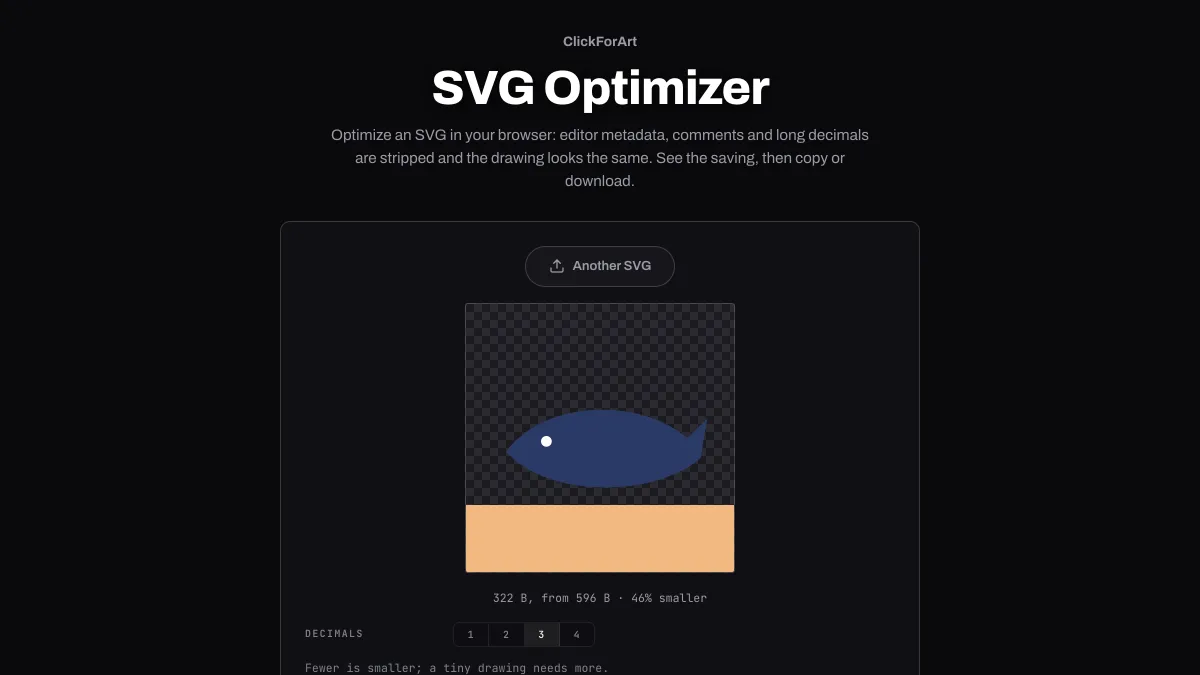
The preview is drawn as an image, so nothing inside the file can run. The line under it shows the new size, the old one and how much smaller it got, or tells you the file was already clean.
Decimals runs from 1 to 4 and starts at 3. Download saves logo.svg as logo.min.svg, and Copy code puts the markup on your clipboard.
Settings for an icon set, an illustration and a logo in small units
Icons drawn on a 24-unit grid, with viewBox 0 0 24 24: Decimals 2. Rounding moves a point by 0.005 units at most, which is a fiftieth of a pixel even with the icon shown at 96 px.
An illustration exported at page size, with a viewBox hundreds of units wide: Decimals 1. A point moves a twentieth of a unit at most, and that's a tenth of a pixel or less up to twice the drawing's own size.
A logo measured in millimeters, or in a viewBox just a few units wide: Decimals 4. Then compare the preview with the original at a large size before you save.
Why did my SVG change shape after optimizing?
Its points sit closer together than the rounding step, which happens with drawings made in very small units. Raise Decimals until the preview matches the original.
A lot of the remaining size tends to be in what the tool leaves alone: ids and class names, gradients and clip paths that nothing uses, and hidden layers. Delete those in the drawing program before you export.
Is the saving the same on a website?
Usually it's smaller. Plenty of servers send SVG compressed with gzip or Brotli, which already packs repeated metadata and whitespace tightly, so you save less over the wire than the readout shows. Long decimals are close to random digits and don't compress well. That's why the rounding is the part that still counts after compression.
Copy code gives you the cleaned markup without an XML declaration, ready to paste inline into HTML. A file from Image to SVG Converter is already written with one decimal and no editor notes, so it doesn't have much to lose here.