Censor Image
Censor an image or video: pixelate a box over a face or a car's number plate, then move and size it to fit. Free, and the file never leaves your browser.
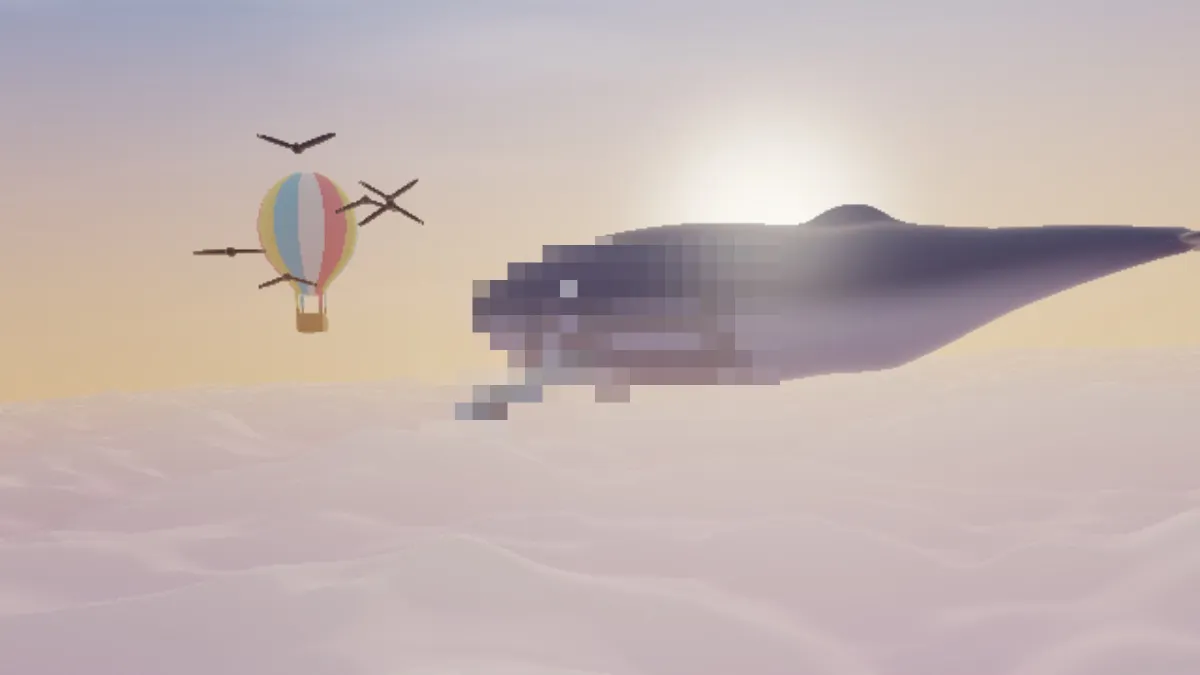
What does it mean to censor an image?
Censoring an image means hiding part of it and leaving the rest alone, like a bystander's face or a car's number plate. News footage tends to pixelate or blur faces. Documents more often get blacked out with a solid bar.
This image censor uses a pixel mosaic. It turns one box of the picture into big square blocks, so you can still tell there's a shape there, but the detail inside is gone.
How to censor a photo
The page opens with a box of the Chunky preset in the middle of the picture: blocks 28 pixels wide on a 1080p frame, in a box about a third of the frame each way. Open Mix under Pixelate. Centre X and Centre Y move the box onto whatever you want hidden, and Width and Height resize it, up to twice the frame.
Size sets the blocks anywhere from 1 to 100, and Huge goes to 64. Colour from decides each block's color: Centre takes its middle pixel, and Average blends the whole block. Mask switches the box between Rectangle and Ellipse. Feather softens its edge, and Invert pixelates everything except the box.
Settings for a number plate, a face and the crowd behind a speaker
Size is counted in pixels of a frame 1080 pixels tall. So at any resolution, the picture ends up 1080 divided by Size blocks high: about 39 with Chunky, 17 with Huge and 11 at 100.
For a number plate, aim for letters no taller than one block. Take their height as a share of the frame and multiply by 1080; letters a twentieth of the frame tall need Size 54 or more. Keep Mask on Rectangle and Feather at 0, and make the box a little wider than the plate. For a face, switch Mask to Ellipse and pick a Size that leaves the face three or four blocks across at most. That way the eyes, nose and mouth all fall into the same few blocks.
For the crowd behind a speaker, put an Ellipse over the speaker and tick Invert, and everyone else turns to blocks. Over a busy background, Colour from Average gives you calmer blocks than the single pixel Centre picks.
Can pixelation be reversed?
Sometimes. Each block keeps one color from the area it covers, and when the blocks are small and the content is guessable, that can be enough. In 2022 Dan Petro of Bishop Fox recovered pixelated text by pixelating guesses one letter at a time and keeping the ones that matched the blocks. Researchers have also matched pixelated faces to known people when the blocks were small.
So use big blocks, and make the box bigger than what it hides so its outline doesn't give anything away. For text that really has to stay secret, like a password or an account number, cut it out of the picture with Crop Image.
Why does detail show through at the edge of the box?
Feather fades the mask over a band centered on the box's edge, which means its inner half mixes untouched pixels back in. If Feather is above 0, make the box larger than what it hides by at least the Feather amount. Or set Feather to 0 and the edge hides everything inside it.
Opacity, in the same Mix panel, has to stay at 100%. Anything lower and the original shows through every block. On a video the box stays where you put it; it won't follow a face that moves. Play the clip through before you save.
Saving a censored picture
The blocks are flat squares of one color, and JPG stores those compactly. PNG keeps their edges exact but makes a photo a lot bigger. The saved file is drawn from the pixels on screen, so the original's camera data, GPS position included, doesn't come with it.
Share the censored copy and keep the original to yourself, since the blocks only exist in the copy. If you want pixelation as a look across a whole picture, the Pixel Art & Mosaic Effects hub has the full range.