3D Text Generator
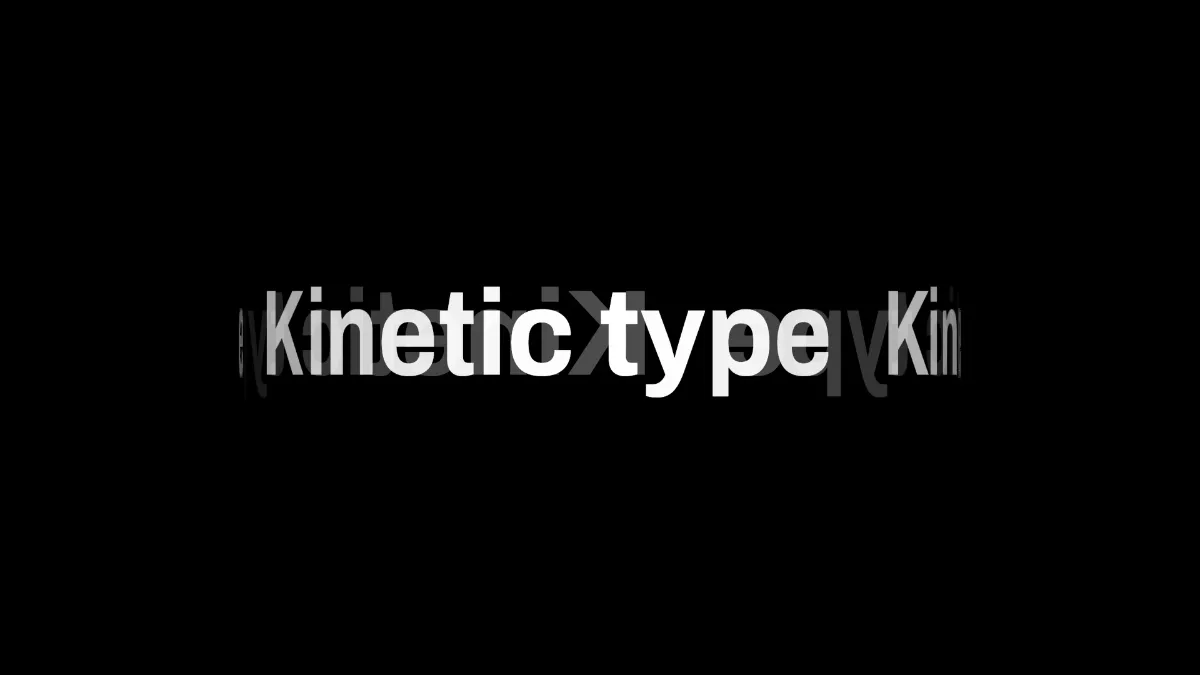
3D text generator that wraps your words round a turning cylinder, the far side showing through mirrored and dim. Any font or color, saved as a GIF, MP4 or PNG.
What is 3D text?
3D text is lettering drawn so it looks like it has depth. Block lettering gets that depth from an extruded side, which is how 3D Block Text Generator does it. This one gets it from motion: it sets your line round a turning cylinder, so the letters swing toward you and away.
What you get are pictures of 3D text, a still or a clip. There's no STL, OBJ or GLB file here for a 3D printer or a game engine. For those you'd need a modeling program that turns letter outlines into a mesh.
How does this 3D text work?
The line sits round a cylinder seen side on, and the cylinder turns. Each letter is squeezed by the cosine of its angle, so it gets narrower as it turns away and wider as it faces you. It's an orthographic projection of a curved surface, with no perspective.
Letters fade toward the cylinder's edges. The back half gets drawn first, mirrored and at 30% strength at most, so you can see the far side of the text behind the front. It reads as rotating 3D text, and there's no 3D model involved.
How to make spinning 3D text
Start on the blank canvas, or load an image or video to spin the text over. Type your line in Text. The 3D wrap motion is already set, with Size at 0.18.
Amount sets the cylinder, with a radius from 0.2 to 0.4 of the frame's width, and the line repeats as many times as it fits round it. Speed sets the spin, and at 0 it stops at its starting angle.
Font, Weight, Size, Colour and Position X and Y style and place the text. Load your own .ttf or .otf file and any typeface you've got becomes rotating 3D lettering.
Settings for a loading spinner, a wide banner and a slow logo turn
Loading spinner: a short word, Amount 0, Speed 2. The narrowest cylinder keeps the word tight in the middle of the frame, and it turns once every two seconds.
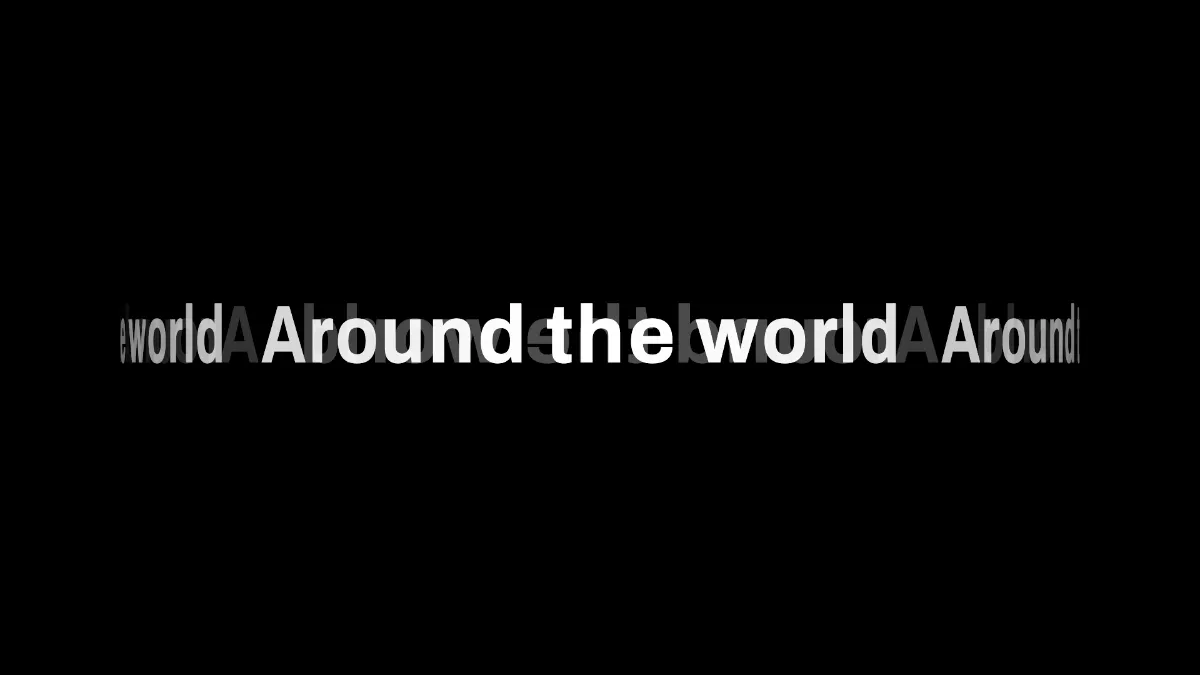
Wide banner: Amount 1 and Size 0.12 with a long phrase. The radius goes up to 0.4 of the frame's width, so the front half covers most of the frame and looks like a band of words going round a globe.
Slow logo turn: Speed 0.25, so one turn every 16 seconds, and Weight at 900 so the letters still read when they're squeezed thin near the edges.
Why does my spinning 3D text jump when the GIF loops?
Because the recording isn't exactly one loop long. A full turn takes four seconds at Speed 1, or 4 divided by Speed otherwise. And since the line repeats evenly round the cylinder, the view comes back sooner than that, after 4 ÷ (Speed × copies) seconds. With the starting line, Kinetic type, at Size 0.18, the cylinder fits two copies at Amount 0, three at 0.5 and four at 1. Those loop every 2, 1.33 and 1 second at Speed 1. A short word like SALE fits four copies even at Amount 0.
We checked this against the page's own drawing code. Every letter's position, width and shade matched after 4 ÷ copies seconds and didn't match after half that. Record that length, or a whole multiple of it. Each letter keeps going past the cylinder's edge onto the mirrored back, so the turn always runs one way.
Saving spinning 3D text
The mirrored back is a faint gray on black, and a GIF palette can break dim letters like that into blotches. Tick Dither under GIF, or record MP4.
A still shows the cylinder wherever the playhead is. At Speed 0 it stops with the start of the line facing you, which is the angle you want for a PNG.