Glitch Text Generator
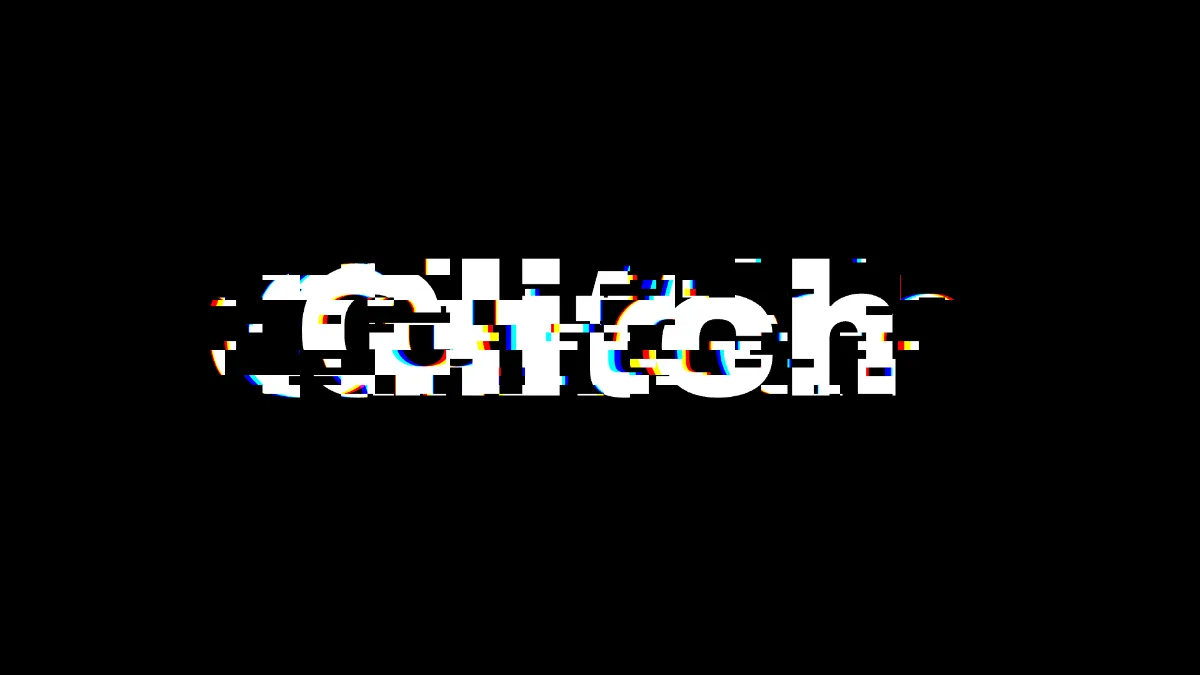
Glitch text generator: type a word and slices of it jump sideways and split red from blue, eight times a second. Save a PNG or record a GIF or MP4, free.
What is glitch text?
Glitch text is lettering made to look broken by a digital error. Slices of letters get knocked sideways, red pulls away from blue, and blocks flip to their negative. It imitates what a corrupt video stream, or a decoder that's lost its place, does to a picture.
Online, glitch text can also mean Zalgo text, where letters are buried under stacked Unicode combining marks that spill above and below the line when you paste them. That's still text you can copy. This generator makes an image or video of your word, so the glitch looks the same anywhere you post it.
How does the block glitch break the letters?
The frame gets cut into a grid of blocks, 40 pixels tall and three times as wide at 1080p, with a second grid about a third that size inside it. Every tick, a share of the blocks in both grids is picked, and each picked block slides sideways and splits its red from its blue.
On the black canvas you only see damage on blocks that cut through a letter, since the rest are just moving black onto black. The picks come from the Seed and the tick number, so a glitch plays back exactly the same in every export.
How to make glitch text
Text takes up to 80 characters and opens on the word Glitch, in Archivo at weight 900 (the heaviest) and 0.28 of the frame's height. Speed starts at 0, so the word sits still. Pick a Motion and raise Speed and Amount to get it moving under the glitch, or go to Kinetic Typography Maker for moving type without the damage.
Under Block Glitch, Amount is the share of blocks that glitch each tick. Block size and Block width shape the blocks, Shift is how far they jump, and Colour split is how far red and blue pull apart. Rate is new glitches per second, and 0 holds a single pattern. The presets are Hard glitch, Slices, Strips and Frozen.
Invert sits at 0 here. It's the chance a glitched block flips to its negative. Raise it, or choose the Negative preset at 0.9, and those blocks flash as white bars across the black canvas.
Settings for a readable title, a hard hit and thin strips
Readable title: Amount 0.15, Shift 0.03, Colour split 6, Rate 4. Fewer blocks break and they only move a few percent of the frame's width, so the word stays readable between hits.
Hard hit: the Hard glitch preset (Amount 0.6, Shift 0.2, Colour split 30, Rate 14), for that second or two when the beat drops. Thin strips: the Strips preset breaks the word into long bands 14 pixels tall and eight times as wide.
Match Rate to your recording. At 30 FPS, a Rate of 7.5 or 15 changes the pattern every fourth or every second frame. A Rate of 8 lands on an uneven count, and some patterns hang around a frame longer than others.
Can I save glitch text as a GIF?
Yes, and glitch GIFs are good at hiding the loop point. Each tick is a new pattern, so jumping from the last frame back to the first just looks like another glitch, and a recording of any length will loop.
The frame is black with a few type colors and some red and blue fringing, and a GIF palette holds that easily. If you load a photo or video in place of the blank canvas, the glitch breaks the picture too, and then MP4 keeps the picture's colors better. The Glitch Effects hub collects the same kinds of damage for whole photos and clips.