Fire Text Generator
Fire text generator: type a word and flames rise off its letters in licking orange tongues. Save a PNG, or record a GIF or MP4, free and right in your browser.
What is fire text?
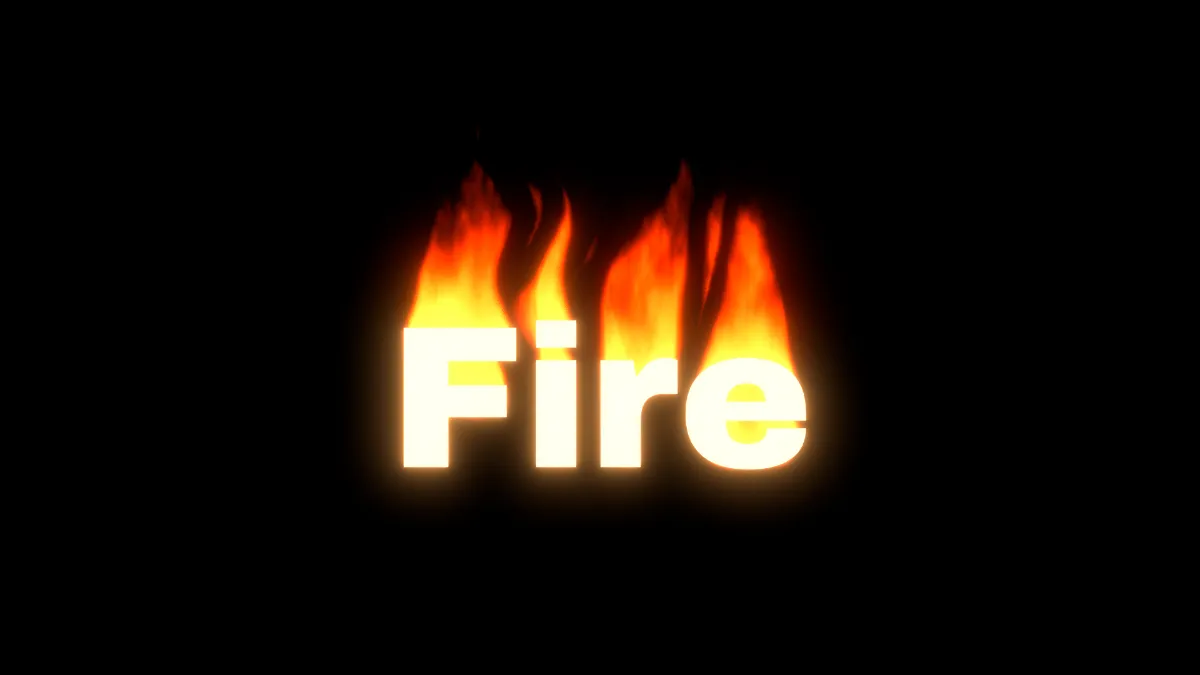
Fire text, or flame text, is lettering that looks like it's burning. The letters hold the heat and flames climb off their top edges, yellow at the base, then orange, then dark red at the tips, where they break up and disappear.
These flames are drawn from the letters themselves, so they follow the shape of any word in any font.
How to use the flame text generator
You start on a blank canvas with the word Fire in heavy, warm white type, sitting a bit below the middle so the flames have room to climb. Change it in Text, then set Font, Weight, Size and Colour. Keep the letters light. Flames burns the bright parts of the picture, and dark letters on the black canvas give it nothing to burn.
Under Flames, Height is how far the flames climb and Flame size is how wide each tongue is, both measured in pixels of a 1080p frame. Turbulence goes from a smooth glow at 0 to separate tongues near 1. Sway is how far they lean side to side and Speed is how fast they rise. Colours runs from the cool tips to the hot base, and Seed gives you a different set of flames.
The presets are Fire, Inferno, Candle, Blue gas, Witch fire and Burning cut-out. Bloom, on its Warm haze preset, puts a glow round the letters, the same way it does round the tubes in Neon Text Generator.
Which colors and fonts burn best?
Flames reads a letter's brightness as 0.2126 red + 0.7152 green + 0.0722 blue. Under 35% a pixel gives no fuel at all, and over 65% it gives everything it has. Pure red, #ff0000, works out to 21% and won't catch. Orange #ff8800 is 59% and burns at about four fifths, and the starting #fff3d6 burns fully. So let Colours handle the fire's color and keep the letters pale.
Fuel under each flame is averaged over a wide patch, which means a word with more ink burns hotter and taller. Drawn at the same size, Bungee's letters cover 48% of the box their line takes up and Major Mono Display's thin strokes cover 10%. Archivo, the face the tool starts in, covers 38% at Weight 900.
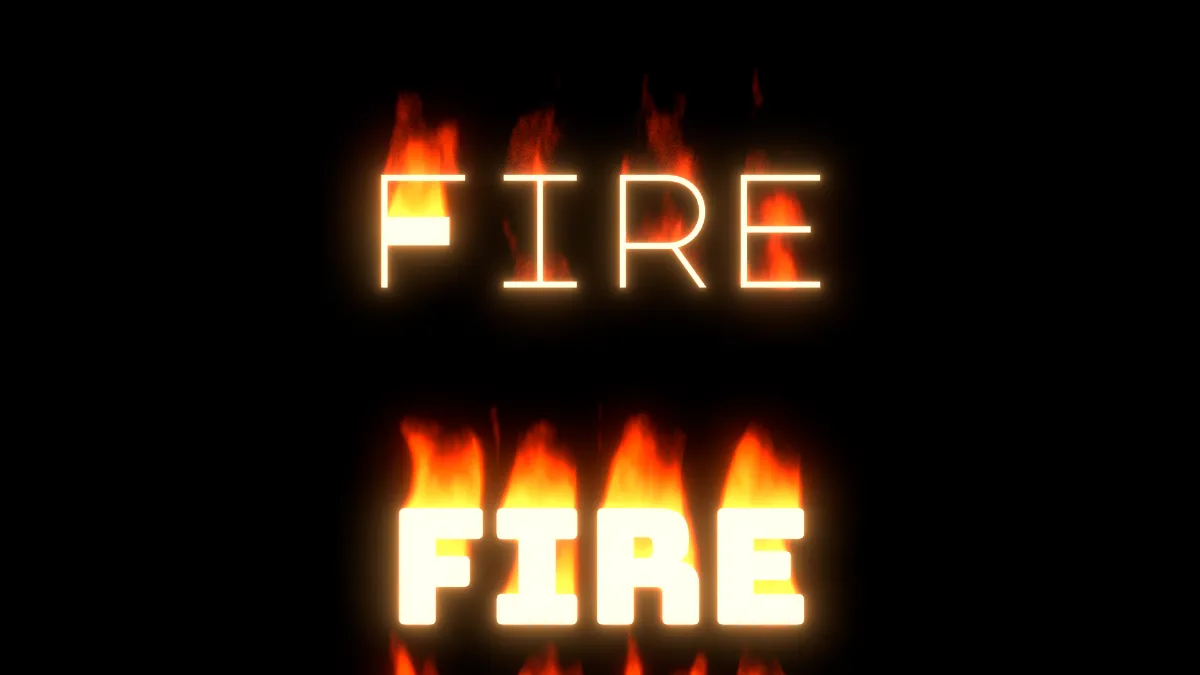
Settings for a candle-lit title, a gas flame and witch fire
Candle-lit title: the Candle preset (Height 90, Flame size 28, Turbulence 0.35, Sway 0.15, Speed 0.6). Small, slow, smooth tongues feel calm, and the low Height keeps them close to the word.
Gas flame: Blue gas (Height 130, Turbulence 0.5), with Bloom's Tint switched from the warm #ffb36b to a pale blue like #9ccfff. If you leave it orange, the glow clashes with the blue flames.
Witch fire: the greens from the Witch fire preset, with Bloom's Tint at #a6ff8a to match, on a blackletter face like Pirata One.
How are the flames drawn?
The classic fire effect from 1990s demos keeps a buffer of heat. Heat gets fed into the bottom row, each pixel takes the average of the pixels below it minus a little, and a palette maps the cooling heat to white, yellow, orange, red and black. Fabien Sanglard's write-up of the fire in the PlayStation version of DOOM shows the same idea with 37 heat levels and a random, sideways decay.
This generator doesn't carry anything over from one frame to the next. Each pixel looks down the column under it for fuel, and the farther off the fuel is, the cooler the pixel gets. The column narrows as it rises, so every flame tapers. A fractal noise drifting upward eats into the flames from the tips and splits them into tongues. Each frame depends only on the time and the Seed, so the same settings burn the same way in every export.
Can fire text have a transparent background?
Not from this page, since it draws on a black canvas, and for video you don't need one. Put the clip over your footage in your editor with the Screen blend mode. Screen works out 1 − (1 − a) × (1 − b), so wherever the clip is black your footage shows through untouched, and the flames add their light all the way down to the faintest tip. Flames itself lays fire over a photo using the same formula.
A see-through GIF would be a bad fit for flames anyway. GIF89a marks one palette entry as transparent, so every pixel is either fully shown or not at all. A transparent fire GIF has to cut its flames off at some brightness, and then the dim tips either disappear or keep a fringe of whatever color they were blended against.
To burn the picture itself, load a photo or video in place of starting blank and empty the Text field. Anything bright catches, and the flames rise into the darker parts above it. Set Fuel to Dark parts to burn the shadows, or to Transparency to burn round a PNG cut-out, which is what the Burning cut-out preset does.
Why does my fire GIF jump when it loops?
The noise shaping the tongues keeps rising and never gets back to an earlier state, so the last frame of any recording won't match the first. In the record settings, set Seamless loop to ½ s or 1 s. The end crossfades into the start, and two layers of flame blended for a moment still just look like flame.
Flames are smooth gradients from yellow into black, and a GIF's 256 colors per frame can band them. Tick Dither under GIF, or record MP4 for a long burn.