Chrome Text Generator
Chrome text generator: type a word and it turns to polished metal mirroring a pale sky and a dark horizon, with gold and steel presets. Free, saved as PNG.
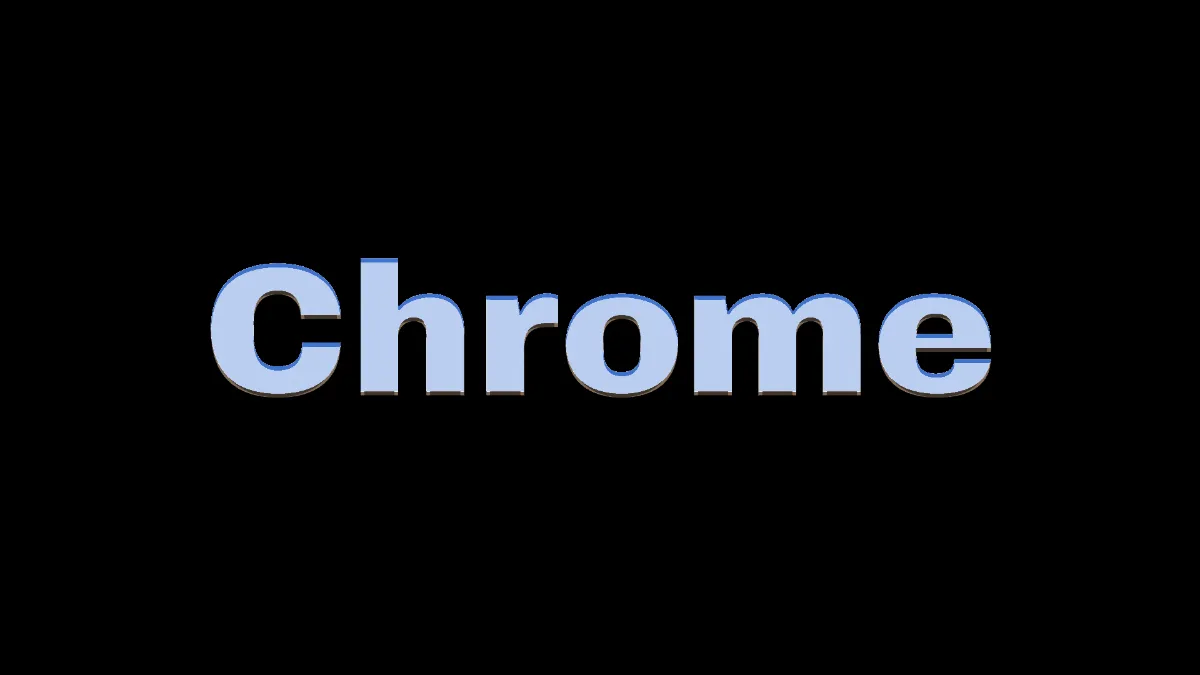
What is chrome text?
Chrome text is lettering made to look like polished, chrome-plated metal, and it's the best known kind of metallic text. A mirror finish has no color of its own; it shows whatever's around it. The classic chrome look boils that down to a pale sky on top, a dark horizon line and brown earth underneath.
Airbrushed chrome was everywhere in Californian commercial art in the early 1970s, on record sleeves and movie posters, and chrome logos stayed popular right through the 1980s.
How the letters turn to metal
First the text gets drawn. Then the Chrome effect reads the picture's brightness as height, so the light gray letters on the black canvas stand up like plateaus with sloping edges. The slope at each pixel decides which bit of that sky-and-earth world it reflects, and a light from above adds a highlight.
That puts sky on the letter faces, while the edges sweep down through the horizon. The letters end up looking raised, like stamped metal.
Under Chrome, Mix has Mask set to Brightness from 15% to 100%, so only the letters become metal and the black canvas stays black. Switch Mask to None for the full-frame look, where the black round the letters turns into the brown ground of the reflection.
How to make chrome text
Type your word in Text, 80 characters at most. It starts in Archivo at weight 900. Font, Weight and Size change the type and Position X and Y place it. Heavy faces give the metal the widest surfaces to reflect.
Under Chrome, Depth is how steep the edges are, Smoothness is how rounded they get, Shine is the highlight and Metal is the color. Amount fades the metal back toward plain text. The other finishes are Gold, Rose gold, Dark steel and Liquid, and Half stops at a 50% blend.
For engraved text, set Mask to None, load a plain white picture in place of the blank canvas and make the text Colour black. Dark reads as low, so the letters sink into the metal.
Settings for an 80s chrome logo, deep gold and liquid metal
1980s chrome logo: Depth 2.5, Smoothness 3, Shine 0.9. Measuring the slope over a short distance keeps the faces flat and puts all the bending into a narrow bevel at the edges. That's exactly where the horizon line falls.
Deep gold: Metal #e0a840 in place of the Gold preset's #ffcf6b, and Shine 0.7. Metal multiplies the reflected world, so a deeper yellow darkens and warms the sky areas while the highlight stays white.
Liquid metal: the Liquid preset (Smoothness 18, Depth 3.2) on a heavy face at Size 0.35. Because the slope is measured over 18 pixels, whole letters round off like poured mercury.
Why do my chrome letters look flat or vanish?
Letters in one flat color only have height at their edges, so each face reflects a single patch of sky. When they look flat, raise Depth or Smoothness so more of every letter slopes.
When they vanish, check the Mix. The Brightness mask fades out toward its lower edge, so a Colour darker than about #404040 only gets some of the metal, and anything near black gets none. Glitter Text Generator uses the same mask to keep its foil on the letters.
Saving chrome text
Chrome doesn't move, so all you need is a still, and PNG is the format to use. The thin horizon line and the glint along the edges are the first things JPG softens. If you load a photo or video in place of the blank canvas, its brighter parts become metal too, along with the letters.
You'll find the same chrome finish for whole pictures in the Photo Filters hub.