Graffiti Text Generator
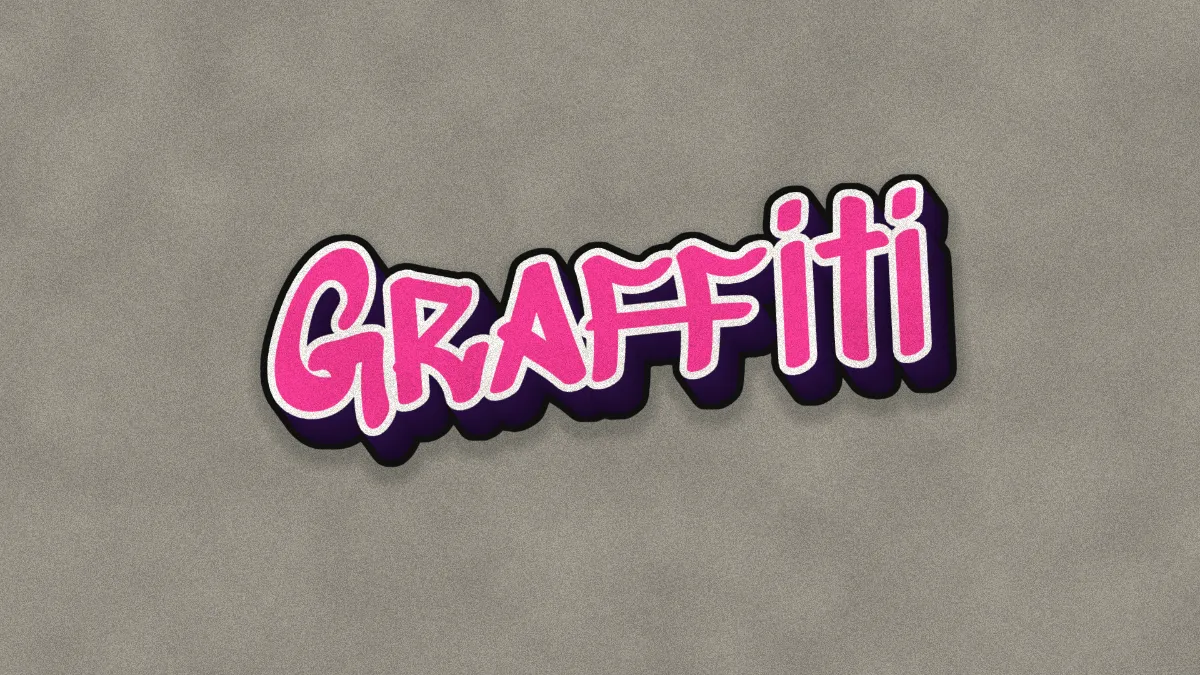
Graffiti generator for your name or tag: a graffiti face with a white outline, a 3D drop and a gray wall behind it. Download a free PNG; nothing is uploaded.
What is graffiti lettering?
Graffiti writing grew up on New York's walls and subway cars in the late 1960s and 1970s. A writer's quick signature is a tag. A piece, short for masterpiece, is the big painted version, with a fill color, an outline, often a highlight line, and a 3D drop that lifts the letters off the wall.
This graffiti generator builds that kind of piece out of a typed word. You get a bright fill with a white line round it, a dark 3D side, a black line round the whole thing, and a shadow on a gray, speckled wall.
The face is Sedgwick Ave Display, a free font by Pedro Vergani and Kevin Burke under the SIL Open Font License. It's named after Sedgwick Avenue in the South Bronx, which its makers call the birthplace of hip hop. Wildstyle, with arrows and letters locked into each other, is usually drawn by hand for each wall, so a typed word here lands closest to a clean piece or a throw-up.
How to make graffiti text
You start on a blank canvas with the word Graffiti in Sedgwick Ave Display, hot pink with a white outline. Type your word in the Caption's Text field. Colour is the fill, Outline colour and Outline width are the line round it, and Size is how big it is. The Font list has the other bundled faces, and you can add a .ttf or .otf file of your own.
Under Extrude, Depth is how far the 3D drop runs, Direction is its angle in degrees (0 is right, 90 is down) and Side is its color. 3D Transform tilts the piece. Rotate Z starts at -6, so the word climbs to the right. Keep the fill light or bright: Extrude's Shape from is on What is dark, which makes the black canvas count as empty, and a fill close to black disappears along with it.
Under Sticker, Border is how wide the black line round the piece is and Border colour is its color. Shadow is how dark the shadow on the wall gets, and Backdrop is the wall color. Paper, on Newsprint, gives the wall and the paint a sprayed grain; Texture is how strong that grain is and Scale is how coarse.
Settings for a classic piece, a silver throw-up and a pastel piece
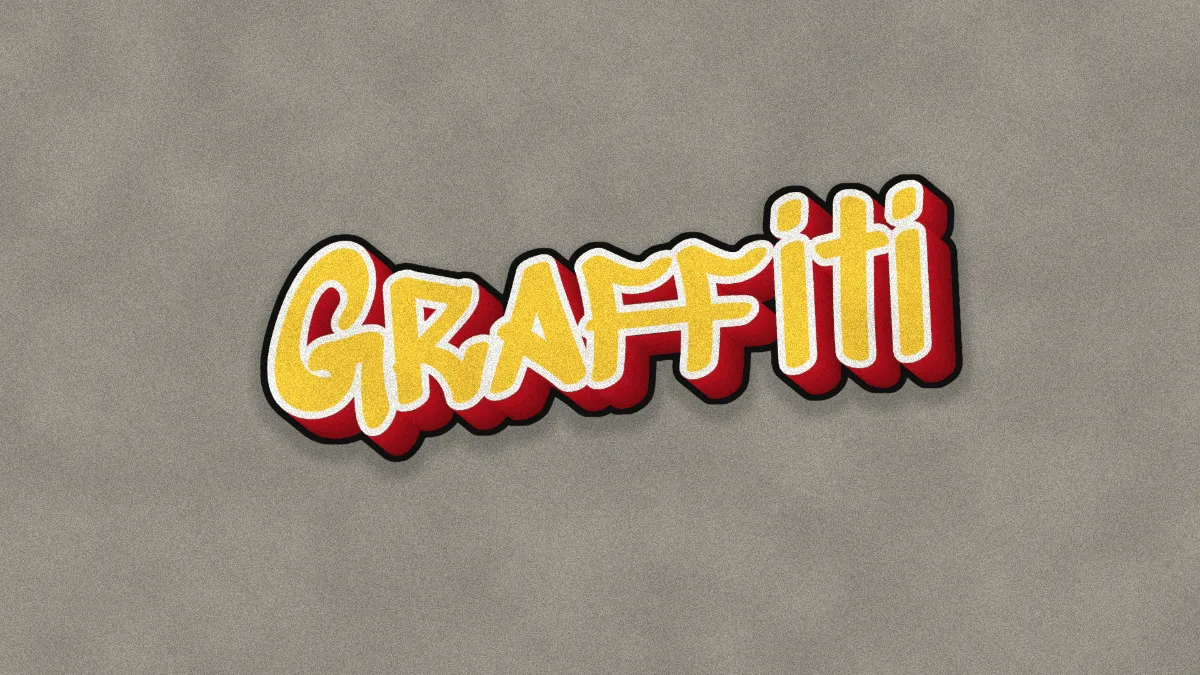
Classic piece: Colour #ffd23f, Side #c1121f, Direction 45, and leave the white outline alone. A light fill over a dark, saturated drop gives you the strongest lift off the wall.
Silver throw-up: Colour #c8c8c8, Outline width 4, Depth 0.02, and Sticker's Border colour on black. A throw-up is the quick version of a piece, often silver bubble letters with a dark line, and the Sticker border gives you that line round the whole word. Keep Outline colour light, because Extrude only treats a pixel as fully solid above about 20% brightness, and a black outline would vanish into the wall.
Pastel piece: Colour #ffb3d9, Side #6a4c93, Sticker's Backdrop at #cfd8dc for a cooler wall, and Texture at 0.3 for a cleaner coat.
How long can a graffiti name be?
At the starting Size of 0.3 the letters are 324 pixels tall on a frame 1,920 pixels wide. In Sedgwick Ave Display, Natalie measures 851 pixels, Alexander 1,344 and Christopher 1,510, so most first names fit on one line. Capitals are wider: CHRISTOPHER takes 1,725 pixels, which doesn't leave much room for the drop.
Two or more words wrap to a new line once a line goes past 92% of the frame's width, so Happy Birthday, 1,939 pixels long at 0.3, ends up on two lines. A single word longer than the frame never wraps. It runs off both sides and takes its 3D drop with it. Bring Size down until it fits; at 0.22 every name above stays under 1,300 pixels, capitals included.
How do you keep graffiti letters readable?
The drop does most of the work, since its edge against the fill is what draws each letter. By the WCAG contrast formula, the starting pink on purple is 5.1:1, the classic yellow on red is 4.3:1 and the silver on purple is 10:1. A red fill on the classic red drop, #e63946 on #c1121f, is only 1.5:1, and the letters melt into their own sides. WCAG asks 3:1 of large text, and that's a reasonable floor for fill against Side as well.
Against the wall, the white outline won't hold up on its own. White on the gray #9a9790 is 2.9:1, and on the pastel wall it's 1.45:1. What holds the shape is the black line Sticker draws round the whole piece, 6.5:1 on the gray, so keep Border above 0 whichever wall you choose.
Can you put graffiti on pictures?
Yes, as a layer. Tick No backdrop in Sticker and save a PNG. The piece keeps its outlines on a see-through background, ready to lay over a photo of a wall in any editor. Loading the photo here doesn't work as well, because Extrude reads every light part of the picture as lettering.
PNG keeps the outlines and the drop as clean edges, though the sprayed grain makes the file bigger than flat color would. For the 3D drop without outlines or a wall, 3D Block Text Generator runs the same Extrude on its own. For separate letters with white edges, try Sticker Text Generator.