Thermal Camera Filter
Make a photo or video look like thermal camera footage, its brightness mapped from black through red and yellow to white. Free, and nothing gets uploaded.
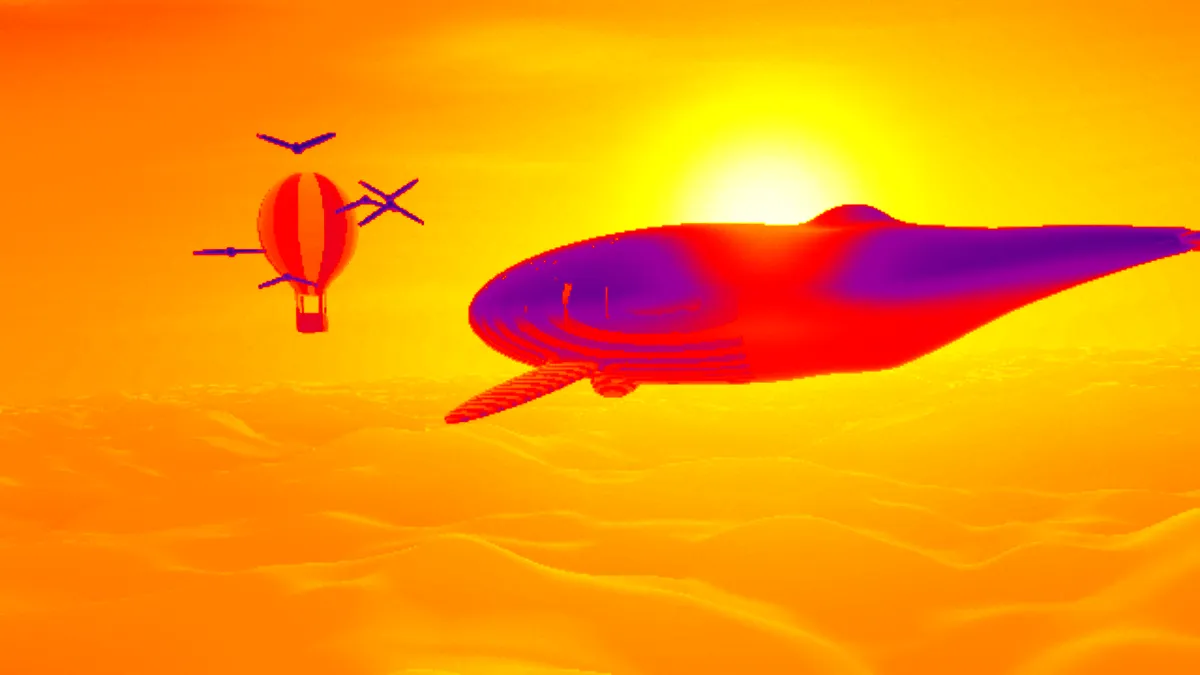
What does a thermal camera show?
A thermal camera picks up the infrared radiation surfaces give off, mostly in the long-wave band from 7 to 14 micrometers. Its sensor records a single channel, so the raw image is monochrome. It's usually shown in false color to make small differences easier to spot.
The convention is white for the warmest parts, red and yellow for middle temperatures and black for the coolest. That palette is the look most people know from thermal imaging, also called thermography.
Does this thermal filter measure heat?
No. An ordinary photo has no temperature data in it, so the filter goes by brightness: light areas read as hot, dark ones as cold. It looks most like a heat camera when the bright subject is the one that ought to be warm, say a face against a dark background.
Each pixel's brightness is measured with the Rec. 601 luma weights and looked up on a smooth ramp, so gradients blend into each other with no hard bands.
How to make a photo look like thermal imaging
Palette picks the ramp. Thermal runs from black through purple, red, orange and yellow to white. Infrared goes from deep purple through pink to white, and Night vision runs through shades of green.
Intensity blends between the original and the thermal view, so a lower value lets some of the real colors through. There's also a preset named after each palette.
Settings for an inspection shot, a half-heat portrait and a low-resolution sensor
For an inspection look, set Palette Thermal and Intensity 1. Its run from black through purple, red and yellow to white is close to Ironbow, the general-purpose palette FLIR says thermographers prefer for spotting hot spots. For a half-heat portrait, use Palette Thermal at Intensity 0.6, which lets enough of the photo's color through to keep a face recognizable. Palette Infrared at full Intensity stays in purples and pinks and never passes through yellow, so it's a softer, less clinical take.
Many handheld thermal cameras record only 160 × 120 or 320 × 240 pixels. To fake that low-resolution sensor, pixelate the photo to about that size with a tool from the Pixel Art & Mosaic Effects hub, save it and load it here. Then add Film Grain Overlay in Mono at a low Amount for sensor noise.
Why does the sky come out hotter than the person?
Whatever's brightest in the frame gets the hottest color, and in a daytime photo that's usually the sky. A real thermal camera would show a clear sky as one of the coldest parts of the scene.
Go for photos where the subject is lit and the background is dark, like a night portrait or a stage shot. Night Vision Filter depends on brightness in the same way, since it amplifies light and doesn't read heat either.
Which format keeps the thermal colors clean?
At Intensity 1 every pixel sits somewhere on a single ramp of colors. A GIF's per-frame palette then has far fewer colors to cover than with an ordinary photo, so a thermal GIF stays clean. Lower the Intensity and the photo's own colors mix back in, and you lose that advantage.
The filter keeps transparency. A cut-out subject saved as PNG or WebP keeps its see-through background and is ready to lay over another picture.