Chrome Effect
Chrome effect for photos and video: polished metal that mirrors a sky and a dark horizon, in chrome, gold, rose gold or dark steel. Free, in your browser.
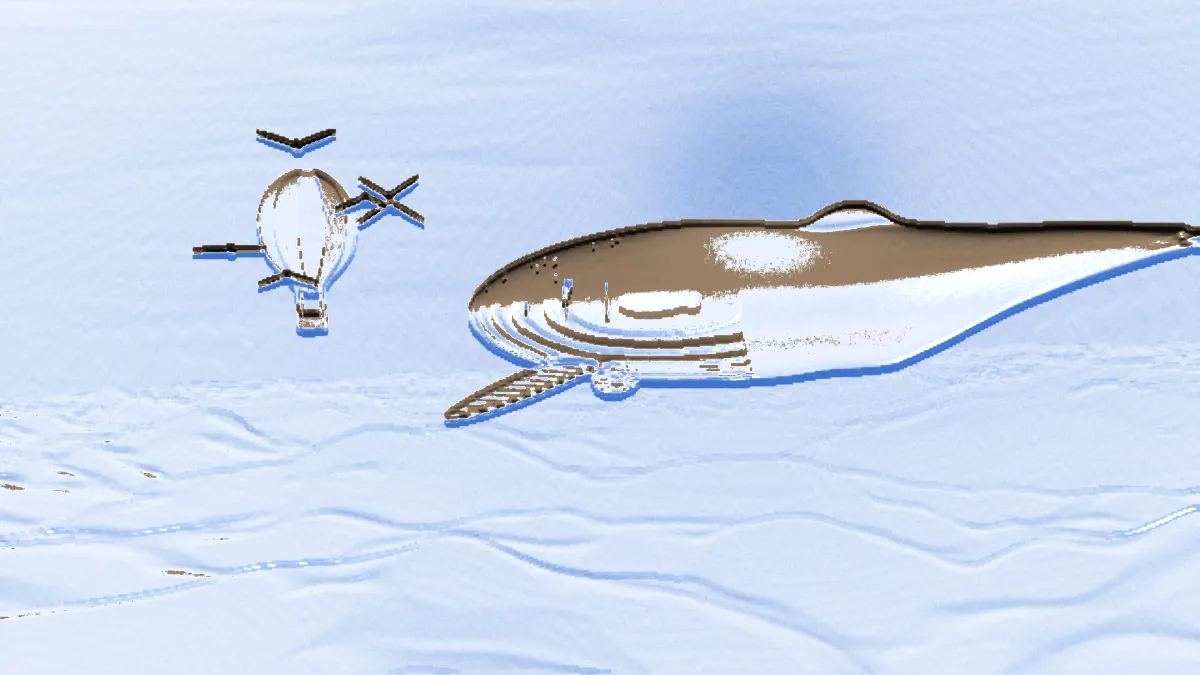
What is a chrome effect?
Chrome plating is a thin layer of chromium on metal, polished to a mirror finish. A chrome effect copies that finish. The surface shows a reflection of its surroundings in place of a color of its own, with sharp, bright highlights.
The classic chrome look reflects a pale sky above, a dark line at the horizon and warm ground below. This filter mirrors that same simple world.
How this chrome filter turns a picture into metal
The picture's brightness becomes a height map, the idea behind the bump mapping James Blinn introduced in 1978. Bright areas rise and dark ones sink, and the tool works out which way the surface tilts at each pixel.
That tilt decides what the metal reflects. The technique is called reflection mapping, after Blinn and Martin Newell described it in 1976. A light from above adds the shine.
How to make a chrome effect
Amount is how much of the picture turns to metal, and the Half preset stops at 0.5 for a blend. Depth is how steep the surface is, so more depth bends the reflection harder.
Smoothness is the distance the surface gets measured over, in pixels of a 1080p frame. Higher values give smoother, more liquid metal. Shine controls the brightness of the highlight, and Metal tints the surface: white for chrome, yellow for gold.
The Gold, Rose gold, Dark steel and Liquid presets set all of this for you. You'll get the clearest relief from bold, simple shapes like logos and lettering.
Settings for 1980s lettering, a gold badge, liquid metal and a transparent logo
For 1980s lettering, put white text or a logo on black and set Depth 2, Smoothness 4, Shine 0.8. Sharp, bright shapes turn into a crisp bevel with sky above the horizon line and dark ground below. For a gold badge, use Gold with Depth 1.8 and Shine 0.7. The Metal color multiplies the reflected world, but the highlight stays white whatever the tint.
For liquid metal, run Liquid (Smoothness 18, Depth 3.2) on a portrait or a hand. Measuring the slope over a wide distance smooths away skin texture and leaves big, rounded forms, like poured mercury. For a transparent logo, load a PNG with a see-through background. The effect keeps the transparency, so the chrome logo saves ready to drop onto any background.
Emboss Effect reads the same slopes but shades them gray rather than reflecting a world, so you get a stamped finish where this one is polished.
Why does the middle of my logo look flat?
The surface only tilts where brightness changes within the Smoothness distance. Inside a large flat shape the metal faces straight out and reflects one color, pale sky for a white shape and warm ground for a black one.
Raise Smoothness to widen the bevel, or soften the logo first with a blur from the Blur, Light & Glow Effects hub. A blurred edge turns into a rounded slope, which is the classic way to bevel lettering.
Saving a chrome logo or clip
Chrome is mostly smooth gradients of reflected sky, and a GIF can only approximate those with a dotted dither. MP4 or WebM keep a moving chrome logo smooth. PNG keeps both the gradients and the transparency of a still logo.