Photo to Pencil Sketch
Photo to sketch converter: pencil outlines and hatched shadows, or clean line art for a coloring page, drawn by filters, not AI. Free; saves PNG, MP4 or GIF.
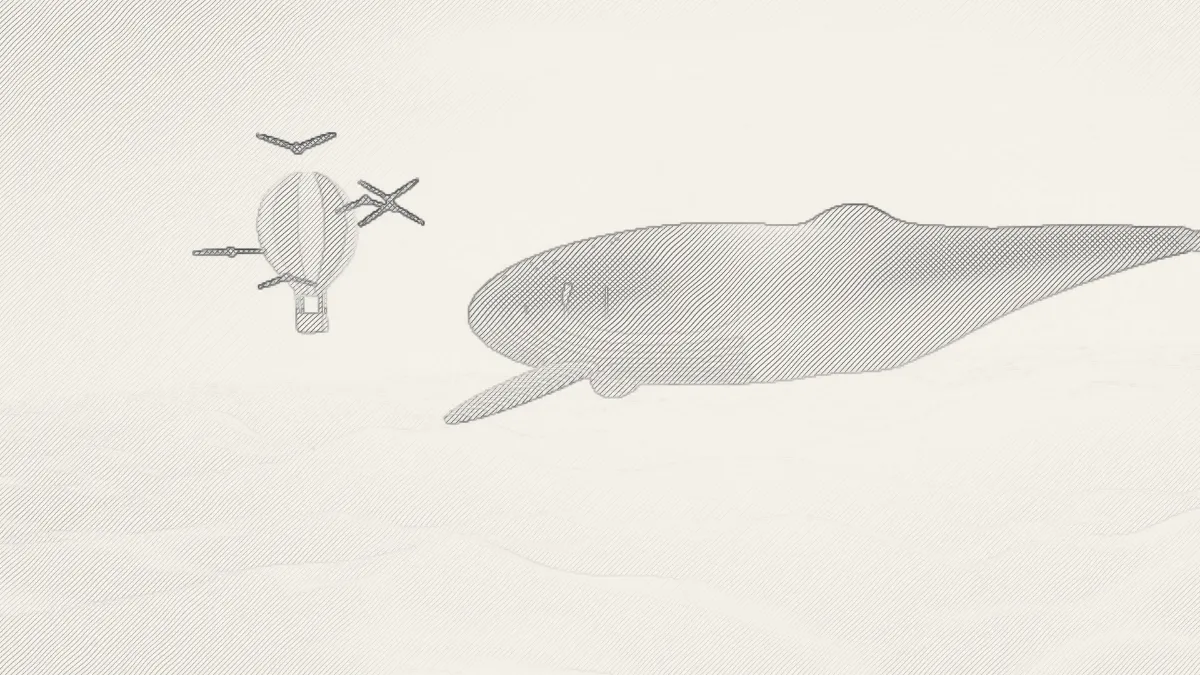
What is a pencil sketch?
A pencil sketch is a graphite drawing made of outlines and hatching, which means closely spaced parallel lines that darken an area. When a second set of lines crosses the first, that's cross-hatching, the technique Albrecht Dürer used to model shadow in his engravings.
So to sketch a photo, a converter has to find both parts in the picture. It needs the edges to outline and the tones to shade.
How do you turn a picture into a sketch?
Outlines, from 0 to 3, sets how dark the drawn edges are, and Hatching controls how strongly the shadows get shaded. Line spacing is the gap between hatch lines, in pixels of a 1080p frame, and Angle is their direction.
Untick Crosshatch if you only want one set of lines. Under Colours, Paper and Graphite are the drawing's two colors, and Seed gives the strokes a different wobble.
Graphite is the default preset. Outline only gives you a clean line drawing and Dense hatch tight shading, while Charcoal draws heavy dark lines in one direction and Blueprint pale lines on blue paper.
Settings for a coloring page, an engraving and a chalkboard drawing
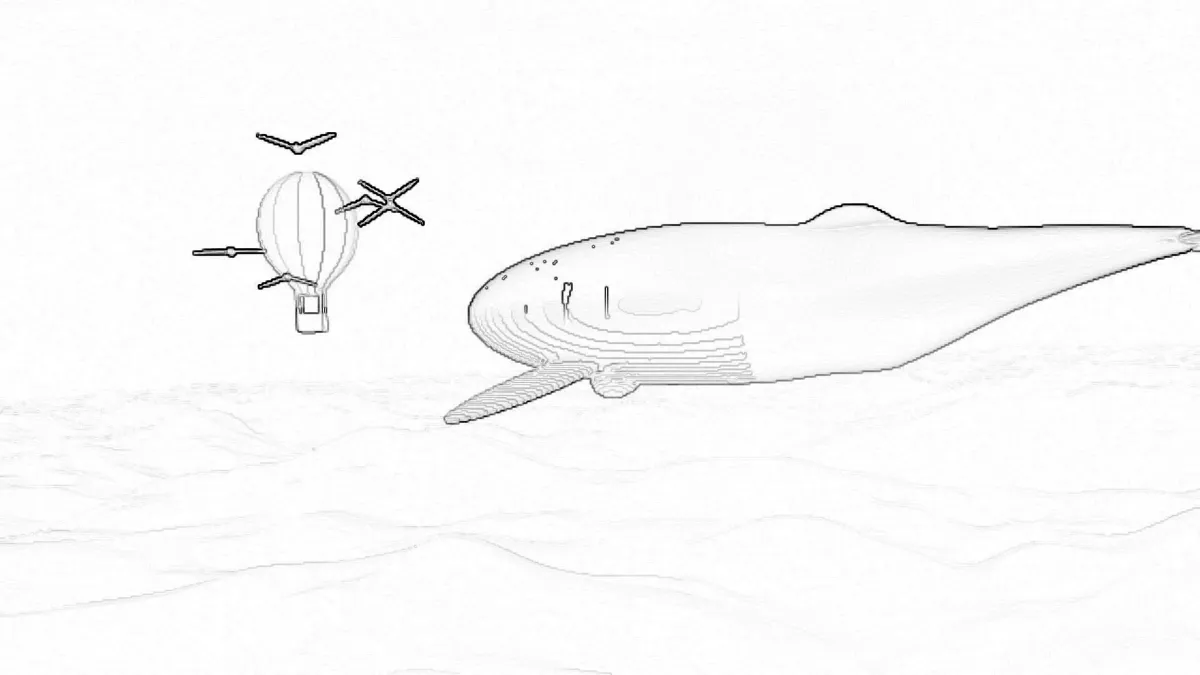
For a coloring page, start from Outline only and set Outlines to 2.2, Paper to #ffffff and Graphite to #000000. Hatching at 0 leaves every area white to color in, and pure black lines print cleanly on any printer. For an engraving, try Line spacing 3, Hatching 1, Angle 30, Crosshatch on and Outlines 1. You'll get tight, even lines that build tone the way a burin does on a copper plate.
For a chalkboard, use Paper #1f2a24, Graphite #f2f0e6, Outlines 1.5 and Hatching 0.5. Lines go where the photo is dark, so with light chalk on dark paper the shadows come out lightest and the picture reads as a negative, just like Blueprint. Invert the photo first with a tool from the Color Effects hub and the chalk lands on the highlights, which is where an artist would put it.
Cartoon Effect keeps the photo's colors and draws ink outlines on top. Neon Outline Effect finds the same kind of edges and draws them as glowing lines on black, not graphite on paper.
How the drawing is made
The outlines come from a Sobel operator, run on the photo's brightness. That's the edge detector Irwin Sobel and Gary Feldman presented at Stanford in 1968. Shadows get hatching lines that thicken as the tone gets darker.
The first set of lines starts where brightness drops below about 80 percent and hits full strength by 55 percent. The crossing set doesn't begin until about 45 percent, which is how an artist builds up shade. A bit of seeded noise bends each line so it wobbles like a hand-drawn stroke, and the same seed gives you the same drawing on every export.
Why does my sketch look faint or gray?
A drawing can only be as strong as the photo's contrast. The example frame is a soft golden-hour shot where 94% of the pixels are darker than 80% brightness but only 4.5% are darker than 45%. So it gets one pale set of hatch lines nearly everywhere and almost no crosshatch. With Hatching at 0, just 0.7% of its pixels reach a quarter of full graphite at Outlines 1.2, 1.3% at 2.2 and 1.8% at 3.
To get a bolder drawing from a pale photo, push Outlines toward 3 and Hatching to 1. Or darken the photo and add contrast first with a tool from the Color Effects hub. Side light and a plain background draw best, because every edge turns into a line. Soft clutter, like the cloud ripples in the coloring-page picture, ends up as faint gray strokes.
A gray haze over the paper usually means grain or noise, which the edge detector reads as lots of tiny edges. Adding noise of six levels either way to the example raised the average shading of its sky from 1% to 4% of full graphite, and not one pixel reached a quarter, so the paper just looks dirty. Lower Outlines, or soften the photo first with a tool from the Blur, Light & Glow Effects hub.
Why does the hatching stay still when the video moves?
The hatch lines are laid out on the frame, not on the objects in it. Each line's position comes from its pixel's place on screen plus the Seed, so the lines stay put on every frame. When a face turns, its shadow slides through a fixed field of lines. In computer graphics that's called the shower-door effect.
For a moving subject, a wider Line spacing of 10 or more makes the sliding less busy. Or use Outline only, which drops the hatching and keeps just the edges, and those do move with the picture.
What format is best for printing a sketch?
A sketch is a blend of just two colors, Paper and Graphite, so it squeezes into a small PNG with every line intact. JPG blurs thin lines and leaves faint gray blocks on the white paper, and you'll notice that when a coloring page comes out of the printer.
A 2048-pixel still covers a US Letter page at about 186 pixels per inch, which is plenty for line art seen at arm's length. A moving sketch stays crisp as a GIF too, since all its colors sit between the paper and the pencil.