Oil Painting Effect
Oil painting effect for photos and video: flat-toned brushstrokes that bend along the edges of the picture. Free, and a clip gets painted frame by frame.
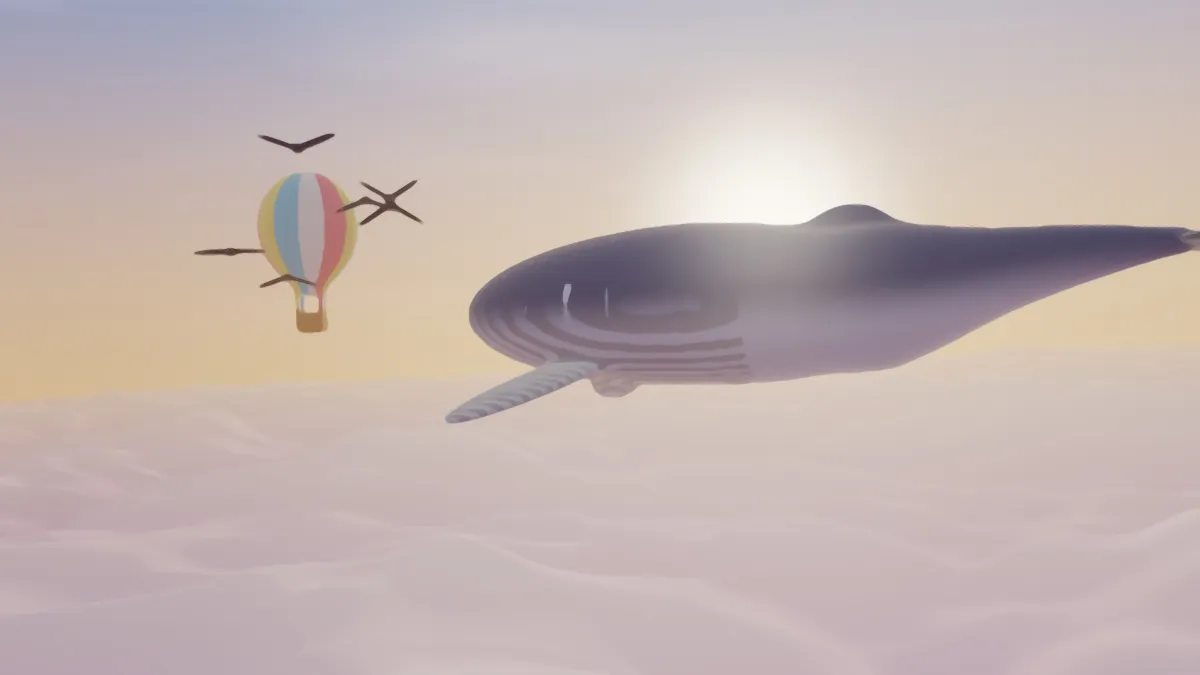
What is an oil painting effect?
An oil painting is built from strokes of slow-drying pigment, often with visible brush marks or paint laid on thick, a style called impasto. An oil painting effect fakes that by flattening small areas of a photo into single tones and keeping the edges between them sharp.
The usual way to do it in image processing is the Kuwahara filter. It's named after Michiyoshi Kuwahara, who came up with it in the 1970s for medical images of the heart. It looks at the regions around each pixel and keeps the average of the calmest one, so texture smooths out while outlines stay where they are.
How to turn a photo into an oil painting
Start with a preset. Oil is the default. Impasto uses larger, crisper strokes (Brush size 12, Sharpness 12), Fine brush uses small ones, and Flowing has a mid-sized brush with Stretch at 3.2.
Brush size, from 2 to 20, is the stroke size in pixels of a 1080p frame. Sharpness, from 1 to 18, controls how strongly each stroke commits to its calmest side. Turn it up for crisp, flat patches of paint, or down to blend toward a soft blur.
Stretch decides how far strokes run along the edges. At 0.2 a stroke is nearly a circle. At 4, on a strong edge, it runs up to four times the brush size along the edge and a fifth of it across.
Settings for a portrait, an impasto landscape, hair and video
For a portrait that keeps the eyes, try Brush size 4, Sharpness 10, Stretch 1. A small brush leaves features that are only a few pixels wide intact, and high Sharpness keeps the strokes from smearing across them. For an impasto landscape, start from Impasto and raise Stretch to about 1.7, so the big, crisp slabs of paint drag along ridges and tree lines.
Hair, fur or water look good at Brush size 8, Sharpness 9, Stretch 2.5. The strokes follow the strands and ripples like a loaded brush pulled in one motion. For painted video, go with Brush size 7, Sharpness 6, Stretch 1. Lower Sharpness lets the sectors share the result, so noise in the footage is less likely to flip a stroke between frames.
For softer washes from the same filter, Watercolor Effect opens with Sharpness at 3. Cartoon Effect uses it as one of four steps, then flattens the colors into bands and inks the outlines.
How the brushstrokes follow the picture
This tool uses the anisotropic version of the filter that Jan Eric Kyprianidis, Henry Kang and Jürgen Döllner published in 2009. First it measures which way the colors run at every pixel, and how strongly. Then it stretches each brush footprint along that direction, so strokes curve around a face or a branch and don't form square blocks. Where an area is flat and has no direction, the footprint stays round.
Each footprint is split into eight sectors with smooth weights, and the calmest sectors count the most. The brush is sized against a 1080p frame, so a 2048-pixel still and a 720p clip of the same photo get strokes of the same proportions.
Why do faces in a group photo turn into smudges?
Brush size scales with the whole frame, not with the faces in it. At the default of 6, a stroke is about 12 pixels across in a 1080p frame, and longer along an edge. The eyes of someone standing in a group might be just a few pixels wide, so one stroke covers them.
Switch to the Fine brush preset, or use Brush size 2 to 3 with Sharpness 12 or more. It also helps to crop to the people who matter before painting. They'll fill more of the frame and get more strokes each.
Which format suits a painted photo?
Painting strips out the fine texture a photo carries, so the result compresses well. A JPG or WebP of it stays small with few artifacts, because the flat patches leave compression very little to smear. Keep PNG for a print, or for a picture you're going to run through another filter.
A GIF only gets 256 colors per frame, and its dither can turn the gentle shading inside each stroke into a fine dotted pattern. For a painted clip, MP4 or WebM keep things smooth.