Night Vision Filter
Put a photo or video through night vision goggles: boosted, green and grainy, framed by a binocular or round eyepiece. Free, and it all runs in your browser.
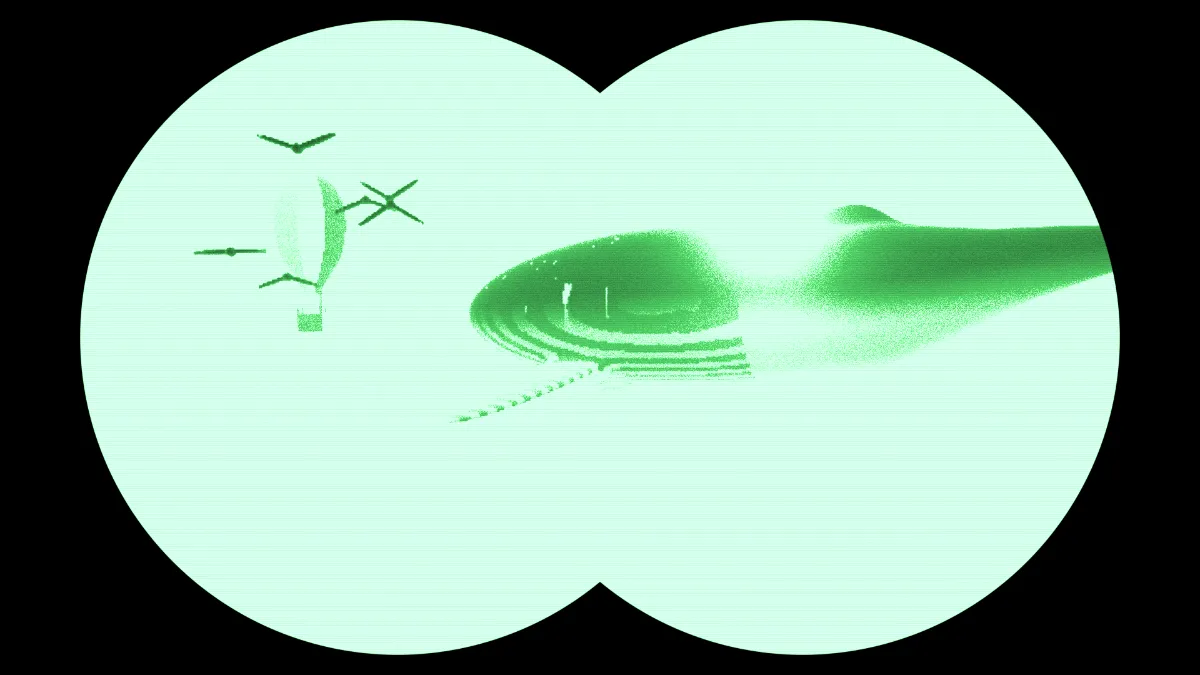
How does night vision work?
Night-vision goggles rely on an image intensifier tube. Light from the scene hits a photocathode, which releases electrons. A microchannel plate multiplies those so thousands come out for every one that goes in, and they strike a phosphor screen you look at through an eyepiece.
The screen is usually green. The eye is more sensitive to green, and the first phosphors happened to glow that color. The grain and sparkle you see come from the tube itself.
What this night vision effect simulates
The filter takes each pixel's brightness, multiplies it by the gain to lift the dark, and colors it with the phosphor. The brightest parts flare toward white, and faint scanlines run across the screen.
Noise re-rolls 30 times a second, like the sparkle of a real tube. Its seed locks the sequence, so a video export repeats exactly. Everything outside the eyepiece is solid black.
How to add a night vision effect to a photo or video
Gain, from 0.5 to 4, is how much the dark gets amplified. Noise is how much intensifier sparkle shows, and Scanlines is how strong the faint horizontal lines are.
Eyepiece frames the view as None, Round or Binocular, which is the default. Phosphor sets the screen color (green for classic tubes, white for newer ones), and Seed picks a different noise sequence.
For presets, Binocular has the defaults and Scope a single round view. Full frame drops the mask, White phosphor gives the newer look, and Starlight cranks gain very high with heavy grain.
Settings for found footage, a scope view and white-phosphor goggles
For a found-footage night shot, set Eyepiece None, Gain 2.6, Noise 0.3, Scanlines 0.4. With no mask it reads like a camera's night mode, not a goggle view, and the heavy noise hides how clean the source was. For a scope, use Eyepiece Round, Gain 2.2, Noise 0.12, Scanlines 0.1. One centered circle with little grain looks like a monocular.
White-phosphor goggles need Phosphor #dff4ff, Eyepiece Binocular, Gain 1.6, Noise 0.1. Tubes with P45 white phosphor show the scene in black and white with a faint cool cast where you'd expect green.
Thermal Camera Filter is the other way to show a scene at night. It colors by brightness through a heat palette and has no tube noise or eyepiece. Pick it for a heat-camera story, and this one for light amplification.
Why does a daytime photo turn into a white glare?
Gain is made for dark scenes. It multiplies brightness, so at the default 1.8 anything above about 56 percent of full brightness already hits full phosphor, and from about 47 percent up a white flare gets added on top. At the Starlight preset's 3.5, the screen saturates from about 29 percent. Most of a daylight photo sits in that range.
With a daytime picture, bring Gain down to somewhere between 0.8 and 1.2, or darken the photo before you load it.
Saving night vision footage
Intensifier noise changes on every frame, and noise is the hardest thing there is for a video encoder to compress. Raise the Quality setting for an MP4 or WebM, or the sparkle smears into blocks. A GIF of it gets big for the same reason.
A still is captured at the first moment of the noise sequence, so the same Seed always saves the same grain. Noise makes a PNG large without making it look any better, so JPG is the better fit for a noisy green still. The output is always opaque: any transparent parts of the source come out black, like the dark around the eyepiece.