Anaglyph 3D Effect
Anaglyph 3D effect: split a photo or video into red and cyan views for 3D glasses, with depth guessed from brightness or edges. Free; save a PNG, MP4 or 3D GIF.
What is an anaglyph 3D image?
An anaglyph packs two views of a scene, one per eye, into a single picture using color. The left eye's view is in red and the right eye's in cyan, which is green and blue together. Red-cyan glasses, red over the left eye, send each view to its own eye, and the brain fuses the small sideways differences into depth.
Wilhelm Rollmann described the principle in 1853, and Louis Ducos du Hauron put it into print in 1891. The glasses have to match the picture. NASA's viewing notes for its red-cyan films say red/blue, yellow/blue and magenta/green pairs won't show them correctly, and that people who can't tell those colors apart won't see the depth.
How do red and cyan glasses separate the two images?
A colored filter lets its own color through and blocks the opposite one. Through the red lens, the red view shows up as a gray picture and the cyan view goes dark. The cyan lens does the reverse, so each eye gets one view.
Filters and screens are never pure, though, so a little of each view leaks into the wrong eye as a faint double. That's called ghosting or crosstalk. Eric Dubois's least-squares method cuts it down by tuning the colors to a particular display and pair of glasses. This tool sticks to the simple channel method, taking red from one view and green and blue from the other.
How does this make a 3D picture from one photo?
A true anaglyph starts from two photos taken a few centimeters apart. With a single picture, the effect has to guess the depth. Depth source on Luminance treats brightness as distance, Edges treats outlines as near, and Flat puts the whole picture at one depth.
Each pixel's red is read from one side and its green and blue from the other, offset by that guess times Depth, which runs from 0 to 50 pixels of a 1080p frame. The page opens on the Deep preset at 30. Focus picks the depth that stays on the screen: the brightness that doesn't move is 1 minus Focus. So at 0.5, mid-gray sits flat while lighter and darker parts split in opposite directions.
Keep Angle at 0 or 180. Eyes sit side by side, and an up-and-down split won't fuse. Setting Mode to Colour split pulls red and blue apart around green, a color fringe meant for viewing without glasses, and the Glitch Effects hub has more looks like that.
Why does the 3D look inside out?
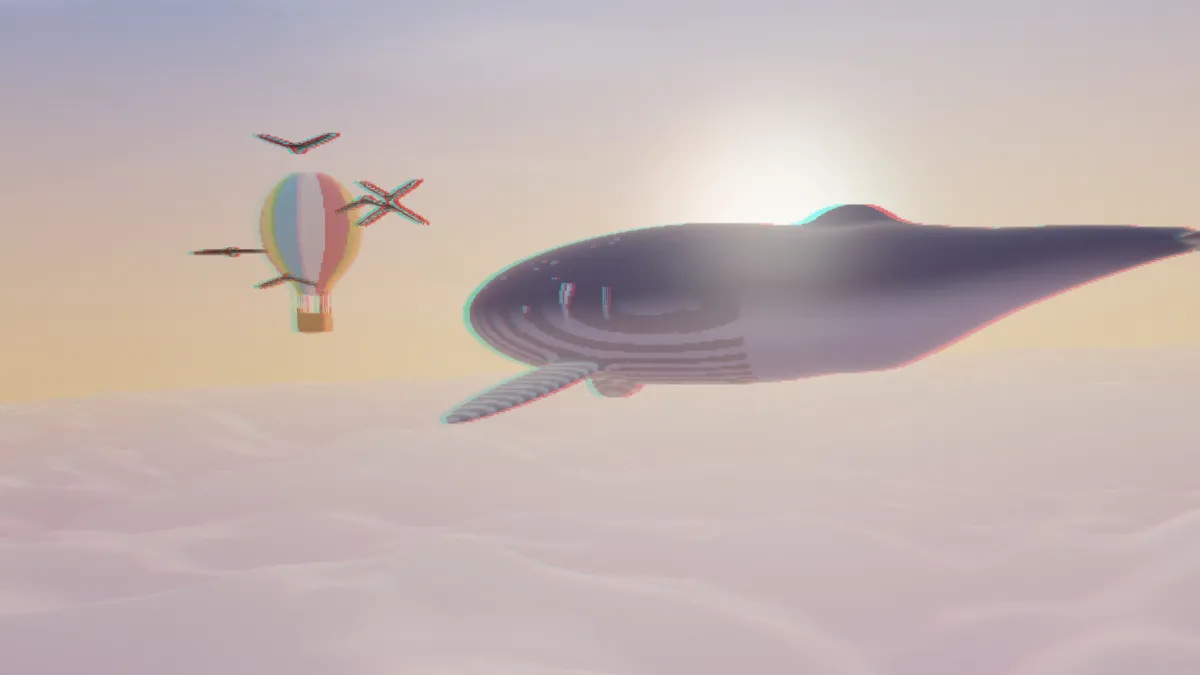
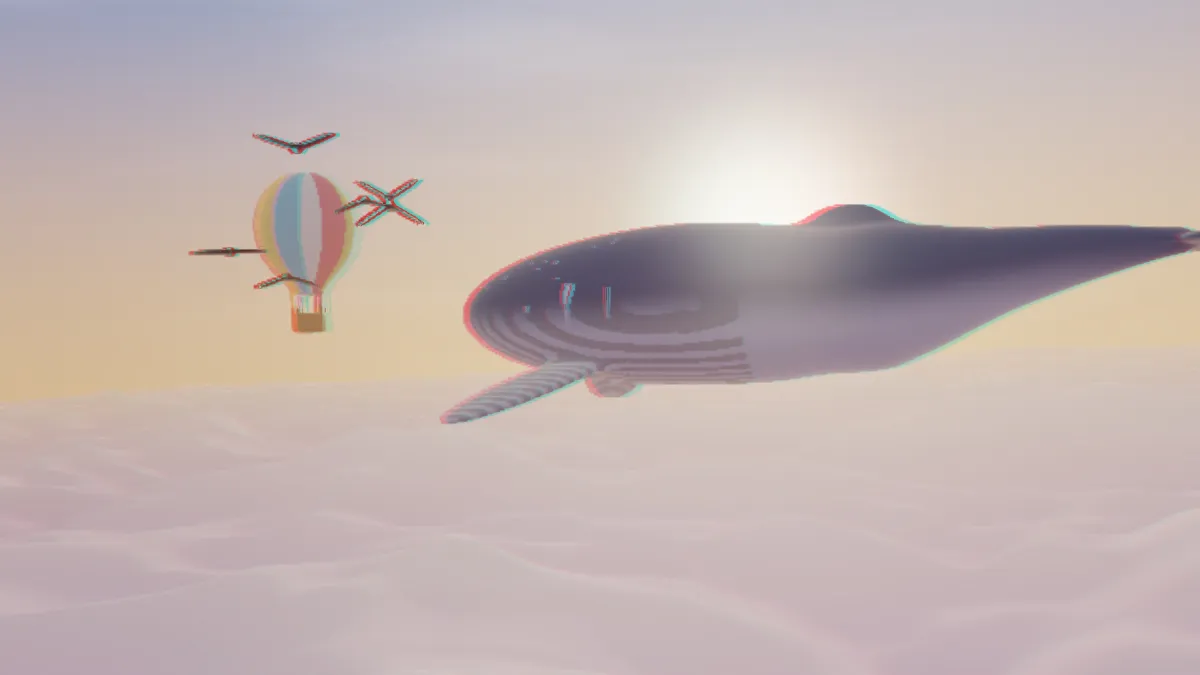
Which way a part moves depends on its brightness and on Angle. At Angle 0, wherever a pixel is brighter than 1 minus Focus, the red view shifts left and the cyan view right. The eyes read that as behind the screen, and darker parts come forward. On the example frame, the Deep preset splits the clouds by about 14 pixels of a 1080-pixel frame behind the screen and puts the darker whale about 3 pixels in front, so the whale floats ahead of the sky.
That means a bright subject on a dark ground, like a lit face in a dark room, sinks behind its background at Angle 0. Angle 180 makes the two views trade sides and brings the bright parts forward. If every picture looks reversed, check the glasses first. The red lens goes on the left eye.
Settings for a portrait, a landscape, a phone and a projector
For a portrait in a dark room, use Depth source Luminance, Depth 20, Focus 0.5 and Angle 180, so the lit face comes forward. For a landscape, try Depth source Edges, Depth 15, Focus 1 and Angle 180. Outdoors, brightness says little about distance, so the outlines carry the depth and flat areas stay on the screen plane. Neon Outline Effect makes a striking source, too. Load its bright lines on black here with Luminance and Angle 180, and the tubes float in front of the dark.
Paul Bourke's rule of thumb for stereo pairs keeps every point's split under 1.5° of the viewer's sight and under a thirtieth of the viewing distance. He also notes that depth behind the screen is easier on the eyes than depth in front. At Focus 0.5 the widest split equals Depth in pixels of a 1080-pixel-tall frame, and at Focus 0 or 1 it doubles.
On a 27-inch monitor seen from 60 cm, the Deep preset's 30 pixels become 0.9 cm, or 0.9°, inside both limits, but Focus 1 doubles it to 1.8°, which is past the cap. For a phone held at 30 cm, use Depth 50, and it still splits only 0.3 cm, or 0.6°. On a projector, with a picture 2 m tall seen from 4 m, the Deep preset splits 5.6 cm, or 0.8°, and stays comfortable.
Why does a red shirt shimmer through the glasses?
Through red-cyan glasses each eye sees one color channel. A saturated red is bright for the left eye and nearly black for the right one. The brain can't fuse two images that different, so the area flickers between them, which is called binocular rivalry. Saturated cyans do the same thing in reverse.
Take some or all of the color out of the photo first with a tool from the Color Effects hub, then make the anaglyph. A gray anaglyph gives up the color, but it's the most comfortable to look at.
Why does the 3D get weaker in a JPG?
The depth lives in the gap between the red channel and the green and blue ones. JPG, MP4 and WebM usually keep color at half the resolution of brightness, so splits of a pixel or two blur together and the ghosting gets worse. Save stills as PNG, and give a clip a higher Quality setting.
A GIF keeps the channels apart and plays anywhere. Its 256 colors per frame do cost some smoothness in the gradients.