Wallpaper Pattern Maker
Make a wallpaper pattern from any photo: cut a motif and repeat it under one of the 17 wallpaper symmetry groups, p1 to p6m. Works on video too, and it's free.
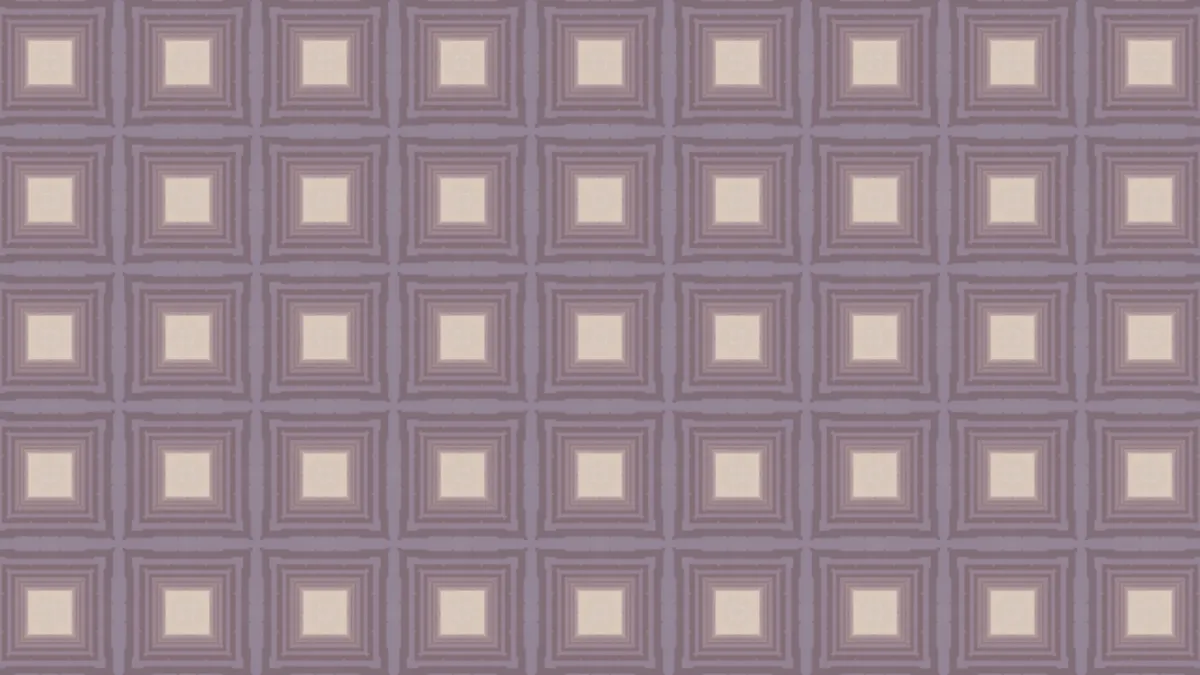
What is a wallpaper group?
A wallpaper group classifies a repeating flat pattern by its symmetries: the shifts, turns, mirrors and glide reflections that map the pattern onto itself. There are exactly 17. Evgraf Fedorov first proved it in 1891, and George Pólya derived them again in 1924.
The names come from the notation crystallographers use. p1 is a plain repeat and p2 adds half turns. An m means mirror lines, a g means glide reflections, and p3, p4 and p6 have three-, four- and six-fold turns.
How to make a wallpaper pattern from a photo
Choose a Group, or start from a preset: p4m, p6m, p3, pmm, p2 or pgg. Tile size sets how big one repeat is in pixels of a 1080p frame, from 20 to 800, and Rotation turns the whole pattern.
Motif X and Motif Y pick which part of the image the motif is cut from, across and down. Every tile reads from that same spot, so even a small move changes the whole pattern.
Which wallpaper group should I pick?
p1 is a plain repeat, like a stamp printed in rows, and it keeps the motif the right way up. pm mirrors in one direction and pg glides, like the alternating step of left and right footprints. pmm mirrors both ways, like stone slabs matched at every seam.
pgg has no mirrors at all, just glides and half turns, so the motif alternates direction in a checkerboard rhythm. p4m is the classic square tile, a lot like a four-sided pattern from the Kaleidoscope Maker, and p4g puts a pinwheel inside its mirrors. p3 and p6 turn without any mirror, and p6m is the six-fold snowflake with mirrors everywhere.
Settings for wrapping paper, a hexagonal tile and book-matched stone
Wrapping paper from a flower photo: p4m at Tile size 160, with Motif X and Motif Y where the petals meet the background. The contrast inside the motif is what gives the repeat its shapes.
Hexagonal tile: p6m at Tile size 300, with the motif on a busy, high-contrast spot. Those six-fold mirrors turn almost any texture into a star tiling.
Book-matched stone: pmm at Tile size 500 on a photo of marble or wood grain. Big tiles keep the grain long, and the mirrors line up the veins at every seam.
Why does my pattern look like flat blocks of color?
Every tile is cut from the same patch of the image, about one Tile size across, around Motif X and Motif Y. If that patch is sky or a plain wall, every tile repeats a smooth smear.
Move the motif onto an edge, a face or some lettering, or raise Tile size so the patch takes in more of the picture. Small tiles read as texture, large ones as a repeated picture.
Saving a pattern for print or video
At 300 dots per inch, a 2048-pixel PNG prints about 17 cm on its long side. That's enough for a phone case or a sample of gift wrap, and PNG keeps the hard mirror seams crisp. The saved frame usually isn't a seamless tile itself, since its edges rarely fall on the repeat.
A video fed through it moves inside every tile at once, which makes a GIF big and busy. MP4 or WebM hold it at a much smaller size.