Kaleidoscope Maker
Make a symmetrical photo or video with a kaleidoscope effect: 2 to 12 mirrored wedges arranged around the center. Free, runs in your browser, saves MP4 or GIF.
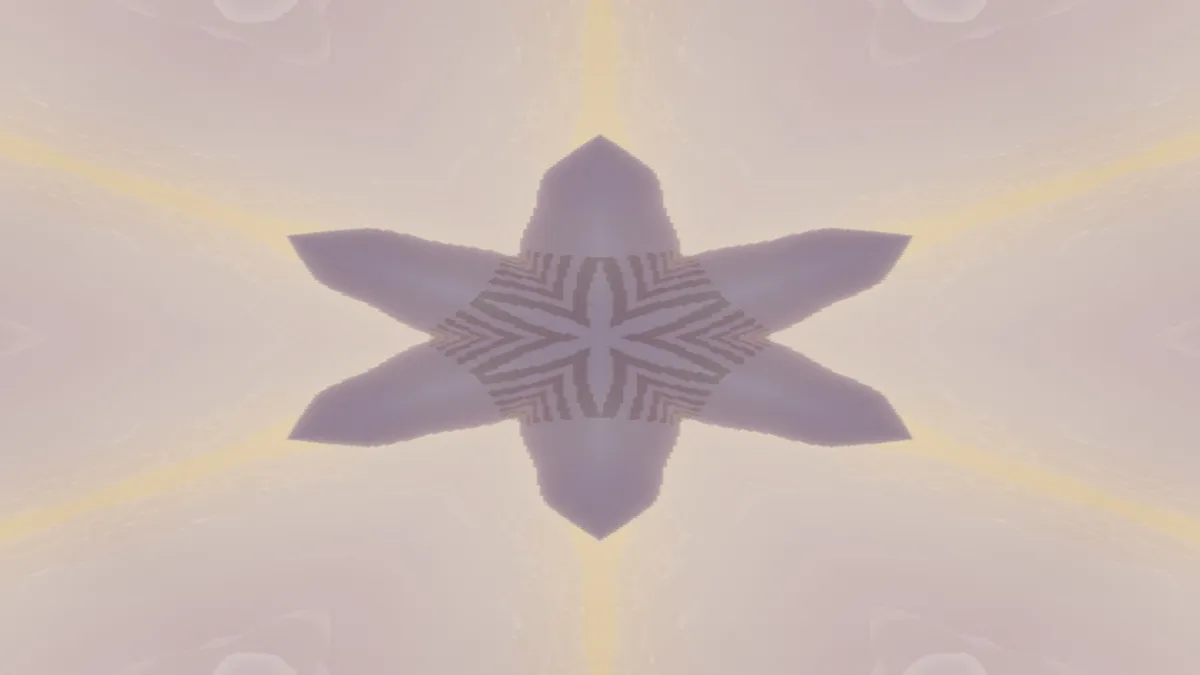
What is a kaleidoscope?
A kaleidoscope is a tube with two or more mirrors tilted toward each other. Bits of colored glass at the far end reflect back and forth between the mirrors until they form a symmetrical pattern, and the pattern shifts as you turn the tube.
David Brewster noticed the effect in 1815 while he was experimenting with polarized light, and his patent was granted in 1817. The pattern has rotational and mirror symmetry around one point, a lot like a mandala or a rose window.
How to make a kaleidoscope from a photo or video
Drop in an image or a clip and pick a preset: Six, Four, Twelve, or Turned, which sets eight sides at 45 degrees. Sides then sets how many mirrored wedges go around the center, from 2 to 12.
Angle turns the finished pattern around the middle. Amount blends between the original and the kaleidoscope, so a lower value keeps the photo readable under the symmetry. A face mirrored down its middle is a single straight fold, and Symmetrical Photo Maker is the tool for that.
Settings for a flower mandala, a four-way mirror and a moving pattern
Flower mandala: a close-up of one bloom with its heart in the middle of the frame, Sides 10 and Amount 1. The petals closest to the middle multiply into rings.
Four-way mirror: Sides 2 and Angle 90. One quarter of the picture gets mirrored left to right and top to bottom, so the frame shows it four times. You end up with a symmetry photo more than a star.
Moving pattern: Six on footage with steady motion, like ink in water or traffic at night. Every frame is folded the same way, so the star holds still while the colors flow through it.
How does this kaleidoscope maker fold a picture?
Each pixel keeps its distance from the middle of the frame, but its angle gets folded into one wedge and mirrored inside it. Only one thin slice of the picture is used. It starts on the line running right from the center and spans 180 divided by Sides degrees, which is 30 degrees at Six.
Angle turns the result but still reads that same slice. To get a different part of the picture into the pattern, rotate or flip it before you open it here. Where a wedge reaches past the edge of the frame, the picture is mirrored back in instead of stretched, so the outer corners stay as detailed as the middle.
Why is my kaleidoscope stretched into an oval?
The fold works in the frame's own proportions, so on a 16:9 frame every wedge gets stretched sideways and the star turns into an oval. You only get a round mandala from a square frame.
Crop the picture to a square before you open it; there's a cropper on the Image Tools hub. Wallpaper Pattern Maker repeats a motif in rows across the whole frame.
Saving a kaleidoscope image or video
For a mandala you plan to print, save a PNG at the full 2048 px. The mirror seams are exact, and PNG keeps both sides of each seam identical, whereas JPG compresses each 8-pixel block separately.
A moving kaleidoscope changes color across the whole star on every frame. A GIF builds a fresh 256-color palette for each frame, which can make the star flicker, so MP4 or WebM are the better choice for a clip.