Skew Image
Skew an image or video into a slanted parallelogram, or pin its four corners anywhere to change its perspective. Edges can tile or mirror. Free, no upload.
What does it mean to skew an image?
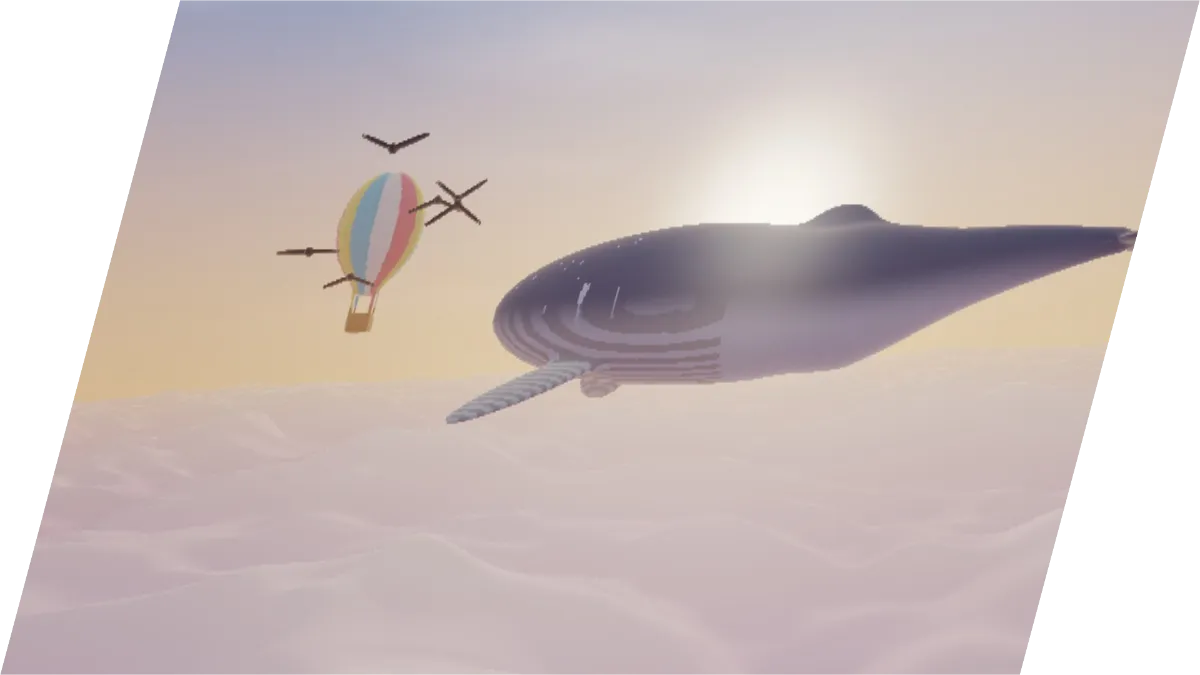
Skewing, also called shearing, slides one edge of a picture sideways while the opposite edge stays put, turning a rectangle into a parallelogram. Vertical lines lean over, horizontal ones stay level, and parallel lines stay parallel.
A perspective change goes further. The far edge shrinks and parallel lines run toward a vanishing point, the way a poster on a wall looks when you stand off to one side.
How to skew an image or change its perspective
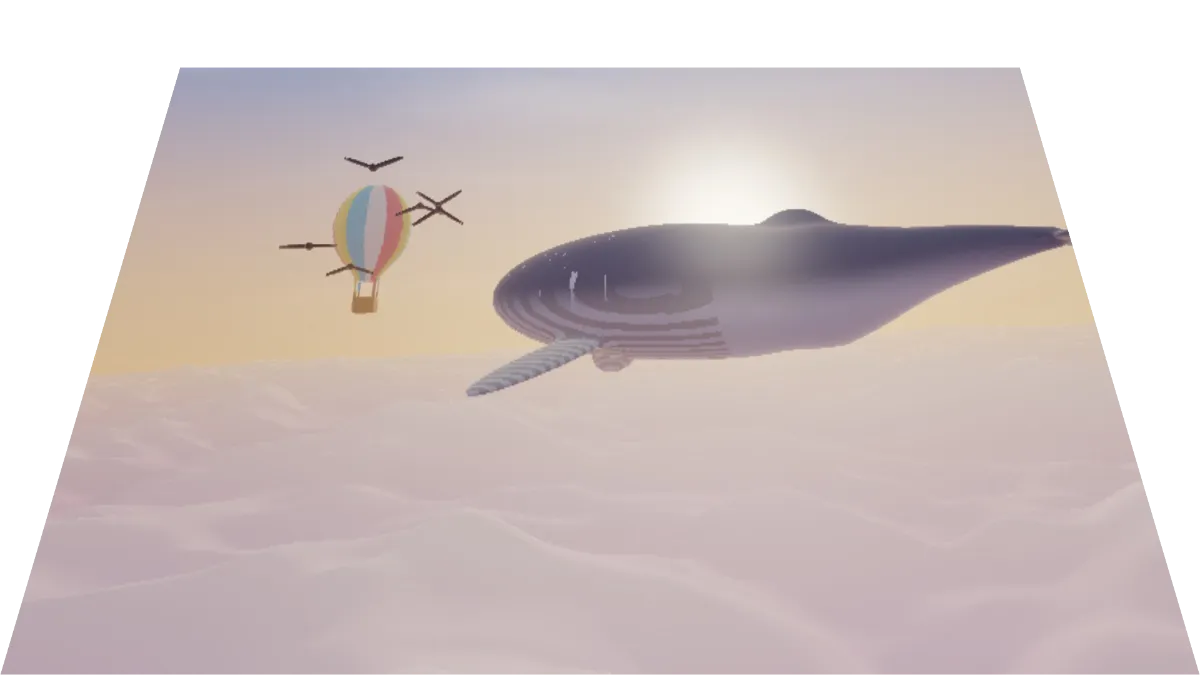
The page opens on Lean back. The top corners pull in toward the middle and down a little, so the picture or clip tips back in perspective, and Edges is set to Transparent, which leaves the space around it see-through.
Each corner has an X and a Y slider, under Top left, Top right, Bottom right and Bottom left. They run from -0.5 to 1.5, so a corner can sit outside the frame. Edges decides what fills the space the picture leaves behind: Transparent, Clamp, which stretches the edge pixels outward, Tile or Mirror.
Skewed wall slides the top corners a fifth of the frame to the right and tiles the gaps. Billboard turns the image to one side, Card on a table lays it flat, Hall of mirrors shrinks it to the middle and mirrors it outward, and Flat squares it back up.
Settings for a slanted banner, a straightened building and a table card
Slanted banner that stays whole: Top left at 0.2 and 0.1, Top right at 0.9 and 0.1, Bottom right at 0.8 and 0.9, Bottom left at 0.1 and 0.9, with Edges on Transparent. The four corners make a parallelogram inside the frame, so nothing gets cut off.
Straightened building: set Top left X to -0.1 and Top right X to 1.1, with both top Y values at 0 and the bottom corners on the frame's corners. The top widens until walls that leaned in stand upright.
Card on a table: the preset with that name, with the far edge narrower than the near one. It's ready for placing a menu or an invitation on a surface.
How do I skew an image by an exact angle?
Photo editors usually want a skew in degrees, but this tool asks where each corner lands. To lean the picture by an angle and keep all of it in the frame, pick Flat, then set Top left X to a value s and Bottom right X to 1 minus s. The value s is the tangent of the angle times the frame's height, divided by its width.
On a 16:9 frame, s is 0.05 for 5 degrees, 0.1 for 10, 0.15 for 15, 0.205 for 20 and 0.325 for 30. A square picture needs 0.085, 0.175, 0.27, 0.365 and 0.575, and a 4:5 portrait 0.11, 0.22, 0.335, 0.455 and 0.72. The picture narrows by s, and the clear triangles next to it take up that same share of the frame.
For lettering slanted like oblique type, go with 14 degrees, the angle CSS gives oblique text when none is set: 0.14 on a 16:9 frame. To lean the other way, set Top right X to 1 minus s and Bottom left X to s instead. PNG and WebP keep the triangles clear where JPG fills them in, and WebM with transparency does the same for a clip.
How the corner pin skews and turns a picture
This tool pins the picture's four corners anywhere in the frame and fills the shape between them with a projective transform, the same mapping a camera makes of a flat surface. It has eight unknowns, two per corner, and the tool solves them with the closed form Paul Heckbert set out at Berkeley in 1989.
A skew is the simple case. As long as the four corners still form a parallelogram, the transform has no perspective part and lines stay parallel. Move one corner on its own and they start to converge.
Why are the corners of my skewed image cut off?
The frame stays the size of the original picture. Any corner set below 0 or above 1 lands outside it, and that part of the picture is lost, as with Skewed wall's top right corner at 1.2.
Pull the corners back inside the frame to keep the whole picture, as in the banner settings, or switch Edges to Tile or Mirror to fill the gaps with repeats. Fisheye Effect and Liquify Image bend a picture into curves, which a corner pin can't do. Detail stretched near a widened top edge goes soft, something a shift lens on the camera would have avoided.