Shatter Effect
Make a cracked image or a full shatter effect: broken-glass shards that slip, turn and fly apart on a photo or video, with cracks in any color. Seeded and free.
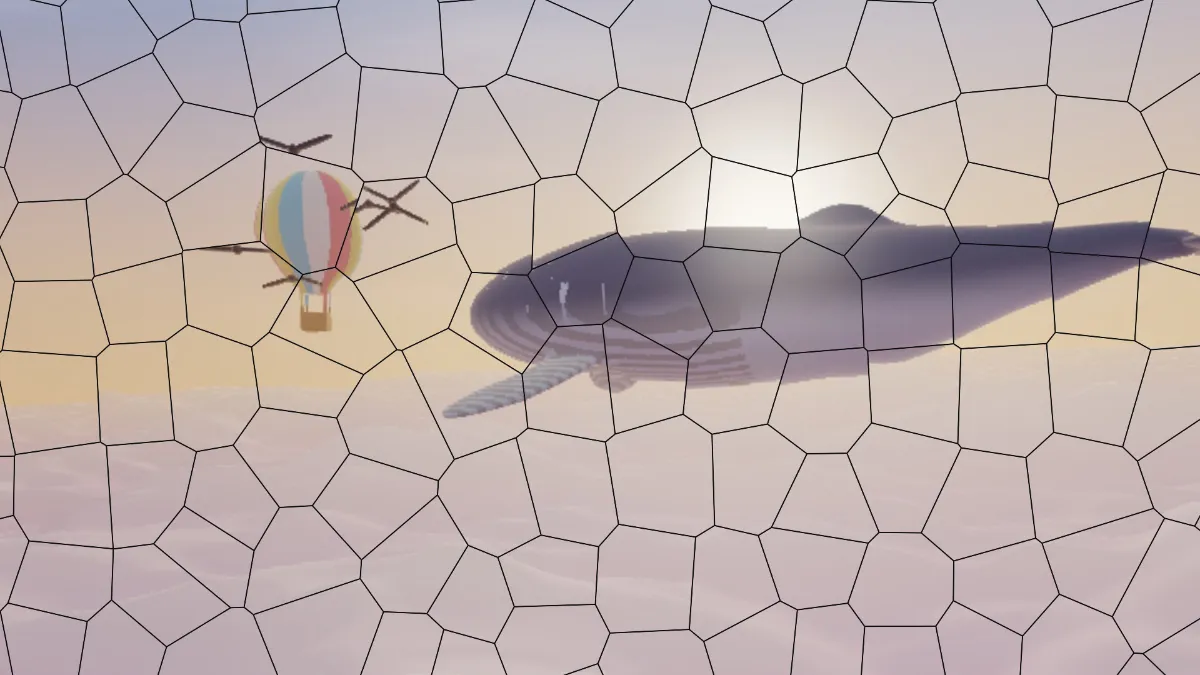
What is a shatter effect?
A shatter effect, or broken glass effect, makes a picture look as if it were printed on a pane that broke. Cracks run across it and the pieces between them slip out of line. Hairline cracks with hardly any movement give you a cracked image, like a damaged phone screen, while wide gaps and flying pieces look like a pane breaking apart.
For an unbroken pane, Fluted Glass Effect puts ribbed glass in front of the picture.
How to shatter a photo into shards
Start from a preset: Cracked, Smashed, Exploding, Hairline or Big panes. Shard size sets the typical shard width and Spread how far each shard slips, both in pixels of a 1080p frame. Rotation lets each shard turn by up to 45 degrees.
Explode pushes the shards outward from the center, like a pane hit in the middle. Crack width and Crack colour set the lines between shards, and Seed gives you a different break pattern.
Settings for a cracked phone screen, stained glass and an exploding title
Cracked phone screen: Hairline, then Shard size 60. Its Spread of 2 and Rotation of 1 keep the picture nearly whole, and the thin near-white cracks at Crack width 0.75 read as glass that broke but held together.
Stained glass: Spread 0, Rotation 0, Crack width 6 and a near-black Crack colour, at Shard size 100. Nothing moves, so the picture stays whole behind dark lines like the leading in a church window.
Exploding title card: Exploding, with Explode 0.6, Spread 16 and Shard size 180. Shards near the edges slip farthest, as if someone struck the pane in the middle.
How does the shatter effect break a picture?
The shards are the cells of a Voronoi diagram. Scatter points over the frame and give each one the area that's closer to it than to any other point. What you get has straight edges meeting at odd angles, a lot like a broken pane.
The diagram is named after the mathematician Georgy Voronoy, though Descartes used the idea informally back in 1644. Here the points sit on a jittered grid, which keeps the shards close to one size instead of mixing slivers with huge panes. Each shard gets its own random slip and turn.
Why don't the cracks spread from one point of impact?
Real glass cracks radiate from where it was hit, with small splinters near the impact. Here the shard centers sit on that jittered grid, so the pieces are about the same size everywhere and the cracks don't have a center.
Explode gets closest. It pushes shards out from the middle of the frame, so put the point of impact at the center and keep Spread low. A large Rotation on big shards can reach past the picture's border, and that shows as stretched edge pixels near the sides of the frame.
Saving cracks that stay sharp
Cracks are thin lines with hard edges, and JPG blurs them into gray halos at Crack width 1 or less. Save a hairline crack as PNG. JPG is fine for Smashed and other wide cracks.
The shards are laid out in proportion to the frame, so one Seed breaks a 2048-pixel still and a 720p clip in the same places. On a video the cracks hold still while the footage plays through them, and on a picture with transparency they stay solid even over the clear parts.